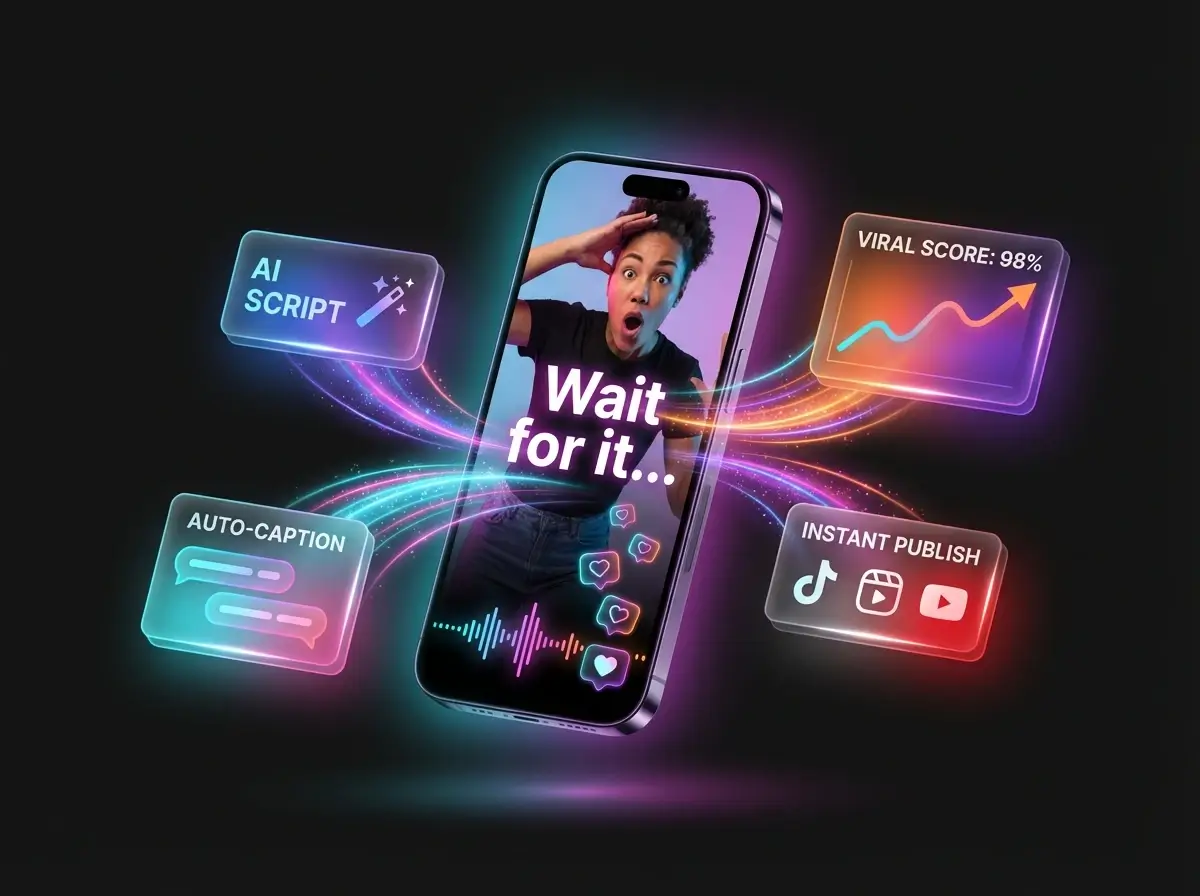

คำอธิบาย Seed Audio 1.0: บทสนทนา เพลง และเอฟเฟกต์เสียงที่สร้างโดย AI
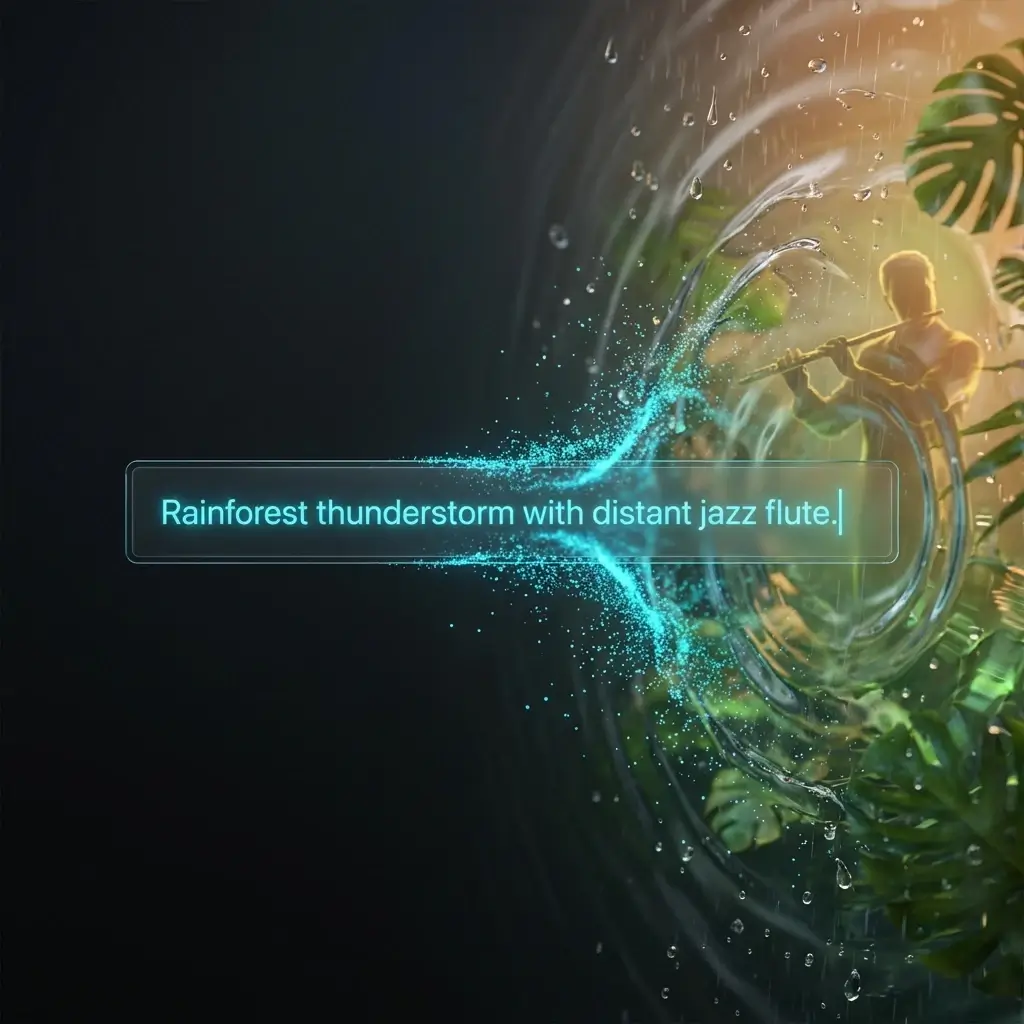
AI video is moving fast. Today, you can turn a still image into motion, create cinematic camera movement, generate short ads, or build social media clips with AI in minutes. But one problem still makes many AI videos feel unfinished. เสียง. A video can look cinematic, but if the voice feels flat, the background is silent, or the sound effects do not match the action, the whole scene loses its impact. That is why Seed Audio 1.0 is worth paying attention to. Also known as Doubao-Seed-Audio 1.0, this new AI audio generation model is not just another text-to-speech tool. It is designed to generate complete audio scenes from prompts, including dialogue, emotion, background music, ambience, and sound effects. In other words, Seed Audio 1.0 is not only making voices. It is trying to direct sound. What Is Seed Audio 1.0? Seed Audio 1.0 is an AI audio generation model that can turn text prompts and audio references into target audio. That sounds simple, but the idea behind it is much bigger. Most AI voice tools only read text aloud. You type a script, choose a voice, and get a voiceover. Seed Audio 1.0 goes beyond that. It can generate: Character dialogue. Emotional tone. Accents and dialect-style delivery. เพลงประกอบ. Ambient sound. Foley and sound effects. Non-verbal details like laughter, sighs, breathing, and pauses. This means creators can describe a full audio scene in one prompt instead of building every sound layer manually. For example, you could describe a rainy street scene with two characters talking, soft suspense music, distant traffic, footsteps, and a nervous emotional tone. A traditional TTS tool may only generate the spoken lines. Seed Audio 1.0 is designed to understand the whole sound scene. That is the real difference. Why Seed Audio 1.0 Feels Different The biggest problem with traditional AI audio workflows is fragmentation. You need one tool for voice. Another tool for music. Another tool for sound effects. Another editor to align everything. Then you still need to mix the volume, adjust timing, and make the final audio feel natural. For professional editors, this is normal. For everyday creators, it is a headache. Seed Audio 1.0 changes the workflow by putting more of the audio direction into a single prompt. Instead of thinking like an editor, the user can think like a director. You do not just write what someone says. You describe how the whole scene should sound. That is why Seed Audio 1.0 feels more like an AI audio director than a basic AI voice generator. One Prompt, Full Audio Scene The most important breakthrough of Seed Audio 1.0 is full-scene audio generation. A single prompt can include multiple audio layers at once. You can define who is speaking, what they are saying, how they feel, what is happening in the background, what music should play, and which sound effects should appear. This is useful because real content is never just one sound. A short film needs dialogue, silence, tension, footsteps, room tone, and music. A product ad needs voiceover, impact sounds, background rhythm, and brand atmosphere. A podcast intro needs host energy, music, pacing, and clean transitions. A game trailer needs environment, character voices, weapons, movement, and cinematic sound design. Seed Audio 1.0 tries to generate these elements together instead of forcing creators to assemble them piece by piece. For creators, this can reduce editing time. For beginners, it lowers the barrier to audio production. For AI video users, it can make generated videos feel more complete. Multi-Character Dialogue Without Losing the Voice Another important feature is multi-character dialogue. Many creative projects need more than one voice. A short drama may need two characters arguing. A podcast may need a host and a guest. An audiobook may need different roles. A game scene may need a narrator, a hero, and a villain. Seed Audio 1.0 allows creators to define multiple characters in one prompt, including their lines, emotions, and speaking rhythm. More importantly, it is designed to keep different character voices consistent. This matters more than it sounds. In AI-generated audio, a character can easily “drift.” They may sound one way in the first part and slightly different later. For a short clip, that may be acceptable. For a long story, it breaks immersion. If a character sounds like a different person after a few minutes, the audience notices. Seed Audio 1.0 focuses on keeping the voice stable across longer audio creation, which is especially valuable for audio dramas, podcasts, audiobooks, and serialized AI videos. Long Audio Is Where It Gets Serious Generating one good line is not the hard part anymore. The hard part is consistency. Can the same character still sound like the same person after one minute? After five minutes? Across multiple scenes? This is one of the major pain points Seed Audio 1.0 tries to solve. According to the official information, Seed Audio 1.0 currently supports up to 2 minutes of audio creation at a time. That generated audio can also be used as a reference input to extend the audio while keeping the voice style more consistent. This makes it more useful for long-form content. Think about audiobooks, podcast episodes, brand stories, educational narration, or AI short drama series. These formats do not only need good voice quality. They need reliable voice identity. If Seed Audio 1.0 can maintain that consistency in real workflows, it could become much more than a demo model. It could become part of a serious content production pipeline. Zero-Shot Audio Creation: No Training Needed Seed Audio 1.0 also supports zero-shot multimodal audio creation. That means creators do not need to train a custom model before generating a specific voice or sound style. They can use text descriptions, reference audio, or both. This gives users more flexibility. You can describe a voice by age, emotion, accent, personality, and scene context. You can also provide a reference audio clip to guide the output more directly. Another interesting point is style control. เหมือน
ประสบการณ์เครื่องมือสร้างวิดีโอ Veo 3 AI ที่น่าทึ่ง
แพลตฟอร์ม AI นี้เกินความคาดหมายของฉันอย่างสิ้นเชิง คุณสมบัติเสียงต้นฉบับนั้นน่าทึ่งมากและช่วยประหยัดเวลาในการตัดต่อโปรเจกต์ภาพของฉันได้หลายชั่วโมง ฉันสร้างเนื้อหาระดับมืออาชีพสำหรับแบรนด์ของฉันได้โดยไม่ต้องมีประสบการณ์การผลิตมาก่อน คุณภาพการแปลงภาพของ Veo นั้นยอดเยี่ยมมาก
เครื่องมือรูปภาพเป็นวิดีโอ Veo3 ที่สมบูรณ์แบบ
ในฐานะนักการตลาดดิจิทัล การได้พบเครื่องมือ AI รูปภาพเป็นวิดีโอ Veo3 นี้ได้เปลี่ยนเวิร์กโฟลว์ทั้งหมดของฉัน ฉันสร้างเนื้อหาโฆษณาที่น่าสนใจจากรูปภาพผลิตภัณฑ์ได้ภายในไม่กี่นาทีซึ่งปกติจะใช้เวลาหลายวัน คุณภาพ AI เทียบได้กับสตูดิโอโปรดักชั่นราคาแพง
ผลลัพธ์วิดีโอเป็นวิดีโอ Veo 3 ที่น่าประทับใจ
การจำลองฟิสิกส์ให้ผลลัพธ์ที่สมจริงอย่างไม่น่าเชื่อทุกครั้งจากอินพุตภาพของฉัน การเคลื่อนไหวดูเป็นธรรมชาติในทุกคลิป คุณภาพเอาต์พุต 4K นั้นยอดเยี่ยมสำหรับโปรเจกต์ AI ระดับมืออาชีพของฉัน ฉันขอแนะนำแพลตฟอร์มภาพ Veo นี้เป็นอย่างยิ่ง
เครื่องมือสร้างวิดีโอ Google Veo 3 AI ที่ยอดเยี่ยม
ฉันใช้แพลตฟอร์มเครื่องมือสร้างวิดีโอ Google Veo 3 AI นี้เพื่อสร้างแอนิเมชั่นทางการศึกษาจากสไลด์รูปภาพสำหรับนักเรียนของฉัน พวกเขามีส่วนร่วมกับเนื้อหาภาพมากกว่าวัสดุแบบเดิม ความง่ายในการใช้งานทำให้การสร้างคลิป Veo AI เป็นเรื่องที่ครูทุกคนเข้าถึงได้
ตัวเลือกฟรีของรูปภาพเป็นวิดีโอ Veo 2 ที่ดีที่สุด
หลังจากลองใช้เครื่องมือ AI มามากมาย สิ่งนี้ให้ผลลัพธ์ที่ดีที่สุดสำหรับความต้องการด้านภาพที่สร้างสรรค์ของฉัน การปฏิบัติตามพรอมต์นั้นยอดเยี่ยมมากและคลิปที่สร้างขึ้นก็ตรงกับวิสัยทัศน์ของฉันอย่างสมบูรณ์แบบ ตัวเลือกฟรีของรูปภาพเป็นวิดีโอ Veo 2 นี้มอบคุณค่าที่ยอดเยี่ยมสำหรับการประมวลผล AI
แพลตฟอร์มที่ขับเคลื่อนด้วย Veo3 Gemini ที่ยอดเยี่ยม
แพลตฟอร์ม AI ที่ขับเคลื่อนด้วย Veo3 Gemini นี้ช่วยลดความซับซ้อนของกระบวนการผลิตภาพทั้งหมดของฉันได้อย่างมาก ตั้งแต่แนวคิดภาพไปจนถึงคลิปสุดท้ายใช้เวลาเพียงไม่กี่นาทีแทนที่จะเป็นวัน ขอแนะนำโซลูชัน Veo AI นี้อย่างยิ่งสำหรับครีเอเตอร์เนื้อหาทุกคนที่มองหาผลลัพธ์ที่มีคุณภาพ
ประสบการณ์เครื่องมือสร้างวิดีโอ Veo 3 AI ที่น่าทึ่ง
แพลตฟอร์ม AI นี้เกินความคาดหมายของฉันอย่างสิ้นเชิง คุณสมบัติเสียงต้นฉบับนั้นน่าทึ่งมากและช่วยประหยัดเวลาในการตัดต่อโปรเจกต์ภาพของฉันได้หลายชั่วโมง ฉันสร้างเนื้อหาระดับมืออาชีพสำหรับแบรนด์ของฉันได้โดยไม่ต้องมีประสบการณ์การผลิตมาก่อน คุณภาพการแปลงภาพของ Veo นั้นยอดเยี่ยมมาก
เครื่องมือรูปภาพเป็นวิดีโอ Veo3 ที่สมบูรณ์แบบ
ในฐานะนักการตลาดดิจิทัล การได้พบเครื่องมือ AI รูปภาพเป็นวิดีโอ Veo3 นี้ได้เปลี่ยนเวิร์กโฟลว์ทั้งหมดของฉัน ฉันสร้างเนื้อหาโฆษณาที่น่าสนใจจากรูปภาพผลิตภัณฑ์ได้ภายในไม่กี่นาทีซึ่งปกติจะใช้เวลาหลายวัน คุณภาพ AI เทียบได้กับสตูดิโอโปรดักชั่นราคาแพง
ผลลัพธ์วิดีโอเป็นวิดีโอ Veo 3 ที่น่าประทับใจ
การจำลองฟิสิกส์ให้ผลลัพธ์ที่สมจริงอย่างไม่น่าเชื่อทุกครั้งจากอินพุตภาพของฉัน การเคลื่อนไหวดูเป็นธรรมชาติในทุกคลิป คุณภาพเอาต์พุต 4K นั้นยอดเยี่ยมสำหรับโปรเจกต์ AI ระดับมืออาชีพของฉัน ฉันขอแนะนำแพลตฟอร์มภาพ Veo นี้เป็นอย่างยิ่ง
เครื่องมือสร้างวิดีโอ Google Veo 3 AI ที่ยอดเยี่ยม
ฉันใช้แพลตฟอร์มเครื่องมือสร้างวิดีโอ Google Veo 3 AI นี้เพื่อสร้างแอนิเมชั่นทางการศึกษาจากสไลด์รูปภาพสำหรับนักเรียนของฉัน พวกเขามีส่วนร่วมกับเนื้อหาภาพมากกว่าวัสดุแบบเดิม ความง่ายในการใช้งานทำให้การสร้างคลิป Veo AI เป็นเรื่องที่ครูทุกคนเข้าถึงได้
ตัวเลือกฟรีของรูปภาพเป็นวิดีโอ Veo 2 ที่ดีที่สุด
หลังจากลองใช้เครื่องมือ AI มามากมาย สิ่งนี้ให้ผลลัพธ์ที่ดีที่สุดสำหรับความต้องการด้านภาพที่สร้างสรรค์ของฉัน การปฏิบัติตามพรอมต์นั้นยอดเยี่ยมมากและคลิปที่สร้างขึ้นก็ตรงกับวิสัยทัศน์ของฉันอย่างสมบูรณ์แบบ ตัวเลือกฟรีของรูปภาพเป็นวิดีโอ Veo 2 นี้มอบคุณค่าที่ยอดเยี่ยมสำหรับการประมวลผล AI
แพลตฟอร์มที่ขับเคลื่อนด้วย Veo3 Gemini ที่ยอดเยี่ยม
แพลตฟอร์ม AI ที่ขับเคลื่อนด้วย Veo3 Gemini นี้ช่วยลดความซับซ้อนของกระบวนการผลิตภาพทั้งหมดของฉันได้อย่างมาก ตั้งแต่แนวคิดภาพไปจนถึงคลิปสุดท้ายใช้เวลาเพียงไม่กี่นาทีแทนที่จะเป็นวัน ขอแนะนำโซลูชัน Veo AI นี้อย่างยิ่งสำหรับครีเอเตอร์เนื้อหาทุกคนที่มองหาผลลัพธ์ที่มีคุณภาพ