

Cách tạo video 360° bằng AI (Hướng dẫn từng bước)
You can turn a single photo — a product, a person, a car, or a model — into a smooth 360° video with AI, with no camera, studio, or editing software. The hard part is that most first tries go sideways: you get a “wobbly photo,” a warped product, a subject that spins about 30° and stops, or a face that melts at the edges. Almost always, that comes down to picking the wrong method or writing a vague prompt. Hướng dẫn này sẽ khắc phục vấn đề đó. You’ll learn what an AI 360° video actually is, the exact steps to make one, copy-paste prompts you can drop your own subject into, the subjects that work best, and quick fixes for the errors everyone hits. Video 360° được tạo bằng trí tuệ nhân tạo là gì? An AI 360° video is a short video where the subject makes a full turn, or the camera smoothly moves around the subject. It can be generated from a single photo, a product image, or a text prompt. There are two common styles. A spin video means the subject rotates in place while the camera stays still. A camera orbit video means the subject stays still while the camera circles around it. For best results, make the movement clear in your prompt. Use “the subject rotates 360 degrees” for a spin effect, or “the camera orbits around the subject” for an orbit effect. How to Make a 360° Video with AI: Step by Step Five short steps take you from a photo to a finished clip: (1) prepare a clear image or prompt, (2) choose an AI image-to-video tool, (3) write a 360° prompt and set the motion direction, (4) generate, then (5) review and optimize until the turn is smooth. Dưới đây là quy trình làm việc đầy đủ, được chia thành bốn bước thực hành. Step 1 — Prepare your image or text prompt Start with one clear, well-lit photo. The subject should be centered, fully visible, and shot against a clean, simple background — that gives the AI the best chance of keeping it stable through a full turn. If you’re starting from text instead, write a specific description of the subject rather than a vague one. Step 2 — Choose an AI image-to-video tool Look for a tool that supports both image-to-video and text-to-video, gives you control over motion intensity and aspect ratio, and exports clean, high-resolution clips. AI Image to Video is a solid fit here — it converts images or text into video using top models like Kling, Veo, and Wan, outputs up to 4K with no watermark, and lets you dial in motion intensity and video length. That motion control matters a lot for a clean 360° turn. Step 3 — Write your prompt (and set the motion direction) Name the subject, then say what you want: “the camera orbits 360 degrees” or “the subject rotates a full 360°.” Set the direction (clockwise, or left-to-right), and ask for slow, smooth, steady motion with the subject staying centered and still. You’ll find ready-made templates in the next section. Step 4 — Generate, review, and optimize After generating, check three things: the rotation completes a full circle, the subject stays stable, and the background doesn’t drift or duplicate. If something’s off, lower the motion speed, simplify the prompt, or regenerate. Nudging the duration or motion intensity often turns a half-turn into a complete, smooth one. Copy-and-Paste 360° Video Prompt Templates The fastest way to get a good result is to start from a prompt that already works, then swap in your subject. Copy any of these and replace the text in [brackets]. Product spin prompt (e-commerce): Product spin prompt (e-commerce) Use for: a 360-degree product video for a store page. Camera-orbit prompt (people, cars, architecture) Use for: a true camera orbit, not a flat spin. Turntable prompt (characters, clothing, toy models) Use for: image-to-360 video of people, outfits, and models. Những chủ đề nào phù hợp nhất cho video 360° sử dụng trí tuệ nhân tạo? AI 360° videos work best on clear, simple subjects: products, cars, clothing, toy models, characters, people, and buildings. Solid backgrounds and visible, well-lit subjects rotate the most smoothly. Some subjects rotate cleanly almost every time; others need extra care. Picking the right one saves you a lot of regenerating. Great subjects: products, cars, clothing, and toy models These have defined shapes, simple surfaces, and clear edges, which lets the AI keep them stable through a full turn. They’re ideal for store pages and short social clips, and they tend to look polished on the first or second try. Trickier subjects: people, characters, and detailed/architecture shots Be realistic here. Faces, fine details (freckles, hair, logos), reflective or transparent objects, and busy backgrounds can warp or drift as the AI invents the unseen side. You can still get good results — just use a clean background and a clear, front-facing photo to give the AI less to guess at. Common 360° Video Problems (and How to Fix Them) Most 360° issues have a one-line fix. The table below covers the five problems people run into most, and each is explained underneath. Problem Quick fix Image distortion or warping Use a sharp photo; simplify the prompt; add “no warping, no distortion” Incomplete rotation State “a full 360°”; raise duration or motion slightly; regenerate Background drift / duplicated scenery Use a plain background; add “consistent background, no new objects” Unstable or shaky subject Lower motion; add “subject stays centered and perfectly still” Camera moving too fast Use “slow, smooth, steady”; reduce motion intensity Image distortion or warping This usually comes from a blurry, low-res source or an over-complicated prompt. Use a sharp, well-lit photo, keep the prompt simple, and add “no warping, no distortion.” Incomplete rotation (only turns partway) If the subject turns part way and stops, the motion is too slow for the clip length or the prompt is vague. State “a full 360°,” bump up the duration or motion a little, and regenerate. Background drift or duplicated scenery When the AI can’t see the far side, it sometimes invents or copies scenery. A plain, solid background fixes most of this — add “consistent background, no new objects” to reinforce it. Không ổn định
Kết quả video Twerk AI tuyệt vời
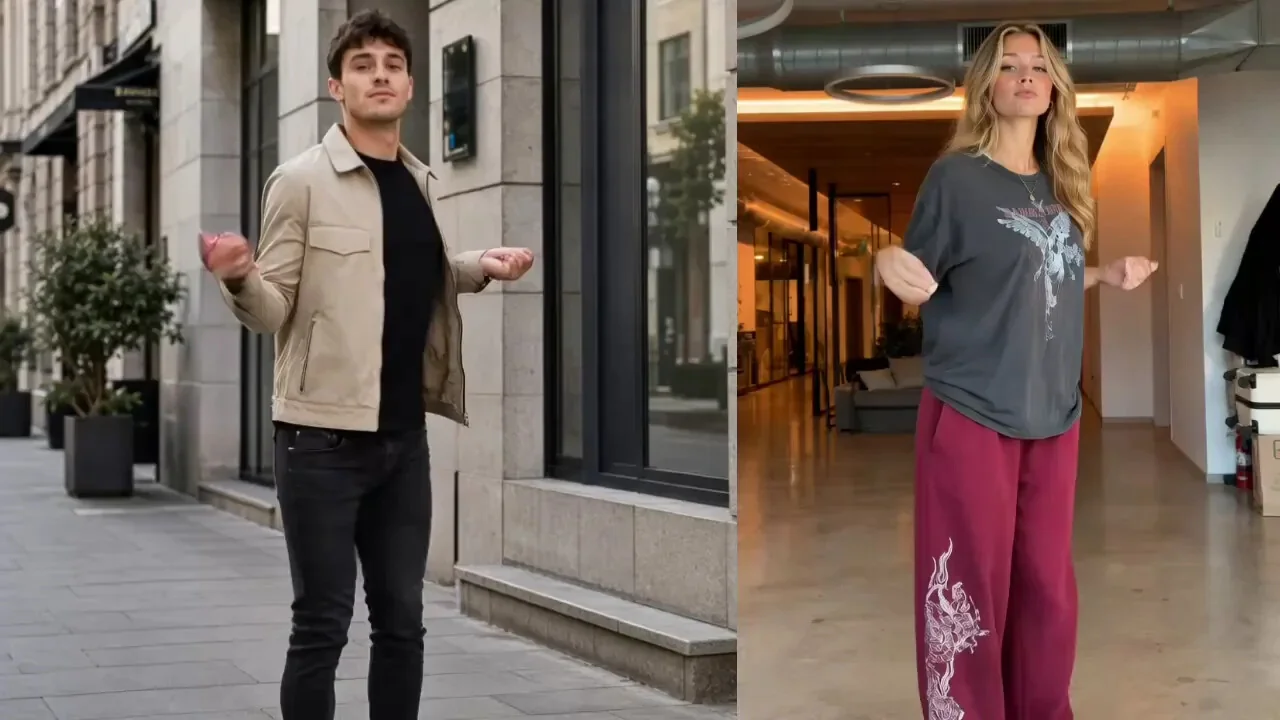
Tôi đã sử dụng trình tạo twerk ai để làm cho các bức ảnh tĩnh của mình chuyển động và kết quả thật vui nhộn! Chất lượng video ai twerk cực kỳ mượt mà và chỉ mất vài giây để hiển thị. Chắc chắn là twerk ai hay nhất mà tôi đã thử cho đến nay.
Hình ảnh miễn phí tốt nhất để nhảy AI
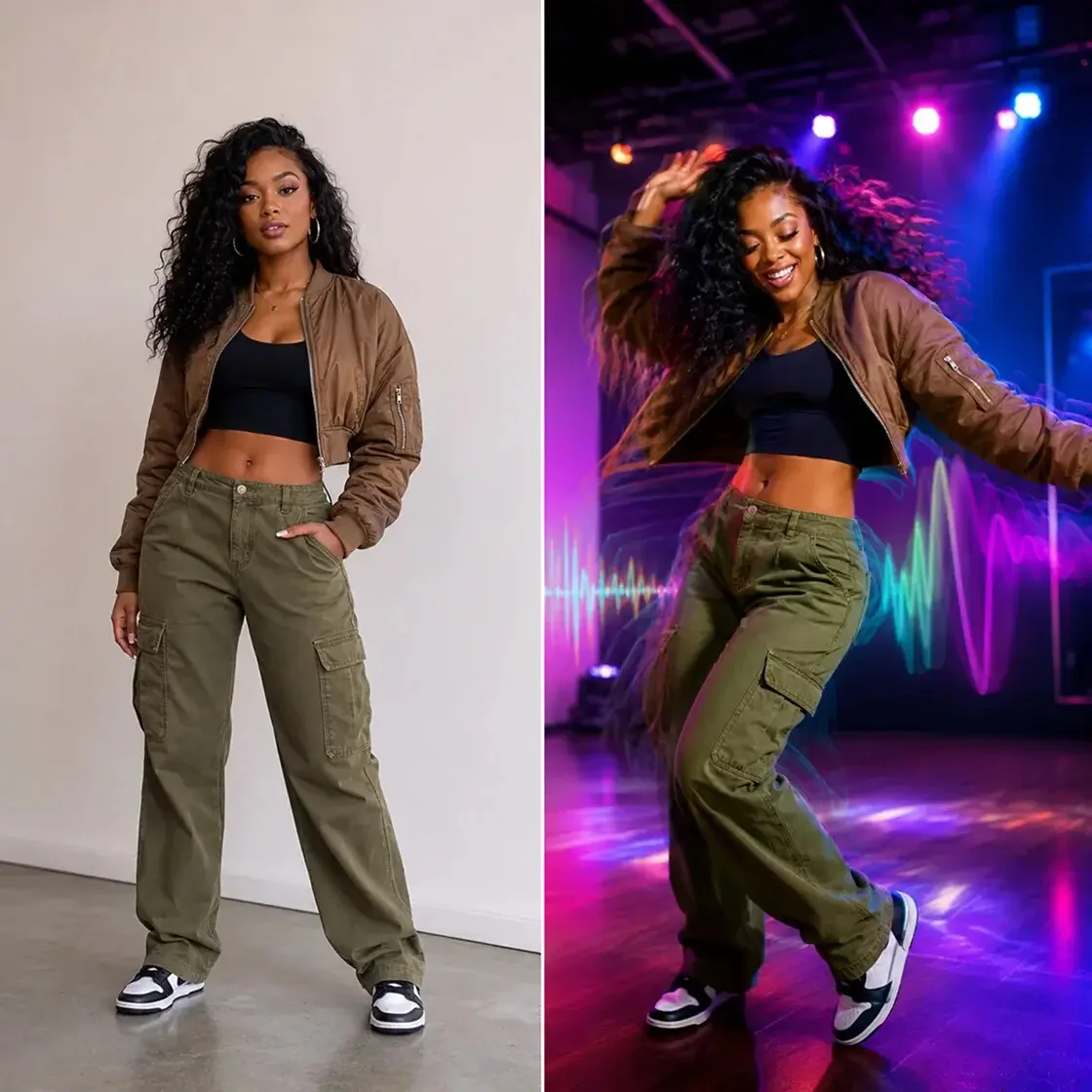
Là một người sáng tạo meme, việc tìm được một hình ảnh miễn phí để nhảy ai thực sự hiệu quả là rất hiếm. Nhà sản xuất điệu nhảy ai này cho phép tôi thực hiện điệu nhảy ảnh mà không có hình mờ. Các video twerking ai tôi làm ở đây luôn lan truyền trên trang TikTok của tôi.
Clip chó nhảy AI vui nhộn
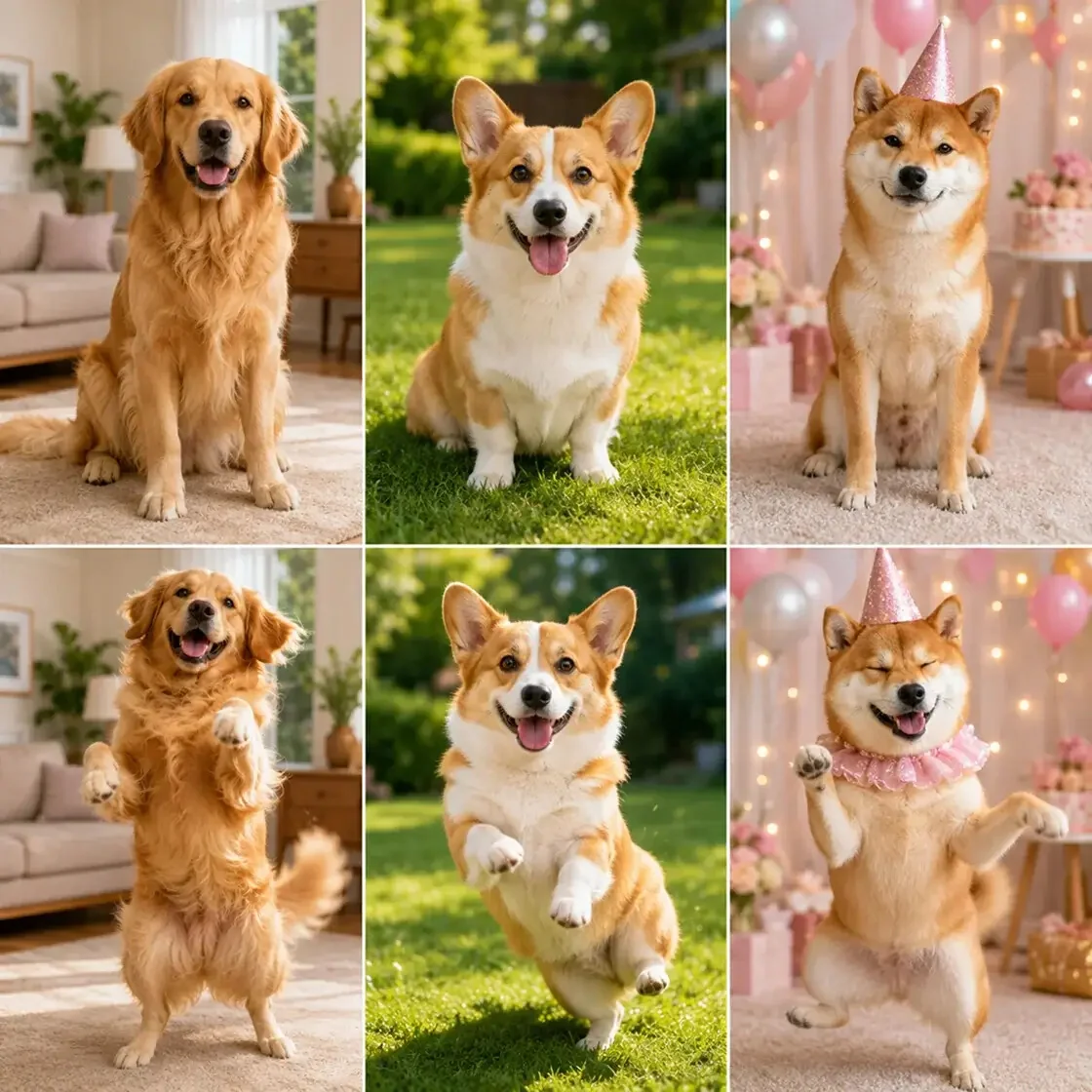
Tôi muốn biết cách tạo phong cách ai nhảy chó và công cụ này đã làm được điều đó! Bức ảnh nhảy múa của chú chó tha mồi vàng của tôi trông rất chân thực và hài hước. Trình tạo ai nhảy chó cực kỳ dễ sử dụng và bạn bè của tôi yêu thích các clip nhảy chó ai.
Hoàn hảo cho video nhảy múa của mèo
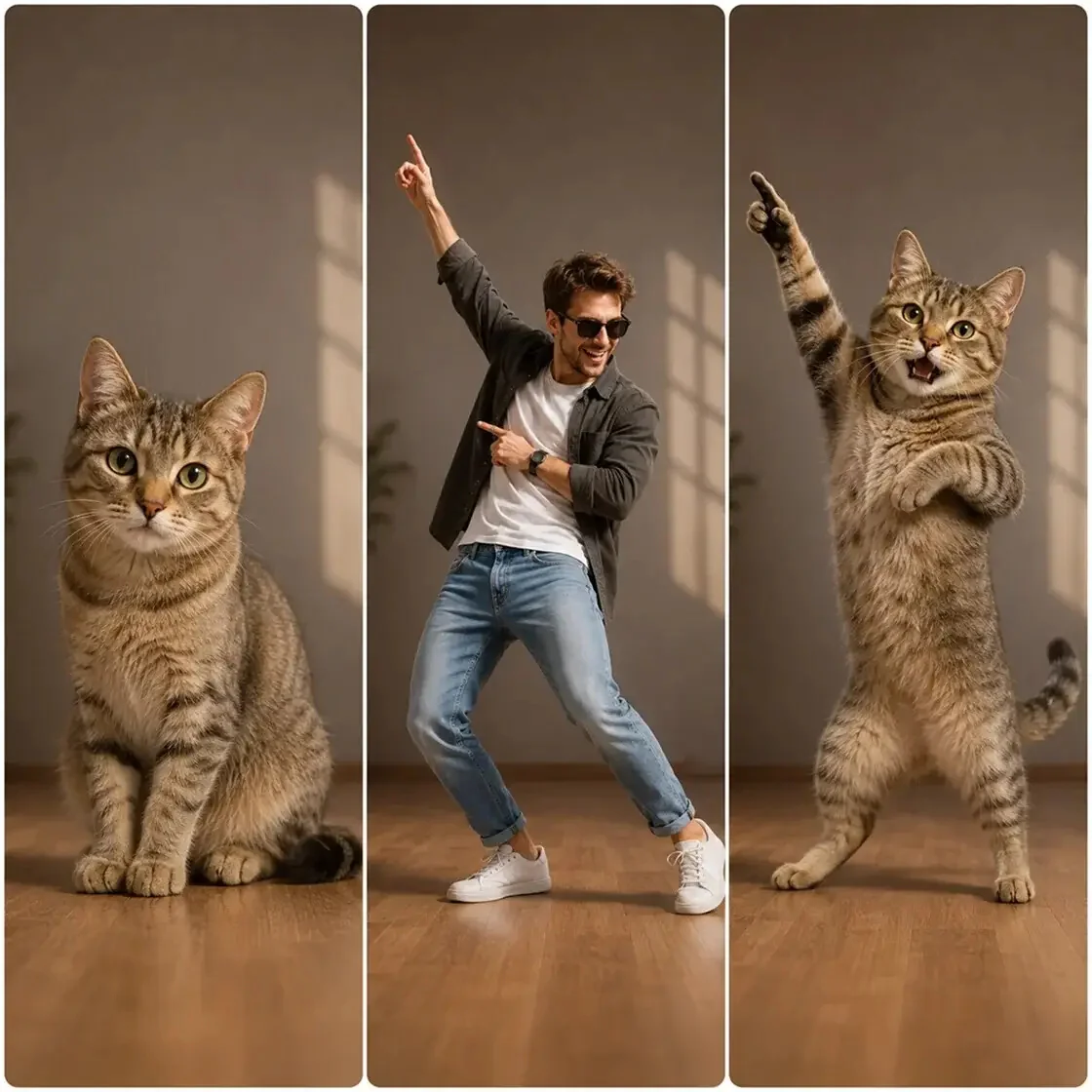
Con mèo của tôi không năng động lắm nên tôi đã sử dụng tính năng ai cat nhảy múa để xem điệu nhảy của nó. Hoạt hình con mèo nhảy múa thật đáng yêu! Đây là công cụ tối ưu để tạo video khiêu vũ với mèo. Tôi thực sự khuyên bạn nên sử dụng ai này để khiêu vũ cho tất cả những người nuôi thú cưng.
Ứng dụng thay thế AI Twerk tuyệt vời
Tôi đang tìm kiếm các ứng dụng video twerking, nhưng ứng dụng ai twerk dựa trên web này tốt hơn nhiều. Phiên bản miễn phí trực tuyến của trình tạo twerk ai mang lại cho tôi hình ảnh chất lượng cao cho các tệp video nhảy múa. Thật tiện lợi khi làm cho hình ảnh di chuyển trực tiếp từ trình duyệt của tôi.
Dễ dàng chuyển đổi hình ảnh thành hoạt hình
Tôi cần chuyển đổi hình ảnh thành hoạt hình cho một dự án nghệ thuật kỹ thuật số. Tính năng vẽ chuyển động thật tuyệt vời. Nó biến các bản phác thảo tĩnh của tôi thành một bức tranh hoạt hình một cách liền mạch. Nhà sản xuất twerk ai này không chỉ dành cho meme; nó cũng tuyệt vời cho nghệ thuật!
Kết quả video Twerk AI tuyệt vời
Tôi đã sử dụng trình tạo twerk ai để làm cho các bức ảnh tĩnh của mình chuyển động và kết quả thật vui nhộn! Chất lượng video ai twerk cực kỳ mượt mà và chỉ mất vài giây để hiển thị. Chắc chắn là twerk ai hay nhất mà tôi đã thử cho đến nay.
Hình ảnh miễn phí tốt nhất để nhảy AI
Là một người sáng tạo meme, việc tìm được một hình ảnh miễn phí để nhảy ai thực sự hiệu quả là rất hiếm. Nhà sản xuất điệu nhảy ai này cho phép tôi thực hiện điệu nhảy ảnh mà không có hình mờ. Các video twerking ai tôi làm ở đây luôn lan truyền trên trang TikTok của tôi.
Clip chó nhảy AI vui nhộn
Tôi muốn biết cách tạo phong cách ai nhảy chó và công cụ này đã làm được điều đó! Bức ảnh nhảy múa của chú chó tha mồi vàng của tôi trông rất chân thực và hài hước. Trình tạo ai nhảy chó cực kỳ dễ sử dụng và bạn bè của tôi yêu thích các clip nhảy chó ai.
Hoàn hảo cho video nhảy múa của mèo
Con mèo của tôi không năng động lắm nên tôi đã sử dụng tính năng ai cat nhảy múa để xem điệu nhảy của nó. Hoạt hình con mèo nhảy múa thật đáng yêu! Đây là công cụ tối ưu để tạo video khiêu vũ với mèo. Tôi thực sự khuyên bạn nên sử dụng ai này để khiêu vũ cho tất cả những người nuôi thú cưng.
Ứng dụng thay thế AI Twerk tuyệt vời
Tôi đang tìm kiếm các ứng dụng video twerking, nhưng ứng dụng ai twerk dựa trên web này tốt hơn nhiều. Phiên bản miễn phí trực tuyến của trình tạo twerk ai mang lại cho tôi hình ảnh chất lượng cao cho các tệp video nhảy múa. Thật tiện lợi khi làm cho hình ảnh di chuyển trực tiếp từ trình duyệt của tôi.
Dễ dàng chuyển đổi hình ảnh thành hoạt hình
Tôi cần chuyển đổi hình ảnh thành hoạt hình cho một dự án nghệ thuật kỹ thuật số. Tính năng vẽ chuyển động thật tuyệt vời. Nó biến các bản phác thảo tĩnh của tôi thành một bức tranh hoạt hình một cách liền mạch. Nhà sản xuất twerk ai này không chỉ dành cho meme; nó cũng tuyệt vời cho nghệ thuật!