Modell
Video Fast 1.0 Free
Endlose Kreativität, minimale Kosten. Für frühe Unterstützer reserviert
Prompt
0 / 2500
Seitenverhältnis
1:1
3:4
4:3
9:16
16:9
Dauer
3 s
5 s
Auflösung
480p
720p
Erstellen
Beispielvideo

Sora 2 AI Video Generation: Professionelle Inhalte von Open AI

Sora 2 verwandelt Eingabeaufforderungen in filmische Clips. Dieser KI-Generator liefert professionelle Ergebnisse mit natürlicher Bewegung. Sora 2 produziert atemberaubende visuelle KI-Inhalte. Für die Nutzung der Sora-App-Plattform ist kein Sora-2-Einladungscode erforderlich.
Textaufforderung
The snowboarder carves down the snowy slope, red jacket contrasting against white peaks, snow spraying in dynamic arcs as they lean into a sharp turn. Sunlight shifts across the frozen lake's surface while distant mountain shadows lengthen, the camera follows the descent with steady motion, capturing both athletic precision and winter's raw energy.
Clip-Beispiel
Textaufforderung
A family of wolves stands in a snowy forest, the large black-coated adult wolf slowly turns its head while the brown cubs playfully nudge each other. Moonlight filters through tall pines as the camera orbits around the group, capturing their glowing blue eyes and the gentle fall of snowflakes in the serene atmosphere.
Clip-Beispiel
Textaufforderung
A close-up of a hand holding a knife slicing an apple that looks like transparent glass on a wooden board. An apple made of glass that is extremely realistic and beautiful, resembling a translucent red crystal, is placed on a clean wooden cutting board. The knife smoothly slices through the fruit, creating thin, transparent slices. The sound of the knife cutting through the glass-like fruit is amplified, creating a refreshing ASMR sound. This ASMR video exudes a sense of luxury and elegance, high
Clip-Beispiel

Was ist Sora 2: Die führende Sora-KI-Plattform von Open AI

Sora 2 ist eine fortschrittliche Plattform zur Generierung von KI-Inhalten. Diese Sora-App bietet AI-Clip-Funktionen. Greifen Sie über unsere Plattform auf die mit dem Sora-Logo gekennzeichnete Qualität zu.

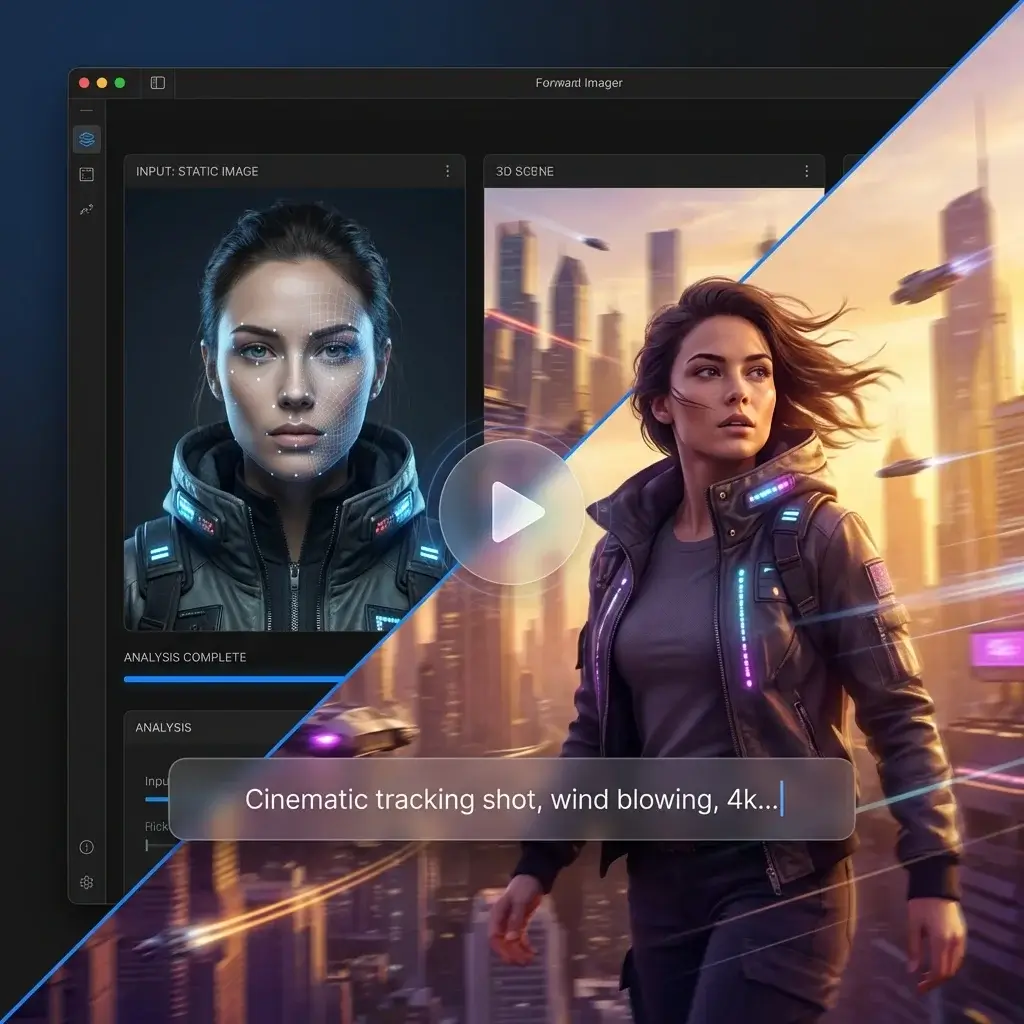
KI-Bild-zu-Video-Konvertierung

Verwandeln Sie statische Fotos in dynamische Inhalte. Sora 2 analysiert Ihr Foto und erzeugt flüssige Bewegungen. Der lokale Generator sorgt für eine schnelle Verarbeitung mit konsistenten Zeichen.

Generieren Sie mit Sora 2

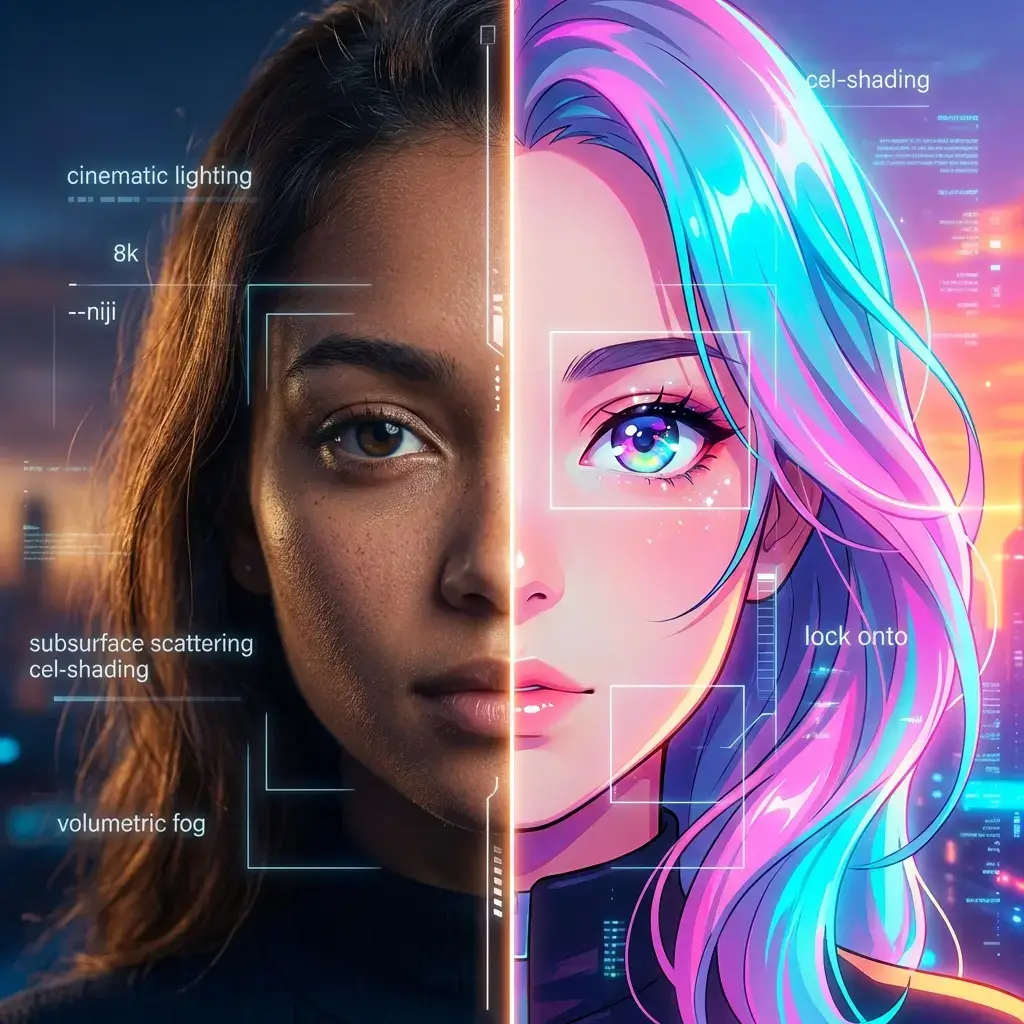
Sora 2 fordert zur kreativen Kontrolle auf

Verwenden Sie detaillierte Sora 2-Eingabeaufforderungen als Leitfaden für die Generierung. Unser Sora 2 Prompt-Helfer schlägt wirkungsvolle Beschreibungen vor. Generieren Sie Filmmaterial im Anime-Stil oder realistische Aufnahmen mit der Sora-App-Präzision.

Generieren Sie mit Sora 2

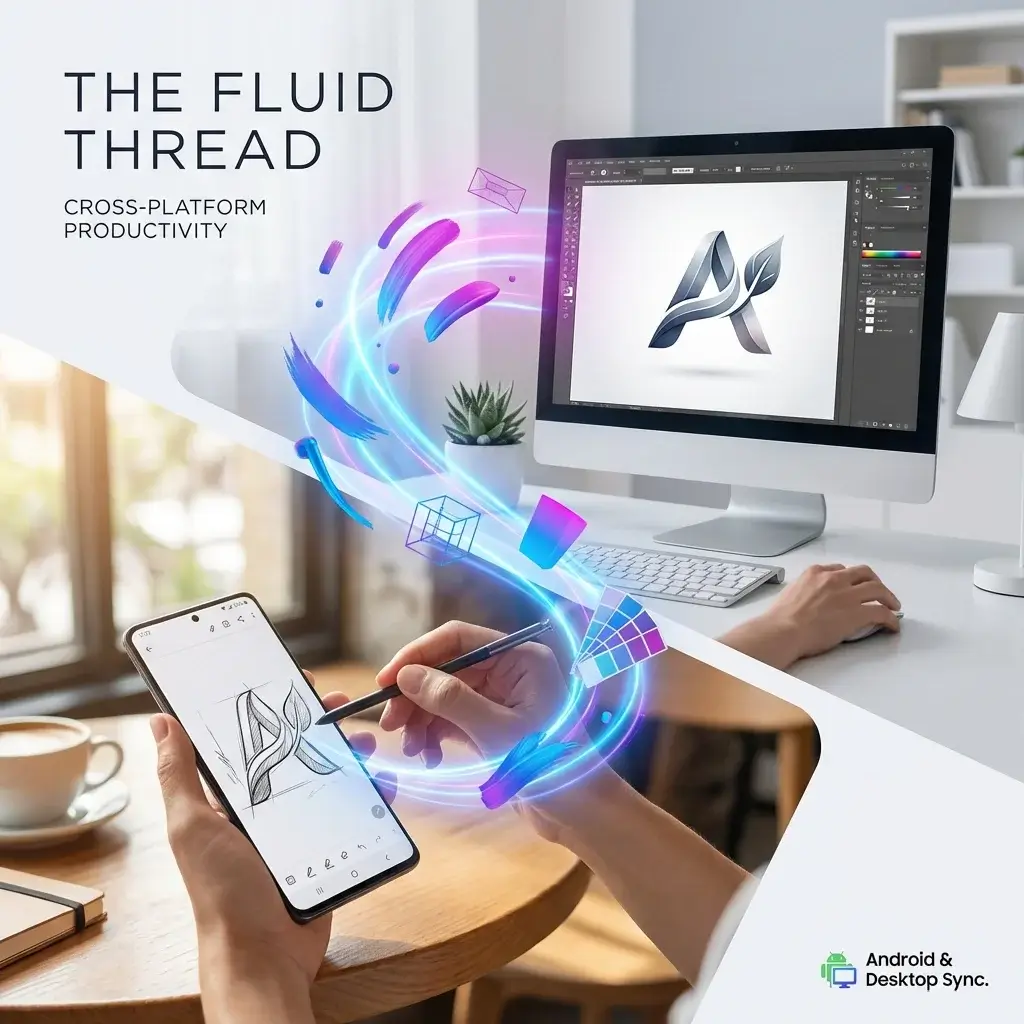
Sora 2 für Android und Desktop

Greifen Sie auf Sora 2 für Android-Geräte oder Desktop-Browser zu. Die Sora-App funktioniert plattformübergreifend. Erleben Sie Generatorfunktionen überall.

Generieren Sie mit Sora 2

So erhalten Sie Zugriff auf Sora 2 Open AI Generator

Ist Sora 2 kostenlos: Erste Schritte mit Open AI

Kann man Sora 2 kostenlos testen? Ja, grundlegende Funktionen sind verfügbar. Geben Sie Ihre Beschreibung ein, um mit der Inhaltserstellung mit der Sora-App zu beginnen.

ChatGPT Pro lohnt sich für Sora 2-Benutzer

Lohnt sich ChatGPT Pro für Sora 2? Premium-Abonnenten erhalten vorrangigen Zugriff. Überprüfen Sie, wie viel Sora 2 kostet, um Einzelheiten zu den Preisen zu erfahren.

Übersicht über Preise und Pläne für Sora 2

Überprüfen Sie die Preise für Sora 2, bevor Sie ein Abonnement abschließen. Verschiedene Sora-Pläne und Preisstufen bieten verschiedene Cliplängen und Qualitätseinstellungen.

KI-Video aus dem Bild: Anwendungsfälle der Sora-App

Sora 2 bedient KI-Entwickler aus allen Branchen. Der Generator erstellt Inhalte für jeden Projekttyp.

Film & Medien
Marketing
Sozialer Inhalt
Bildung

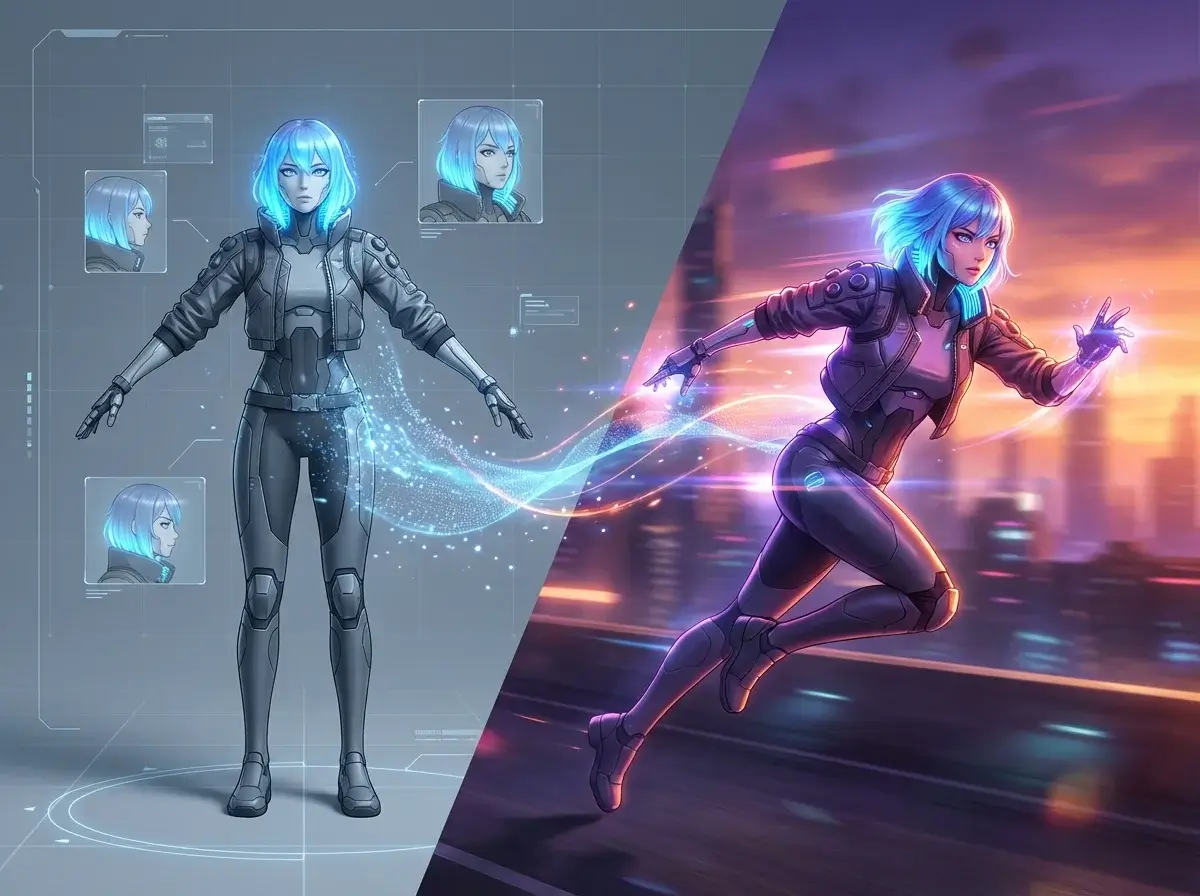
Anime und kreative Animation

Generieren Sie Anime-Sequenzen mit Sora 2. Die Generatortechnologie erzeugt konsistente Charaktere und flüssige Bewegungen für kreative Projekte.

Sora 2 Community: Offene KI-Benutzererfahrungen

Bester AI-Bild-zu-Video-Generator

Sora 2 hat meinen Arbeitsablauf komplett verändert. Die Konvertierung geht unglaublich schnell und die Ergebnisse sehen jedes Mal professionell aus.

Marcus Chen
Filmregisseur

Die Qualität der offenen KI hat mich beeindruckt

Die Technologie hinter Sora 2 liefert erstaunliche Ergebnisse. Meine Agentur nutzt diesen Generator mittlerweile für alle Kundenprojekte.

Sarah Mitchell
Kreativdirektor

Die Preise für Sora 2 sind angemessen

Habe die Preise für Sora 2 überprüft und mich sofort angemeldet. Der Wert, den Sie mit dem Generator erzielen, ist auf dem Markt einzigartig.

James Wilson
Inhaltsproduzent

Ich liebe die Sora 2-Eingabeaufforderungsfunktion

Die Verwendung von Sora 2-Eingabeaufforderungen erleichtert die Erstellung von Inhalten. Ich erstelle täglich Anime-Clips und Sora 2 versteht genau, was ich will.

Elena Rodriguez
Inhaltsersteller

Sora 2 funktioniert perfekt

Die Benutzeroberfläche von Sora 2 ist intuitiv. Das Generieren von Inhalten aus meinen Fotos dauert nur wenige Minuten. Für jeden Kreativen sehr zu empfehlen.

David Park
Freiberuflicher Redakteur

Keine Probleme mit Sora AI-Wasserzeichen

Beim Premium-Plan wird das Sora AI-Wasserzeichen vollständig entfernt. Dank Sora 2 sehen meine Werbeclips sauber und professionell aus.

Amanda Foster
Motion Designer

Nachrichten

Die besten KI-Videogeneratoren für Trump im Jahr 2026: Vergleich von Sprach-, Lippensynchronisations- und Sprechvideotools

Die besten KI-Videogeneratoren für Trump im Jahr 2026: Vergleich von Sprach-, Lippensynchronisations- und Sprechvideotools

Trump AI videos continue to go viral across TikTok, YouTube Shorts, X, and meme communities. Some are simple text-to-speech jokes, while others use talking-photo animation, lip-sync AI, and image-to-video workflows to create polished parody clips. The problem is that not every “Trump AI video generator” does the same job. Some tools are better for generating a Donald Trump-style AI voice, while others are built for talking avatars, lip-sync videos, or cinematic AI scenes. This guide compares the best Trump AI video generators in 2026 based on workflow fit, public features, free-plan access, output style, and creator use cases. Disclosure: This article is for informational, parody, commentary, and educational purposes only. Do not use AI-generated voice or video tools to deceive, impersonate, defame, or mislead audiences. Always follow platform rules, local laws, and election-integrity policies. What Is a Trump AI Video Generator? A Trump AI video generator is a tool or workflow used to create synthetic voice or video content inspired by Donald Trump’s speaking style, facial movement, or public persona. Depending on the platform, this can include: In practice, many creators use more than one tool. A common workflow looks like this: That is why the best tool depends on whether you need voice only, a talking face, or a full parody video. How These Tools Fit Image-to-Video Workflows For a site like aiimagetovideo.pro, it helps to treat Trump AI content as part of a broader talking-video workflow. Here are the three most common creator setups: 1. Voice-Only Workflow Best for: Typical stack: 2. Talking-Photo Workflow Best for: Typical stack: 3. Full AI Video Workflow Best for: Typical stack: If your content starts from a still image, the most important features are lip-sync, facial animation, export quality, and caption support. How We Reviewed These Trump AI Tools For this guide, we compared popular Trump AI video and voice tools based on: Because AI tool capabilities and public-figure policies can change over time, readers should verify the latest features and terms on each official website before using them. Trump AI Voice vs. Talking Face vs. Full Video Tools Before choosing a platform, decide what you actually need: It is also important to note that public-figure voice availability may vary by platform policy, moderation rules, or community-created models. Top Trump AI Video Generators Compared Tool Best For Voice Features Video Features Lip-Sync / Talking Face Free Option Notes FakeYou Free meme-style TTS Strong Limited No Yes Good entry-level voice option ElevenLabs High-quality AI voice Excellent No No Limited Best for premium voice workflows HeyGen Talking avatar videos Good Strong Yes Limited/trial Best for speaking-face content Kling AI Cinematic AI visuals Limited Excellent Workflow-based Limited Strong for polished scenes Runway AI video editing Limited Excellent Workflow-based Limited Better for creators who edit heavily Revid.ai Short-form content Basic Good Template-based Limited Great for TikTok/Shorts workflows Musicfy Audio experiments and covers Good No No Limited Better for audio-first parody EaseUS Beginner-friendly workflow Basic to good Good Some support Trial Easier learning curve Galaxy.ai Multi-tool AI access Varies Varies Varies Freemium Useful if you want multiple AI tools Fameo.ai Celebrity-style novelty videos Basic Template-style Limited Paid Better for personalized message formats 1 FakeYou Donald Trump TTS Best for: free Trump-style text-to-speech and quick meme audio FakeYou is one of the most recognizable community-based TTS platforms for parody and entertainment content. If you are specifically looking for a Trump AI voice generator free option, FakeYou is often one of the easiest places to start. Pros Cons Best use case Use FakeYou when you want fast voice output, then pair it with a talking-photo or lip-sync tool. 2 ElevenLabs Trump Voice Workflow Best for: realistic AI narration and high-quality voice output ElevenLabs is one of the strongest choices if your top priority is voice realism. It is not a Trump AI video generator on its own, but it works extremely well as the audio layer in a broader image-to-video or talking-face workflow. Pros Cons Best use case Choose ElevenLabs if your workflow starts with audio and you care most about clean, realistic voice output. 3 HeyGen Trump Talking Video Workflow Best for: talking avatars and speaking-face videos HeyGen is one of the best options if you want a face-driven delivery format. It is especially useful for creators making short talking-head style clips for social media. Pros Cons Best use case Use HeyGen when your goal is a clean talking-face parody video rather than a meme-style montage. 4 Kling AI Best for: polished AI-generated visuals and cinematic parody scenes Kling AI is frequently mentioned in AI creator communities for its high-quality visual generation. It is better suited to stylized AI video scenes than simple text-to-speech memes. Pros Cons Best use case Choose Kling AI if you want more visually impressive AI parody content and are willing to use a multi-tool workflow. 5 Runway Best for: creators who want editing control and advanced AI video tools Runway is less of a single-click Trump generator and more of a creative workspace for AI video creation and editing. It is a strong choice for creators who want more control over cuts, pacing, captions, and final output. Pros Cons Best use case Use Runway if you want to build a more finished video rather than just generate voice output. 6 Revid.ai Best for: fast social content and short-form templates Revid.ai is useful for creators who care more about speed than deep manual editing. If your main distribution channel is TikTok, Reels, or Shorts, template-based workflows can save a lot of time. Pros Cons Best use case Choose Revid.ai if you want to turn parody ideas into publish-ready short-form videos quickly. 7 Musicfy Trump AI Voice Workflow Best for: parody songs, audio experiments, and voice-based content Musicfy is more audio-focused than video-focused. It can be useful for creators making Trump-style song covers, comedic remixes, or stylized voice experiments. Pros Cons Best use case Use Musicfy for voice-first content, parody music, or short comedic audio clips. 8 EaseUS Best for: beginner-friendly media workflows EaseUS can be useful for creators who want a simpler entry point into AI media creation and editing. Es ist nicht

Sora-Pläne und Preise: Häufige offene Fragen zu KI

Was macht die Sora 2 Open AI-Generation einzigartig?

Sora 2 nutzt fortschrittliche neuronale Netze für eine überragende Inhaltsqualität. Es zeichnet sich durch eine Konvertierung mit natürlicher Physik und konsistenten Charakteren aus.

Wie viel kostet das Sora 2 Open AI-Abonnement?

Die Preise für Sora 2 variieren je nach Plan. Der Basiszugang ist kostenlos, während Premium-Stufen eine längere Clipdauer und kein Sora-AI-Wasserzeichen bieten. Überprüfen Sie die aktuellen Sora-Pläne.

Benötige ich einen Sora 2-Einladungscode?

Es ist kein Sora 2-Einladungscode erforderlich. Greifen Sie direkt über unsere Plattform auf den Sora 2-Generator zu. Der Dienst ist öffentlich verfügbar.

Ist Open AI Sora 2 auf Mobilgeräten verfügbar?

Ja, Sora 2 für Android und iOS ist verfügbar. Das Sora-Tool bietet vollständige Generatorfunktionen auf Mobilgeräten.

Wie schreibe ich effektive Sora 2-Eingabeaufforderungen?

Nutzen Sie zur Orientierung unseren Sora 2 Prompt-Helfer. Effektive Sora 2-Eingabeaufforderungen umfassen Motiv-, Umgebungs-, Bewegungs- und Stildetails für beste Ergebnisse.

Kann ich auf die Open AI Sora 2 API zugreifen?

Die Sora 2 API steht Entwicklern zur Verfügung. Überprüfen Sie die Release-News zu Sora 2 auf API-Updates. Die Integration ermöglicht maßgeschneiderte Generatorlösungen.

Wo kann ich meine Open AI Sora 2-Clips teilen?

Treten Sie der Sora 2-Community auf Discord und Reddit bei, um Kreationen zu teilen. Viele YouTuber präsentieren auf diesen Plattformen Inhalte und tauschen Sora 2-Eingabeaufforderungen aus.