Các gợi ý AI của Viggle mà bạn có thể sao chép trước khi xu hướng này lỗi thời.
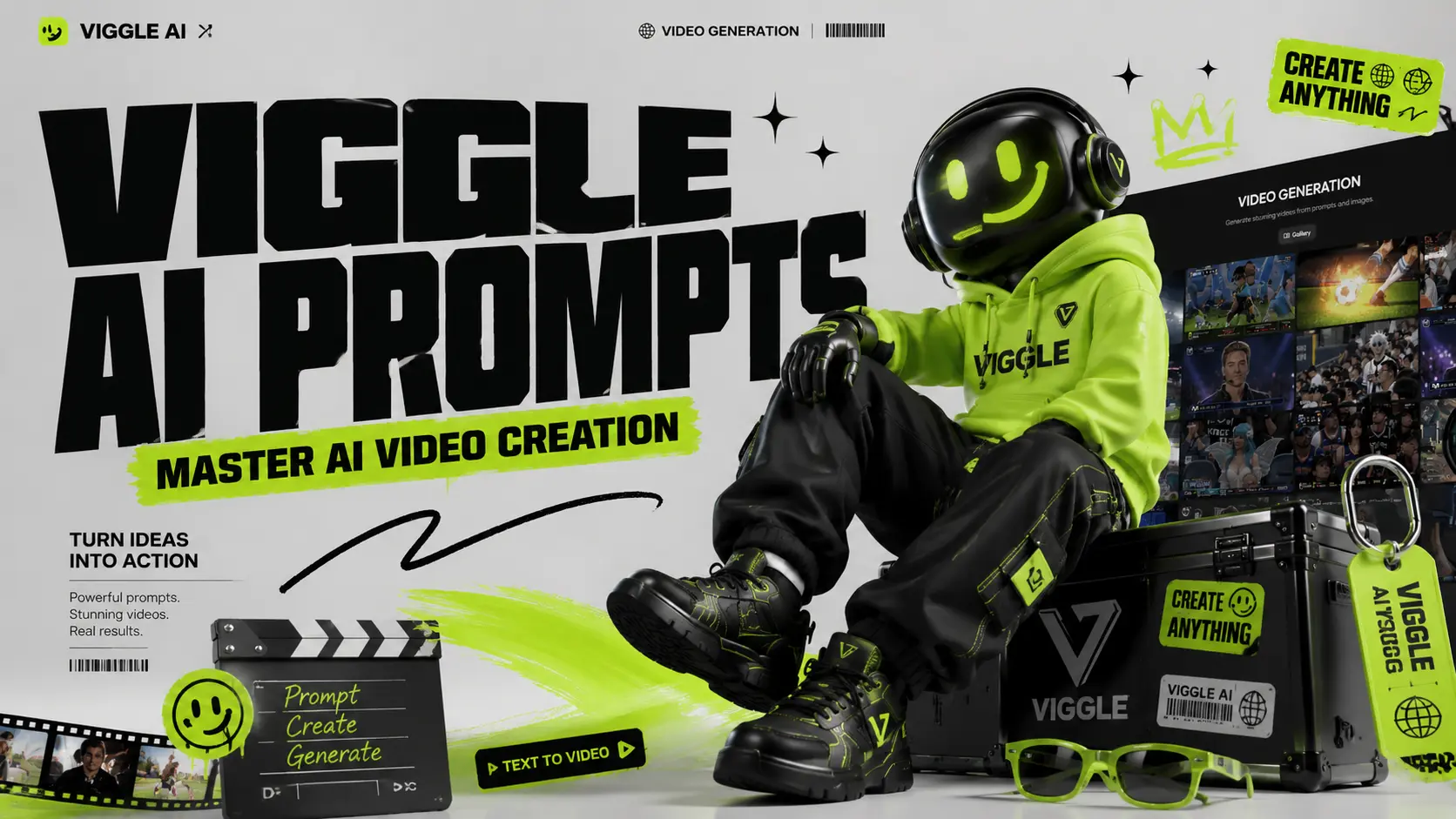
Các video AI lan truyền rất nhanh. Hôm nay ai cũng làm video em bé biết nhảy; ngày mai trang mạng xã hội của bạn tràn ngập các video chỉnh sửa anime, clip bóng đá, meme siêu anh hùng và video hát nhép. Viggle AI giúp việc tạo video trở nên dễ dàng hơn, nhưng giải pháp thực sự không nằm ở chính công cụ này. Đó là lời nhắc. Nền tảng này được xây dựng để tạo video bằng trí tuệ nhân tạo có thể điều khiển được, cho phép người dùng biến ảnh thành video nhảy múa, hát nhép, video theo phong cách meme và video trình diễn. Nhưng nếu câu hỏi quá mơ hồ, kết quả có thể trông mờ nhạt, cứng nhắc hoặc hoàn toàn lạc lõng. Hướng dẫn này giúp bạn tìm các gợi ý AI thực tế của Viggle theo từng danh mục để bạn có thể sao chép, dán, chỉnh sửa và tạo nội dung nhanh hơn cho TikTok, Instagram Reels, YouTube Shorts, meme, video do người hâm mộ chỉnh sửa, video âm nhạc và hoạt hình nhân vật. Các lời nhắc của Viggle AI nằm ở đâu? Trên trang web chính thức của Viggle AI, bạn có thể tìm thấy hai nguồn chính cung cấp các video hướng dẫn được tạo sẵn bằng AI. Những gợi ý này đến từ các video được tạo và chia sẻ bởi người dùng thực, vì vậy chúng là những tài liệu tham khảo hữu ích nếu bạn muốn hiểu cách các video AI của Viggle trở nên phổ biến. Cách thứ nhất: trên trang chủ Sau khi truy cập trang web chính thức của Viggle AI, cuộn xuống cho đến khi bạn thấy mục "Thư viện video". Khu vực này giới thiệu một số ý tưởng video AI phổ biến gần đây được tạo ra bằng Viggle AI. Nhấp chuột vào bất kỳ video nào trong thư viện, bạn có thể xem các tài liệu nguồn, lời nhắc và cài đặt phím được sử dụng để tạo ra video đó. Nếu bạn muốn xem thêm ví dụ, chỉ cần nhấp vào “Xem thêm” để xem thêm các video do người dùng tạo. Mặc dù trang chủ cũng bao gồm các mẫu như Hát & Nhảy, tạo meme và các mẫu nhanh khác, nhưng phần lớn trong số đó chủ yếu được hỗ trợ bởi tính năng "Mix Video" của Viggle AI. Trong quy trình này, người dùng có thể tạo video mà không cần viết hướng dẫn chi tiết. Tuy nhiên, kết quả đôi khi có thể trông kém tự nhiên hơn, đặc biệt là khi nhân vật dường như lơ lửng trên lớp video gốc. Hiệu ứng "lớp nổi" này sẽ sớm được khắc phục bằng tính năng Điều khiển chuyển động sắp ra mắt của AI Image to Video. Cách thứ hai: Chuyển văn bản thành video. Nhấp vào “Chuyển văn bản thành video” ở bên trái để vào trang tạo video của Viggle AI. Trên trang này, Viggle AI cũng đề xuất các ví dụ video AI đang thịnh hành dựa trên cách sử dụng phổ biến và phong cách sáng tạo. Bạn có thể nhấp vào video được đề xuất để sao chép cấu hình tương tự vào không gian làm việc chỉnh sửa, sau đó nghiên cứu cấu trúc lời nhắc, hướng dẫn trực quan và cài đặt tạo video đó. Đối với những người dùng muốn tạo ra các video AI chuyên nghiệp hơn, các gợi ý có sẵn không chỉ đơn thuần là các mẫu sao chép và dán. Chúng là tài liệu học tập. Bằng cách nghiên cứu cách các nhà sáng tạo khác mô tả nhân vật, hành động, bối cảnh, phong cách quay phim và không khí trực quan, bạn có thể hiểu rõ hơn điều gì làm cho một lời gợi ý trở nên hiệu quả. Tìm kiếm gợi ý trên TikTok, YouTube và Reddit ● TikTok: Theo dõi hashtag #ViggleAIprompt để tìm các gợi ý thịnh hành gắn liền với các video lan truyền ● YouTube: Các video hướng dẫn từ các kênh như AI Andy (177K lượt xem) và Sejin AI (138K lượt xem) thường xuyên chia sẻ phân tích chi tiết về gợi ý ● Reddit: Các cộng đồng như r/StableDiffusion thảo luận về các kỹ thuật tạo gợi ý và so sánh kết quả của Viggle với các công cụ khác Tại AI Image to Video, chúng tôi hướng đến việc đơn giản hóa quá trình tạo video, đồng thời khuyến khích người dùng học hỏi, thử nghiệm và cải thiện các gợi ý video AI của họ bằng các công cụ và tài nguyên khác nhau. Đó là lý do tại sao chúng tôi sẽ tiếp tục cập nhật loạt bài đăng trên blog Hướng dẫn gợi ý của mình. Những bài viết này được thiết kế để giúp người dùng hiểu cách viết lời nhắc tốt hơn cho việc tạo video bằng AI, hiệu ứng chuyển ảnh thành video, hoạt hình nhân vật và nội dung lan truyền trên mạng xã hội. Bạn có thể tìm thấy các bài viết liên quan đến chủ đề của chúng tôi thông qua mục “Chủ đề” trên thanh điều hướng phía trên cùng của trang web. Bạn cũng có thể truy cập chuỗi bài viết này từ mục “Prompt Enhancer” trên trang chủ. Các video nhảy theo gợi ý AI Viggle tốt nhất là những video nhảy theo chủ đề, đây là trường hợp sử dụng Viggle phổ biến nhất và có tiềm năng lan truyền cao nhất trên TikTok và Instagram Reels. Các gợi ý nhảy múa của Viggle AI này được lấy từ nội dung thịnh hành và thư viện cộng đồng. Các bài tập nhảy theo gợi ý là cách dễ nhất để tạo ra các video ngắn lan truyền trên mạng. Chúng đặc biệt hiệu quả cho các xu hướng TikTok, video phản ứng, video chỉnh sửa của người nổi tiếng và meme nhân vật. Yêu cầu 1: Hình toàn thân một người mặc bộ đồ thể thao màu neon sáng, giày thể thao trắng và kính râm, đứng tự tin trên nền trắng sạch sẽ, theo phong cách video nhảy TikTok năng động. Yêu cầu 2: Một người mặc áo phông in hình cỡ lớn, quần cargo rộng thùng thình và giày thể thao đế dày, đứng thẳng với hai tay thả lỏng, phông nền màn hình xanh, phong cách video nhảy đường phố thời thượng. Gợi ý 3: Một nữ nghệ sĩ biểu diễn sành điệu trong bộ trang phục sân khấu lấp lánh và đôi bốt, đứng dưới ánh đèn sân khấu rực rỡ, biểu cảm tự tin, phong cách biểu diễn trong video ca nhạc. Yêu cầu 4: Một nam nghệ sĩ mặc áo khoác da đen, quần jeans tối màu và bốt, đứng dưới ánh đèn sân khấu, theo phong cách biểu diễn vũ đạo đầy kịch tính của một ngôi sao nhạc pop. Mẹo: Các gợi ý về vũ đạo sẽ hiệu quả nhất khi trang phục có hình dáng rõ ràng và độ tương phản cao. Tránh các họa tiết phức tạp có thể nhấp nháy trong quá trình chuyển động. Những video meme và gợi ý hài hước hay nhất từ Viggle AI hiệu quả là vì nhân vật và chuyển động thường không khớp nhau. Một nhân vật nghiêm túc nhảy múa lố bịch thì hài hước hơn một nhân vật hài hước nhảy múa hài hước. Gợi ý 1: Một nhân viên văn phòng nghiêm túc mặc bộ vest công sở trang trọng, cầm một tập tài liệu, đứng trong một văn phòng đơn giản, vẻ mặt bối rối, theo phong cách video meme thực tế. Yêu cầu 2: Một nhân vật siêu anh hùng mặc áo choàng ấn tượng và bộ đồ bó sát, đứng trong tư thế anh hùng trên phông nền màn hình xanh, theo phong cách meme hài hước phóng đại. Gợi ý 3: Một nhân viên bảo vệ mặc đồng phục sạch sẽ, đứng nghiêm chỉnh trước lối vào một tòa nhà, vẻ mặt nghiêm nghị, theo phong cách meme hài hước lan truyền trên mạng. Gợi ý 4: Một học sinh mệt mỏi mặc áo hoodie và đeo ba lô, đứng trong lớp học, vẻ mặt buồn ngủ, theo phong cách meme học đường quen thuộc. Mẹo: Độ tương phản càng cao, ảnh chế càng hay. Hãy kết hợp những nhân vật nghiêm túc với những điệu nhảy ngớ ngẩn, những cú ngã kịch tính hoặc những cử động vụng về. Gợi ý tạo nhân vật và anime tốt nhất từ Viggle AI. Gợi ý tạo nhân vật anime cần nhiều chi tiết hơn so với gợi ý tạo nhân vật thực tế. Hãy tập trung vào mái tóc, đôi mắt, trang phục và tư thế. Yêu cầu 1: Một cô gái anime với mái tóc dài màu xanh buộc hai bên, đôi mắt to biểu cảm, mặc đồng phục học sinh Nhật Bản với váy xếp ly và tất cao đến đầu gối, toàn thân, nền trắng, phong cách anime đơn giản. Yêu cầu 2: Một cậu bé trong anime với mái tóc bạc dựng đứng, đôi mắt sắc sảo, mặc áo khoác dài màu đen bên ngoài áo sơ mi đỏ, đi giày bốt chiến đấu, đứng trong tư thế sẵn sàng, theo phong cách hành động điện ảnh trong anime.








Công cụ tuyệt vời dành cho Tự động hóa YouTube
Tôi đang tìm kiếm một trình tạo video ai miễn phí không cần tín dụng và nền tảng này đã phân phối một cách hoàn hảo. Các video tư duy mà tôi tạo cho kênh tự động hóa của mình trông cực kỳ chuyên nghiệp. Nó giúp tôi tiết kiệm hàng giờ chỉnh sửa và thay đổi hoàn toàn quy trình nội dung của tôi.
Hoàn hảo cho quảng cáo truyền thông xã hội nhanh chóng
Việc sử dụng tính năng miễn phí của ai tạo quảng cáo video đã giúp tôi khởi chạy chiến dịch của mình sau vài phút. Tôi thích chế độ đầu ra giao diện tự nhiên, mang lại cho tôi những clip thô, trông chân thực, hoạt động hiệu quả hơn với đối tượng mục tiêu của tôi so với những quảng cáo quá trau chuốt.
Sự thay thế tuyệt vời cho các công cụ AI khác
Trước đây tôi đã sử dụng trình tạo video vidful ai và youcam ai, nhưng công cụ này mang lại tính nhất quán chuyển động tốt hơn nhiều. Quá trình chuyển đổi từ hình ảnh sang video diễn ra mượt mà và giao diện trực quan hơn nhiều đối với những người mới bắt đầu muốn tạo clip chất lượng cao mà không cần phải học tập nhiều.
Tuyệt vời cho các kênh vô danh
Việc điều hành một kênh vô danh giờ đây đã dễ dàng hơn rất nhiều. Tính năng video của trình tạo khuôn mặt ai tạo ra các hình đại diện chân thực và vì là nhà sản xuất video ai không có hình mờ nên các video tải lên cuối cùng của tôi trông hoàn toàn tự nhiên và chuyên nghiệp. Rất khuyến khích cho các nhà tiếp thị kỹ thuật số.
Đồng bộ hóa âm thanh và video liền mạch
Khả năng tạo âm thanh sang video của ai rất nổi bật. Tôi đã tải các clip podcast của mình lên và trình tạo video và giọng nói ai tự động khớp hình ảnh với bài phát biểu của tôi. Nó làm cho việc tạo podcast video động trở nên cực kỳ đơn giản và nhanh chóng.
Trải nghiệm di động tốt nhất qua APK
Tải xuống apk mindvideo ai cho phép tôi chỉnh sửa khi đang di chuyển. Việc tích hợp mô hình mindvideo ai sora 2 trên di động thật ấn tượng. Tôi có thể tạo các video clip chất lượng cao trực tiếp từ điện thoại của mình mà không làm giảm tốc độ kết xuất hoặc độ trung thực của hình ảnh.
Công cụ tuyệt vời dành cho Tự động hóa YouTube
Tôi đang tìm kiếm một trình tạo video ai miễn phí không cần tín dụng và nền tảng này đã phân phối một cách hoàn hảo. Các video tư duy mà tôi tạo cho kênh tự động hóa của mình trông cực kỳ chuyên nghiệp. Nó giúp tôi tiết kiệm hàng giờ chỉnh sửa và thay đổi hoàn toàn quy trình nội dung của tôi.
Hoàn hảo cho quảng cáo truyền thông xã hội nhanh chóng
Việc sử dụng tính năng miễn phí của ai tạo quảng cáo video đã giúp tôi khởi chạy chiến dịch của mình sau vài phút. Tôi thích chế độ đầu ra giao diện tự nhiên, mang lại cho tôi những clip thô, trông chân thực, hoạt động hiệu quả hơn với đối tượng mục tiêu của tôi so với những quảng cáo quá trau chuốt.
Sự thay thế tuyệt vời cho các công cụ AI khác
Trước đây tôi đã sử dụng trình tạo video vidful ai và youcam ai, nhưng công cụ này mang lại tính nhất quán chuyển động tốt hơn nhiều. Quá trình chuyển đổi từ hình ảnh sang video diễn ra mượt mà và giao diện trực quan hơn nhiều đối với những người mới bắt đầu muốn tạo clip chất lượng cao mà không cần phải học tập nhiều.
Tuyệt vời cho các kênh vô danh
Việc điều hành một kênh vô danh giờ đây đã dễ dàng hơn rất nhiều. Tính năng video của trình tạo khuôn mặt ai tạo ra các hình đại diện chân thực và vì là nhà sản xuất video ai không có hình mờ nên các video tải lên cuối cùng của tôi trông hoàn toàn tự nhiên và chuyên nghiệp. Rất khuyến khích cho các nhà tiếp thị kỹ thuật số.
Đồng bộ hóa âm thanh và video liền mạch
Khả năng tạo âm thanh sang video của ai rất nổi bật. Tôi đã tải các clip podcast của mình lên và trình tạo video và giọng nói ai tự động khớp hình ảnh với bài phát biểu của tôi. Nó làm cho việc tạo podcast video động trở nên cực kỳ đơn giản và nhanh chóng.
Trải nghiệm di động tốt nhất qua APK
Tải xuống apk mindvideo ai cho phép tôi chỉnh sửa khi đang di chuyển. Việc tích hợp mô hình mindvideo ai sora 2 trên di động thật ấn tượng. Tôi có thể tạo các video clip chất lượng cao trực tiếp từ điện thoại của mình mà không làm giảm tốc độ kết xuất hoặc độ trung thực của hình ảnh.