
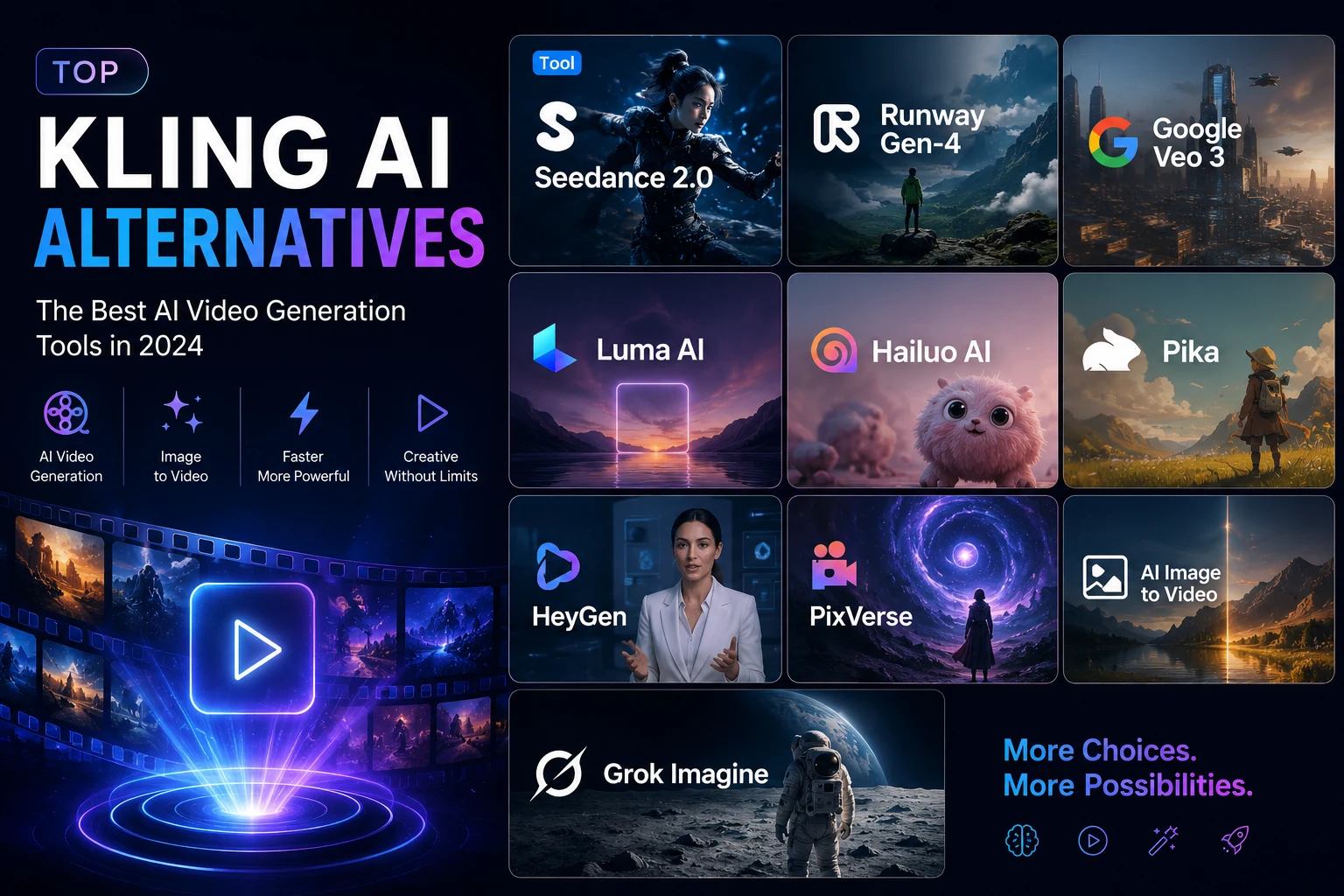
Kling AI is still one of the most recognized AI video generators, especially for image-to-video, motion brush, and cinematic clips. But it is not always the easiest tool to use at scale.
Many creators run into the same problems: credits disappear fast, failed generations still cost money, censorship can block harmless ideas, and the free plan is not enough for serious testing. If you create videos for TikTok, YouTube Shorts, ads, anime clips, avatars, or product visuals, relying on one tool can quickly become limiting.
That is why many creators are now looking for a Kling AI alternative. The best choice depends on what you need most: better motion control, lower cost, faster rendering, free credits, watermark-free output, or access to multiple AI video models.
Best Kling AI Alternatives: Quick Comparison
Below is a practical comparison of 10 strong Kling AI alternatives for different use cases. Use it as a starting point, then test the tools based on your real content style, budget, and publishing workflow.
| Tool | Best For | Main Strength | Main Limitation |
|---|---|---|---|
| Seedance 2.0 | Motion control | Strong full-body movement | Smaller ecosystem |
| Runway Gen-4 | Professional production | Editing + generation workflow | Higher cost |
| Google Veo 3 | Cinematic realism | Realistic video + native audio | Expensive for volume |
| Luma AI | Cinematic lighting | Great atmosphere for the price | Slower rendering |
| Hailuo AI | Social media volume | Low cost per clip | Less precise control |
| Pika | Beginners | Fast, simple, template-friendly | Weaker complex motion |
| HeyGen | Avatar videos | Lip-sync and multilingual avatars | Not for cinematic video |
| PixVerse | Stylized content | Fast anime/cartoon output | Character drift on longer clips |
| AI Image to Video | Multi-model access | Kling, Veo, Wan in one place | Depends on underlying models |
| Grok Imagine | Quick social clips | Fast generation with audio | Lower resolution/control |
Best Kling AI Alternatives by Use Case
Seedance 2.0 — Best for Motion Control
Seedance 2.0 is one of the strongest Kling AI alternatives if your main concern is motion quality. It performs especially well with full-body movement, action scenes, dance clips, and zoomed-out character shots.
Compared with Kling, Seedance often produces smoother movement in complex scenes. Characters walk, turn, and interact with fewer awkward freezes. It is a good choice for creators who care less about brand familiarity and more about actual motion output.
Runway Gen-4 — Best for Professional Production
Runway is more than an AI video generator. It is closer to a full production workspace. You can generate clips, edit them, refine scenes, and build a more complete video workflow inside one platform.
This makes Runway a better fit for agencies, filmmakers, brand teams, and creators who need more control after generation. It is not always the cheapest Kling alternative, but it is one of the most practical options for polished production.
Google Veo 3 — Best for Cinematic Realism and Audio
Veo 3 stands out for realism. If you want cinematic shots, natural lighting, and believable environments, it is one of the strongest options available. Its biggest advantage is native audio generation, including dialogue, ambient sound, and sound effects.
That makes Veo useful when the final video needs to feel more complete without relying on separate audio tools. However, it is not the best daily tool for high-volume creators because costs can rise quickly.
Luma AI — Best for Cinematic Lighting on a Budget
Luma AI is a strong choice if you care about lighting, mood, and visual atmosphere. It works well for golden-hour shots, dreamy environments, product visuals, and cinematic social content.
Its pricing is more beginner-friendly than some premium tools, and the output often looks visually rich even when the prompt is simple. The downside is that motion control is not as strong as Seedance or Kling.
Hailuo AI — Best Value for Social Media Content
Hailuo AI is a practical Kling AI alternative for creators who need volume. If you are making TikTok videos, Shorts, Reels, meme clips, or simple visual hooks, Hailuo can produce a lot of usable content at a lower cost.
It may not give you the most cinematic output, but it is good for fast social media testing. For creators who need to publish frequently, cost per usable clip matters more than perfect camera control.
Pika — Best for Beginners
Pika is one of the easiest AI video tools to start with. The interface is simple, generation is fast, and its social templates make it beginner-friendly.
It is especially useful for creators who want to test AI video without spending hours learning prompt structure. However, complex camera movement, multi-character scenes, and detailed actions may produce inconsistent results.
HeyGen — Best for Avatar and Talking-Head Videos
HeyGen is not a direct Kling replacement for cinematic generation. It solves a different problem: AI avatars, voice cloning, and multilingual talking-head videos.
If your workflow involves training videos, explainers, business presentations, or localized marketing videos, HeyGen may be more useful than Kling. It is strong because it combines avatar, voice, and lip-sync in one workflow.
PixVerse — Best for Fast Stylized Content
PixVerse is a strong option for anime, cartoon, fantasy, and stylized AI videos. It is fast, easy to test, and its free tier is more usable than many competitors.
For creators making anime edits, AI character content, or short social clips, PixVerse can be more practical than Kling. The main issue is consistency. Longer clips may show character drift, especially with faces, outfits, or identity details.
AI Image to Video — Best for Multi-Model Access Without Watermarks
AI Image to Video is useful if you do not want to manage separate subscriptions for Kling, Veo, Wan, and other models. Instead of choosing one model forever, you can test different models from one interface.
This is especially helpful for creators who care about output flexibility. Some prompts work better in Kling, while others may work better in Veo or Wan. A multi-model workflow lets you compare results faster and avoid being locked into one platform.
It also supports watermark-free output, customizable aspect ratios, duration settings, motion intensity controls, and batch processing, making it practical for creators who need publishable videos for TikTok, Shorts, Reels, ads, or AI character content.
Grok Imagine — Best for Quick Social Clips
Grok Imagine is built for speed. It is useful for quick ideas, meme-style videos, and fast social hooks. It can generate clips quickly and includes native audio, which makes it fun for lightweight creative testing.
However, it is not the best choice for polished production. Resolution, camera control, and anatomy accuracy are more limited than premium AI video tools.
How to Choose the Right Kling AI Alternative
There is no single best Kling AI alternative for everyone. The right tool depends on what you create most often and what slows you down in your current workflow.
If you need stronger motion control, start with Seedance 2.0. If you need a full production workflow, Runway is more complete. If your priority is cinematic realism and audio, Veo is worth testing. If you need lower-cost social media volume, Hailuo, Pika, PixVerse, and Grok Imagine are more practical.
If you do not want to switch between many platforms, a multi-model tool like AI Image to Video can be a better workflow. You can test Kling, Veo, Wan, and other models from one place, compare outputs faster, and choose the model that fits each project.
Conclusion
There is no single best Kling AI alternative for everyone. For motion control, Seedance 2.0 is one of the strongest options. For professional production, Runway is more complete. For cinematic realism, Veo 3 stands out. For social media volume, Hailuo, Pika, PixVerse, and Grok Imagine are more practical.
For creators who want to test multiple models without switching platforms, AI Image to Video is a flexible option. The smartest workflow is not choosing one tool forever. Test two or three tools based on your content type, compare the real cost per usable video, and use the model that gives the best result for each project.
FAQs About Kling AI Alternatives
What is the best free alternative to Kling AI?
PixVerse is one of the strongest free Kling AI alternatives for stylized and social content. Pika is better for beginners, while Wan 2.x is the best open-source option for users with technical skills. AI Image to Video is useful if you want to test multiple models from one place.
Which Kling AI alternative has the best motion control?
Seedance 2.0 is currently one of the strongest choices for motion control, especially for full-body movement and action-heavy scenes. Kling is still strong, but Seedance is worth testing if motion quality is your main concern.
Which tool is best for TikTok and short-form videos?
Hailuo AI, Pika, PixVerse, Grok Imagine, and AI Image to Video are better suited for short-form content because they focus on speed, lower cost, social formats, and fast testing.
Is Runway better than Kling AI?
Runway is better if you need a full production workflow with editing tools. Kling may still be better for certain image-to-video and motion brush workflows. The better choice depends on whether you need generation only or a complete editing pipeline.
Can I use Kling models through other platforms?
Yes. Some aggregator platforms provide access to Kling and other AI video models in one interface. This can be useful if you want to compare Kling with Veo, Wan, Seedance, or other models without managing multiple separate accounts.
Test Multiple AI Video Models in One Place
If Kling AI is not enough for your workflow, try AI Image to Video. You can create image-to-video clips, test different AI video models, and find the best result for TikTok, Shorts, ads, product visuals, or AI character content.
Try AI Image to Video





