
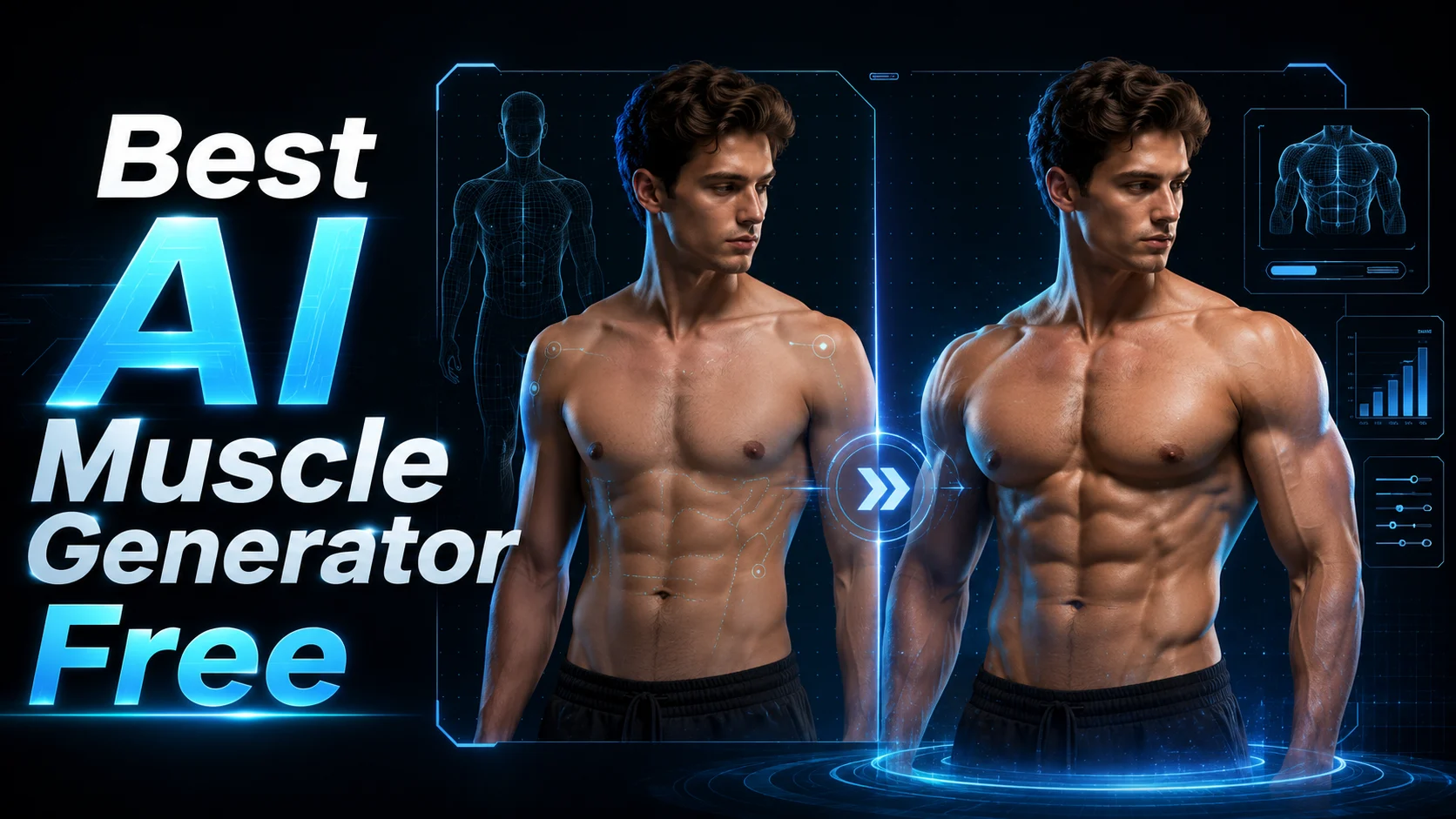
“AI muscle generator” means two completely different things depending on who’s searching. Some people want to see what they’d look like with defined abs and broader shoulders in a photo. Others want an AI-powered coach that builds a real workout plan for gaining muscle. Most articles only cover one side — this guide covers both.
Whether you’re after a visual body transformation tool or AI fitness programming, we tested over 20 free options to find which ones deliver without hidden paywalls or watermarked surprises. Below you’ll find the best free AI muscle generators for photos, videos, and workout plans in 2026.
Quick navigation: Want to add muscles to a photo? Jump to Photo Generators. Need an AI workout plan? Jump to Workout Generators. Want a muscle transformation video? Jump to Video Generators.
Best Free AI Muscle Photo Generators
These tools use AI to add realistic muscle definition to your photos — no Photoshop skills required. Here’s what stood out after testing.
Pixelcut — Best for Quick, Realistic Muscle Enhancements
Pixelcut is a web-based AI muscle generator used by over 2 million people. Upload a photo, describe the physique you want, and it generates a high-res PNG you can download immediately. You can target specific muscle groups like abs, chest, and arms.
The free tier gives you usable output without watermarks, which is rare in this space. It’s the most straightforward option if you just want a quick, realistic result.
Airbrush — Best for Muscle Group-Specific Editing
Airbrush lets you fine-tune individual muscle groups with adjustable intensity sliders — V-line abs, pecs, arms, shoulders, even collarbone definition. It’s available on Windows, Mac, iOS, and Android, making it the most accessible cross-platform option.
The catch: free outputs come with a watermark. You’ll need Airbrush Studio for unlimited, clean exports.
Dreamina (CapCut) — Best for High-Resolution AI Generation
Backed by ByteDance’s CapCut ecosystem, Dreamina offers three distinct approaches — text-to-image generation, photo editing, and transformation visualization. Its Seedream 4.5 model produces 2K resolution images in about 1.8 seconds, the fastest output in this category.
You get daily free credits, and batch generation is supported for creators who need multiple variations.
YouCam Online — Best No-Signup Browser Tool
YouCam Online runs entirely in your browser with no app download or account creation. Use the AI Replace brush tool to add muscle definition through custom text prompts, then upscale the result to high resolution.
It also converts static muscle photos into short animated videos — a useful bonus if you want social media content from a single upload.
Fotor — Best for Beginners with No AI Experience
Fotor is a solid entry point if you’ve never used an AI body editor before. The interface is simple, the learning curve is minimal, and it appears consistently across reviews as a reliable beginner option. It won’t give you the granular muscle-group control of Airbrush, but it gets the job done for quick edits.
Other Notable AI Muscle Photo Tools
A few more worth trying: LogoAI/AiDesign provides access to multiple AI models including NanoBanana and Midjourney through one interface. PXZ.ai and Remaker AI also offer capable free tiers. For advanced users, general-purpose generators like Midjourney and Stable Diffusion can produce impressive muscle physique images with the right prompts.
Best Free AI Muscle Video Generators
Static photos are one thing — animated muscle transformation videos are what go viral on TikTok and Instagram Reels. These tools turn a single photo into a shareable video clip.
AI Image to Video — Best for 4K Muscle Transformation Videos
AI Image to Video converts photos into high-quality muscle transformation videos using advanced models like Kling, Veo, and Wan. The standout features are 4K resolution output and no watermarks on generated videos — two pain points that plague most free tools in this category.
You get customizable controls for aspect ratio, duration, and motion intensity, plus batch processing for creators producing multiple transformation clips. It’s well-optimized for social media platforms, particularly TikTok.
Vidgo AI — Best for Multi-Style Social Media Videos
Vidgo AI offers preset muscle transformation styles like “Adonis” and “Greek goddess,” or you can write custom prompts. It integrates multiple AI models (Sora 2, Veo 3.1, Kling 2.6, Wan 2.6) and supports 12 languages, making it a strong choice for creators targeting international audiences.
Pricing is credit-based, so check what the free tier actually includes before committing.
Mango AI — Best for Quick One-Step Muscle Videos
Mango AI keeps things simple: upload a photo, and it generates a muscle transformation video with auto-added music in one step. No customization options, no learning curve — just a quick result optimized for social sharing.
Clipfly — Best for Watermark-Free Video Output
Clipfly offers two transformation modes — Muscle Growth and Become Stronger — along with a background replacement feature. The key advantage is no watermarks on the free tier, which makes it one of the few AI muscle video generators where the free output is actually usable without branding layered over your content.
Movely AI — Best for Muscle Showcase Templates
Movely AI provides pre-built templates for different muscle showcase styles — flex poses, full-body transformations, and targeted muscle group highlights. It supports both male and female body types with natural-looking motion animation. A solid pick for TikTok and Instagram Reels creators who want template-driven consistency across posts.
Best Free AI Workout Generators for Muscle Gain
Now for the other side of “AI muscle generator” — tools that build actual workout plans to help you gain real muscle. These target users who want a free alternative to a personal trainer.
MuscleWiki — Best Completely Free Workout Generator
MuscleWiki is 100% free with no paywalls or premium upsells. Its interactive muscle map lets you click on any body part to find targeted exercises, and the built-in AI workout generator creates plans based on your goals. It also includes a calorie calculator and nutritional tools.
The educational, non-commercial approach makes it a trustworthy starting point — especially for beginners who don’t want to navigate subscription tiers.
GymScore.ai — Best for Detailed Personalized Plans
GymScore.ai generates free 90-day periodized workout plans in about three minutes. It asks about your goals, experience level, available equipment, injuries, exercise preferences, and schedule — then produces a plan that Reddit users describe as “so much more detailed than ChatGPT.”
For anyone frustrated with generic, cookie-cutter AI workout plans, this is the tool that directly addresses that complaint.
WorkoutGen — Best for Coach-Quality Programming
WorkoutGen was built by certified coach Jeremy Tellier and generates AI plans in 60 seconds. It includes 500+ HD exercise demo videos and real periodization methods like Pyramid sets, GVT, FST-7, and Cluster Sets — programming approaches you’d normally only get from a qualified trainer.
The free tier is genuinely useful. Paid plans start at $47.88/year if you want advanced features.
Fitbod — Best AI-Powered Progressive Overload
Fitbod is the most frequently mentioned AI workout app across Reddit, YouTube, and review sites. Its algorithm tracks muscle group fatigue and adjusts your next session based on recovery, with a library of 900+ exercises and Apple Watch integration.
At $15.99/month, it’s not free — but it’s widely considered the gold standard for AI-driven strength training with true progressive overload.
Hevy — Best Free Workout Logger with Social Features
Hevy is the most popular free workout logger, offering PR tracking, routine sharing, and a built-in social community. Many users pair Hevy’s logging with a separate AI generator for programming — it works well as the tracking layer alongside AI muscle building apps.
The free tier covers everything most lifters need. Pro runs $2.99/month or $74.99 for lifetime access.
Other Notable AI Workout Tools
SHRED App was rated best overall workout app by GarageGymReviews after testing 70+ apps ($9.99–19.99/month). FitnessAI builds on over 100 million training sessions for data-driven programming. Boostcamp offers a curated library of proven programs like GZCL and nSuns for free. BRIK generates HIIT circuits that remember your last 7 days of exercises.
And don’t overlook ChatGPT — Reddit users report solid results when they provide detailed prompts including their training history, goals, equipment, and injury constraints. It lacks session memory and built-in progressive overload, but as a free AI workout generator starting point, it works.
FAQs About Free AI Muscle Generators
What is the best free AI muscle generator?
It depends on what you need. For muscle photos, Pixelcut delivers the most realistic free results with no watermarks. For transformation videos, AI Image to Video offers 4K output without watermarks. For workout plans, MuscleWiki is completely free, and GymScore.ai produces the most detailed personalized programs at no cost.
Can AI really make you look muscular in photos?
Yes. Tools like Pixelcut, Airbrush, and Dreamina use AI to add realistic muscle definition to uploaded photos. Results depend heavily on your input — well-lit images with clear body visibility produce the best output. These tools are designed for visualization and motivation, not deception.
Are AI workout generators good for building real muscle?
AI workout generators like Fitbod, GymScore.ai, and WorkoutGen can produce genuinely useful muscle-building plans, especially for beginners who can’t afford a personal trainer. The main limitation is that AI can’t correct your form in real time — the number one argument for human trainers. Reddit users estimate AI plans are roughly 70–80% accurate. They work best as a structured starting point, combined with form tutorials from YouTube channels like Athlean-X or Jeff Nippard.
Which AI muscle generator works without watermarks?
For photos, Pixelcut offers watermark-free PNG downloads on its free tier. For videos, AI Image to Video provides 4K output without watermarks, and Clipfly also delivers clean free video output. Most other tools add watermarks or reduce resolution on free plans.
Is it safe to upload body photos to AI muscle generators?
Privacy policies vary by tool. Browser-based options like YouCam Online that require no account creation generally process images without long-term storage, but always check the specific tool’s data retention policy. Avoid tools that ask for unnecessary personal information just to try the feature, and look for platforms that process images locally when possible.
Conclusion
The best free AI muscle generator depends entirely on your goal. For muscle photos, Pixelcut gives you the quickest realistic result with no watermarks. For transformation videos ready for TikTok or Instagram, AI Image to Video stands out with 4K quality and clean output. And if you want to actually build muscle, MuscleWiki is completely free while GymScore.ai produces detailed 90-day plans that outperform generic AI outputs.
Start with the tool that matches your intent — whether that’s a visual transformation for fun or a structured plan for real gains.






