
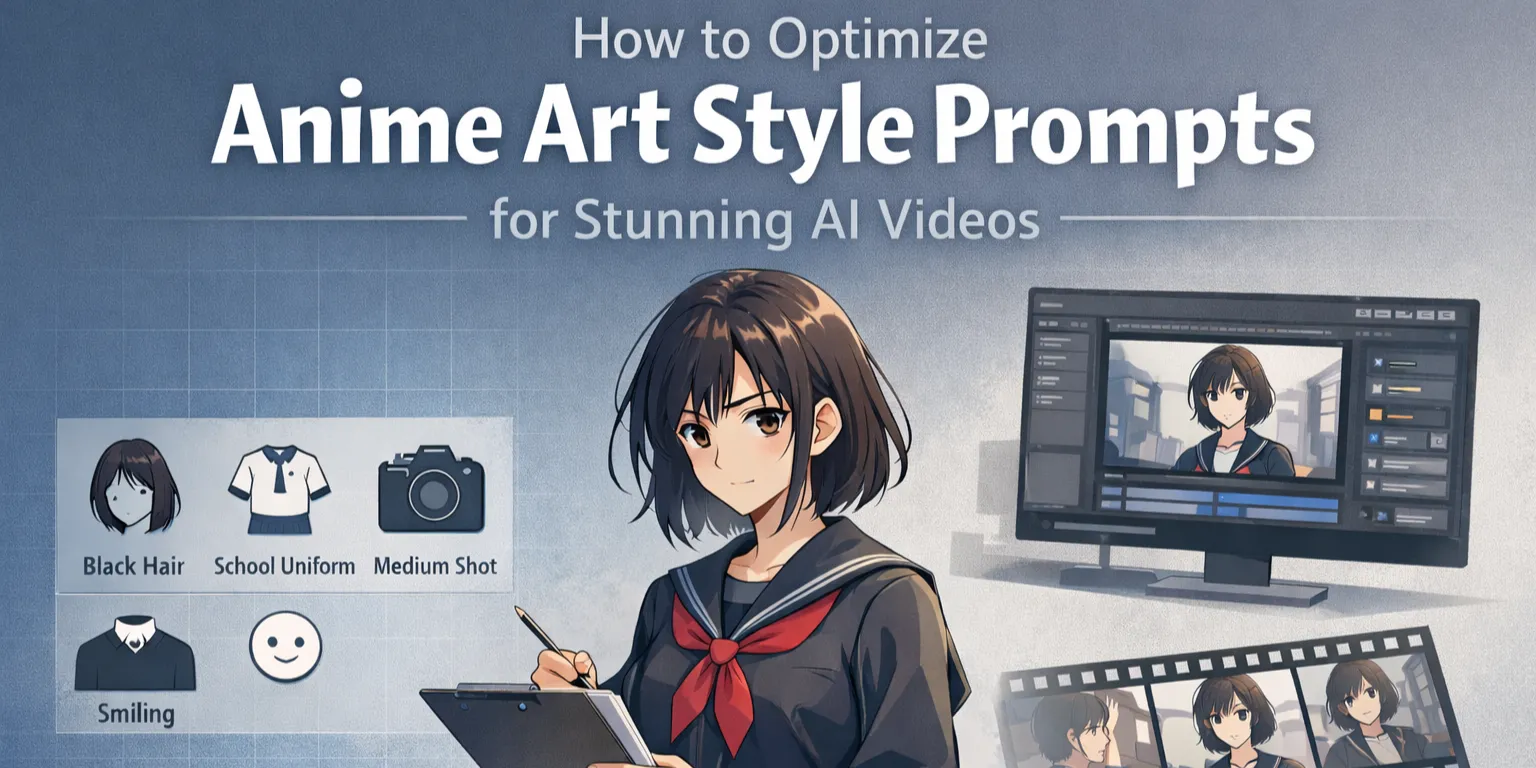
Creating a great anime-style AI image is one thing. Getting that image to survive animation is another.
A prompt that looks amazing in one frame can fall apart in motion. Faces drift, outlines soften, colors shift, and the whole scene starts losing that crisp anime feel. That is why strong anime art style prompts for AI are not just about making pretty images. They are about building images that can hold together once they move.
This guide breaks down how to write better prompts for anime-style video generation, from prompt structure and style tags to artist references, motion-friendly wording, and common mistakes to avoid.
Why Anime Prompts Need Optimization for Video
Static image generation and video generation do not behave the same way. A still image only needs to work once. A video needs to keep its look across many frames.
That is why a prompt that produces a stunning poster-like anime image may still fail when you animate it. Small weaknesses that are easy to ignore in one frame become obvious in motion. Hair shape changes. Accessories appear or disappear. Lighting shifts for no reason. The result feels unstable.
This is especially important when you want repeatable character design. If that is your main goal, you can also explore our guide to AI anime generator workflows.
The Gap Between Image and Video Prompts
Image prompts often focus on visual impact: dramatic lighting, lots of details, layered accessories, complex backgrounds. That can work well for a single output.
Video prompts need more discipline. They should help the model understand:
- what needs to stay consistent
- what can move naturally
- what visual style should stay locked
If the prompt does not provide that structure, the animation may look flashy for a second but quickly become messy.
Common Prompt Mistakes That Ruin Anime Videos
Several mistakes show up again and again in anime AI workflows:
- Overly complex compositions that overwhelm consistency
- Conflicting style tags that cause visual drift
- No motion-friendly language, which leads to stiff or random movement
- Wide shots with tiny faces, where identity quickly falls apart
- Too many decorative details, which the model cannot preserve cleanly
The main rule is simple: video-ready prompts should prioritize stability over excess.
The Core Prompt Formula for Anime Video Generation
A clear prompt structure makes anime video generation much more reliable.
The most practical formula is:
[Style Tags] + [Subject] + [Composition] + [Quality Modifiers] + [Motion Descriptors]
This structure works because each part solves a different problem.
1. Style Tags
This defines the overall visual language. Examples include:
- anime coloring
- cel shading
- retro anime style
- cinematic anime frame
- manga-inspired monochrome
Keep this section focused. If you mix too many styles, the result often becomes generic.
2. Subject
Describe the character or scene clearly:
- who is in the frame
- what they are wearing
- what matters visually
Do not overload this part. The model usually handles a clean subject description better than a huge pile of visual details.
3. Composition
This is where you control framing and camera logic:
- close-up
- medium shot
- cowboy shot
- low angle
- centered composition
- simple background
Composition matters more for video than many people expect. A strong composition helps the model preserve the important parts of the shot.
4. Quality Modifiers
This controls the visual finish:
- crisp outlines
- clean facial features
- minimal gradients
- polished anime key visual
- sharp linework
These clues help push the output away from soft, painterly AI art and closer to a usable anime look.
5. Motion Descriptors
This is the part that prepares the image for animation:
- hair moving in wind
- cloth fluttering
- subtle motion
- slow zoom
- slight head turn
- drifting rain
Even simple motion words can make your source images much easier to animate later.
Style Tags That Translate Better Into Motion
Not all anime styles animate equally well. Some survive motion much better than others.
Cel Shading and Flat Color Logic
If your goal is smooth anime-style video, cel-shaded prompts often perform better than painterly ones. Flat color blocks and cleaner shadows are easier for models to preserve across frames.
Useful prompt phrases include:
- cel shading
- flat colors
- bold outline
- hard shadows
- limited palette
- minimal gradients
These tags often lead to a more stable result when you move from image to video.
Clean Line Art Over Painterly Texture
A lot of anime generations fail because the lines are not truly clean. They look good at first glance, but once animated, the softness becomes obvious.
Prompt phrases that usually help:
- clean line art
- crisp linework
- sharp anime outlines
- no painterly brush texture
- no soft oil-paint effect
If your visual target is a real anime frame rather than a digital illustration, line control matters a lot.
Cinematic Anime Styles
For more dramatic results, you can push toward a cinematic anime look with phrases like:
- anime screenshot
- cinematic anime frame
- dramatic rim light
- anime key visual
- film grain
This is especially useful if you plan to turn your still image into a short reveal shot or intro sequence.
Mastering Artist Strings and Style References
Artist strings are one of the most effective ways to create stronger anime style consistency.
Instead of manually describing every aspect of the style, an artist tag can influence:
- line quality
- color palette
- mood
- rendering behavior
That makes artist references useful when you want a more unified visual result.
How Artist Strings Help
A good artist string works like a style shortcut. It gives the model a stronger reference point, which can reduce the random visual drift you often see with broad anime prompts.
When using them, start light. Overweighting artist tags can overwhelm the rest of the prompt.
Keep Artist Weighting Balanced
A common format is:
(artist name:1.1)
In many cases, modest weighting works better than aggressive weighting. The goal is to guide the model, not crush every other part of the prompt.
Avoid Style Conflicts
Do not combine too many unrelated artist influences at once. If the references clash, the output becomes unstable. It is usually better to use one strong style direction than three half-compatible ones.
Danbooru Tags and Booru-Style Prompting
If you are new to anime AI art, “Danbooru tags” may sound complicated. In simple terms, they are just a more structured way to describe what you want in an anime image.
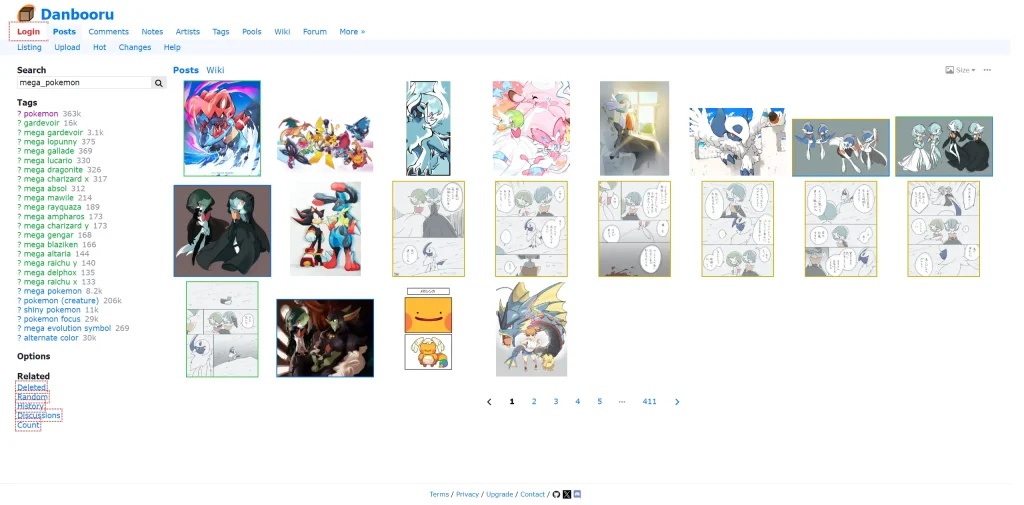
Danbooru is a long-running anime image site built around a detailed tagging system, which is one reason its tags are often used in anime-style AI prompting. Many anime models respond well to this tag-based style because it breaks an image into clear visual parts instead of long, vague sentences. An anime prompting guide also notes that Danbooru-style tags often work better for anime models than plain natural-language prompts.
For example, instead of writing “a beautiful anime girl in cool clothes,” you can be more specific with tags like:
- black hair
- school uniform
- medium shot
- smiling
- looking at viewer
This helps the model understand details like hairstyle, outfit, pose, camera angle, and expression more clearly.
One important tip: more tags do not always mean better results. Beginners often stack too many tags into one prompt, which can confuse the model and make the output less stable. In most cases, a shorter prompt with a few strong tags works better than a huge list.
You can also study a reference image with a tagger tool, but do not copy every extracted tag blindly. Auto-generated tag lists are often messy. A cleaner prompt usually performs better than a raw tag dump.
The easiest way to use Danbooru-style prompting is to treat it as a tool, not a rulebook: keep the tags that clearly improve the image, and remove the rest.
Style-Specific Prompt Optimization
Different anime aesthetics need different prompt strategies.
90s Retro Anime
For a retro TV anime feel, focus on:
- cel shading
- warmer palette
- defined line art
- flat shadow areas
- retro anime style
This style often animates well because it relies less on complex lighting transitions.
Studio Ghibli-Inspired Softness
If you want a softer, more painted look, use:
- muted natural tones
- storybook atmosphere
- watercolor texture
- gentle environmental detail
This aesthetic works best with slower movement and calmer scenes.
Cinematic Anime for Professional-Looking Videos
For polished, modern anime-style shots:
- anime screenshot
- dramatic composition
- cinematic lighting
- high contrast atmosphere
- film grain
This style works well for trailers, intro scenes, and short emotional moments.
Manga-to-Motion Black-and-White Style
Monochrome anime prompts can be striking, but they need strong contrast and clean structure. Add:
- high contrast
- inked outlines
- manga screen tone
- dynamic black-and-white shading
This style is harder to animate, but it can create very distinctive results when handled carefully.
From Optimized Prompts to AI Video
Once your image prompts are working, the next step is turning them into motion without losing the style.
Generate Strong Source Images First
Before animating anything, create a small set of solid source images. Focus on:
- stable face design
- clean silhouette
- readable composition
- controlled background detail
Do not rush this part. Strong source frames make everything easier later.
Choose the Right Type of Motion
For anime-style sequences, simple motion usually works better than aggressive motion. Good examples:
- hair movement
- cloth movement
- blinking
- slow camera push
- slight head turn
- drifting atmosphere effects
Short, controlled animation often looks much more convincing than trying to generate a full action scene in one pass.
If your next step is bringing still visuals into motion, this is a natural place to explore AI animate image workflows.
Adjust Prompts for Video, Not Just Images
When moving into video generation:
- reduce unnecessary detail
- keep the style tags consistent
- keep the subject wording stable
- add motion language deliberately
- simplify the shot if needed
A video prompt should support continuity, not just visual decoration.
Advanced Optimization Techniques
Once the basics are working, advanced methods can give you more control.
LoRAs for Character Consistency
If character stability is the main goal, custom LoRAs can help preserve:
- face identity
- hairstyle
- clothing
- proportions
This is especially useful for recurring characters in series content.
ComfyUI for More Prompt Control
ComfyUI gives advanced users more control over prompt flow, model selection, upscaling, and refinement. It is not the easiest setup, but it can be powerful if you need precise workflows.
Resolution Strategy Matters
Source image resolution affects final quality. In general, cleaner mid-to-high-resolution source images give you more flexibility when you animate or upscale later.
Troubleshooting Common Prompt Problems
Even good prompts can break. Here are the most common issues.
Style Inconsistency Across Frames
If your result starts looking generic or unstable:
- reduce the number of style tags
- strengthen the main style direction
- keep the core tags unchanged between shots
- consider adding one controlled artist reference
Multi-Character Scene Chaos
Multiple characters increase difficulty fast. If scenes become unstable:
- define positions clearly
- simplify wardrobe
- reduce background complexity
- consider generating separate elements first
Lost Face Detail in Wide Shots
If your characters lose identity in wide compositions:
- move to medium or cowboy shots
- use close-up cutaways
- save wide shots for simpler moments
If you want to think beyond prompts and improve the full production pipeline, you can also read how to make insanely good animation using AI.
FAQs of Anime Prompt Optimization for AI Video
What makes anime art style prompts for AI video-ready?
Video-ready prompts are built for consistency. They use clear style direction, stable subject wording, controlled composition, and motion-friendly language.
Which prompt styles work best for anime video?
In many cases, cel-shaded styles, flat color palettes, and clean line art work best because they are easier to preserve across motion.
How do I keep characters consistent?
Use a repeatable character description, keep core visual traits stable, and avoid changing too many variables at once.
Can I use the same prompt for different video tools?
Usually, the core prompt can stay similar, but motion wording and camera instructions may need small changes depending on the tool.
How long should an anime prompt be?
Longer is not always better. A focused prompt with strong style, subject, composition, and motion cues usually works better than a huge tag stack.
Conclusion
Writing better anime art style prompts for AI is really about writing for motion, not just for a single image.
If you want anime visuals that survive animation, your prompts need:
- a clear style direction
- cleaner composition
- stable character logic
- motion-friendly wording
- fewer conflicting details
That is what turns a beautiful still into a usable video asset.
Start simple. Tighten your style tags. Build stronger source images. Then animate with control instead of hoping the model figures everything out on its own.
