
Properties featuring video content receive 403% more inquiries than those stuck with static imagery. Let that sink in for a moment. According to data from the National Association of Realtors (NAR), video isn’t just a “nice-to-have” anymore; it is the primary engine of modern lead generation.
However, the traditional math of video production hasn’t always added up. Hiring a professional videographer usually sets an agent back anywhere from $300 to $1,200 per listing. If you’re a high-volume agent managing 20 listings a year, you’re looking at a $24,000 hole in your marketing budget before a single commission check clears. Add a two-week turnaround time to the mix, and you’ve effectively missed the “hot listing” window.
Enter the era of AI-generated User Generated Content (UGC). These tools have flipped the script, allowing agents to generate high-conversion listing videos for less than the price of a lunch. In this guide, we provide in-depth reviews of AI UGC video creators for real estate, helping you navigate the 2026 landscape to find the perfect fit for your business.
The Math of Modern Real Estate: Why AI is Winning
The shift toward AI video isn’t just about following tech trends; it’s a cold, hard financial calculation. Despite the proven ROI of video, only about 9% of agents use it consistently. The barrier has always been the “Production Tax”—the high cost and slow speed of human editors.
The Cost-Benefit Breakdown
| Feature | Traditional Video Production | AI UGC Video Creators |
| Cost per Video | $300 – $1,200 | $8 – $25 |
| Annual Cost (20 Listings) | $6,000 – $24,000 | $160 – $500 |
| Turnaround Time | 10 – 14 Days | 5 – 15 Minutes |
| Iterative Revisions | Expensive & Slow | Instant & Unlimited |
| Scalability | Limited by Videographer | Infinite |
By cutting costs by nearly 96%, agents are no longer forced to “pick and choose” which luxury properties get the video treatment. Now, every rental, starter home, and mid-market listing can have a professional video presence.
Detailed Reviews of AI UGC Video Creators for Real Estate
Not all AI is created equal. Some platforms excel at social media “hooks,” while others focus on cinematic property tours that look right at home on a high-end MLS listing.
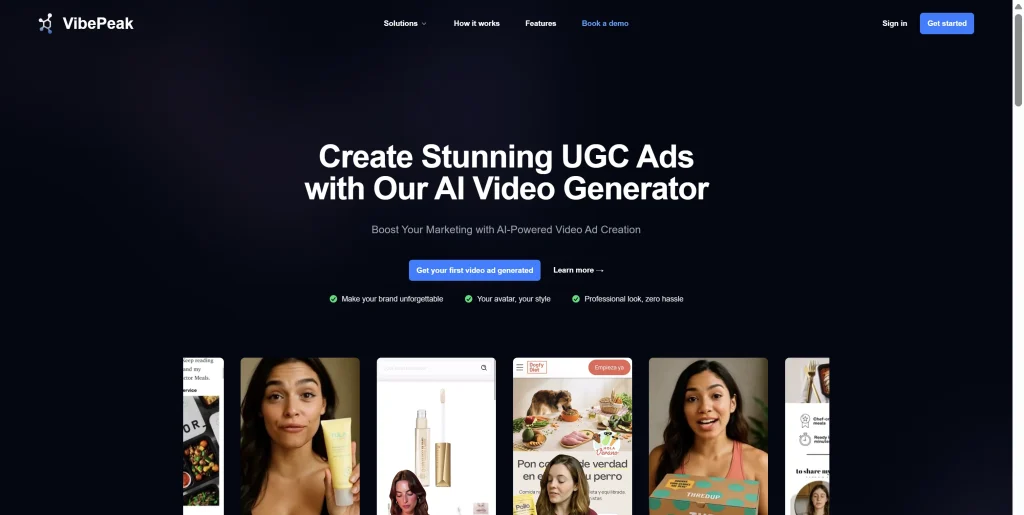
1. VibePeak: The Social Media Specialist
Price: ~$29/month
Best For: Instagram Reels, TikTok, and YouTube Shorts
VibePeak has carved out a niche as the go-to tool for agents who live on social media. It features over 300 AI avatars that act as your digital spokesperson.
- The Standout Feature: Its ability to auto-generate scripts based on property photos. You upload your listing images, and the AI identifies features (like “granite countertops” or “open-concept layout”) to write a compelling script.
- The Verdict: If your goal is to dominate the local TikTok “Real Estate” tag, this is your tool. The mobile-first aspect ratios are handled automatically.
2. PhotoAIVideo: The MLS Powerhouse
Price: $29/month
Best For: Cinematic listing presentations and professional portals
While many tools focus on talking heads, PhotoAIVideo focuses on the property itself. It uses advanced spatial AI to turn static photos into “cinematic sweeps.”
- The Standout Feature: Professional camera movements like dolly zooms and pull-outs that simulate a $2,000 gimbal setup. It also offers direct MLS integration to pull data automatically.
- The Verdict: This is the tool for agents who want their listings to look “expensive” without the expensive price tag.

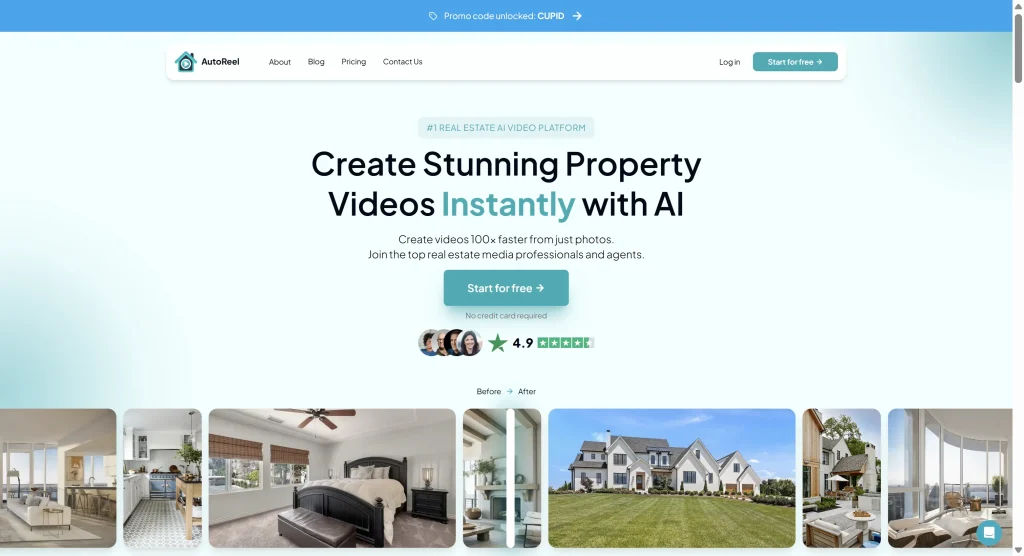
3. AutoReel: The Faux-Drone Solution
Price: Custom/Volume-based
Best For: High-volume agents and large acreage listings
AutoReel specializes in “Flythrough Simulations.” By pulling data from Zillow or Realtor.com, it creates a 3D-like aerial experience from 2D satellite and listing photos.
- The Standout Feature: 10-minute render times for full-property walkthroughs.
- The Verdict: Perfect for properties where exterior “curb appeal” and neighborhood context are the primary selling points.
Reviews of AI UGC Video Platforms for Enterprises
When scaling to a brokerage or a multi-state real estate firm, the requirements shift from “simple tools” to “robust platforms.” In this section, we examine the heavy hitters capable of handling enterprise-level volume and quality.
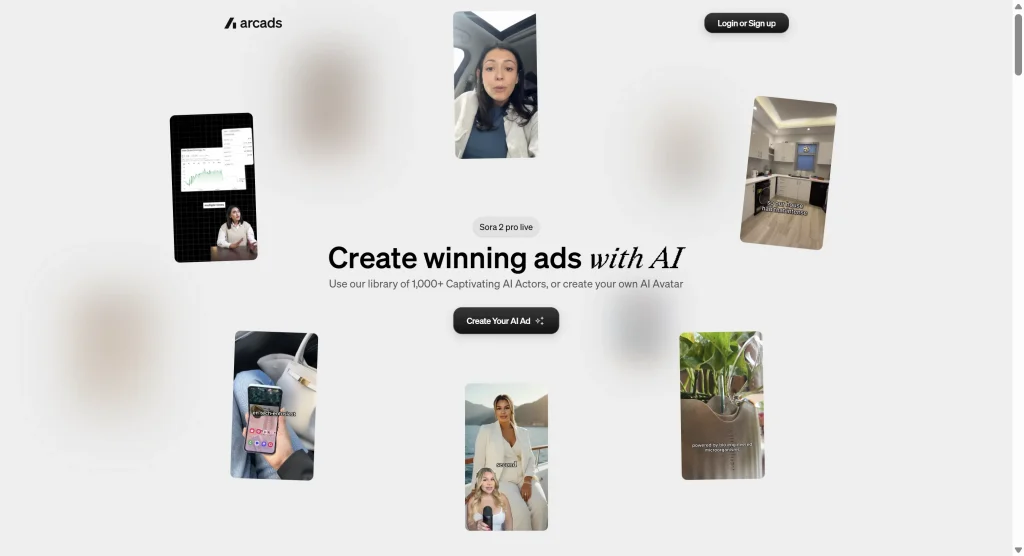
Arcads AI: The Gold Standard for Realism
Price: $110+/month
Arcads is often cited in reviews of AI UGC video platforms for enterprises because of its uncanny realism. Unlike cheaper alternatives, Arcads uses high-fidelity AI actors that are virtually indistinguishable from human creators.
- Enterprise Value: For large firms, Arcads offers a “No-Uncanny-Valley” guarantee. Their API allows for mass-production of videos across thousands of listings simultaneously.
- The Trade-off: There is no free trial, and the price point reflects its premium positioning. It is built for agencies that prioritize brand prestige over the lowest possible cost.
Creatify: The High-Volume Efficiency King
Price: $19/month
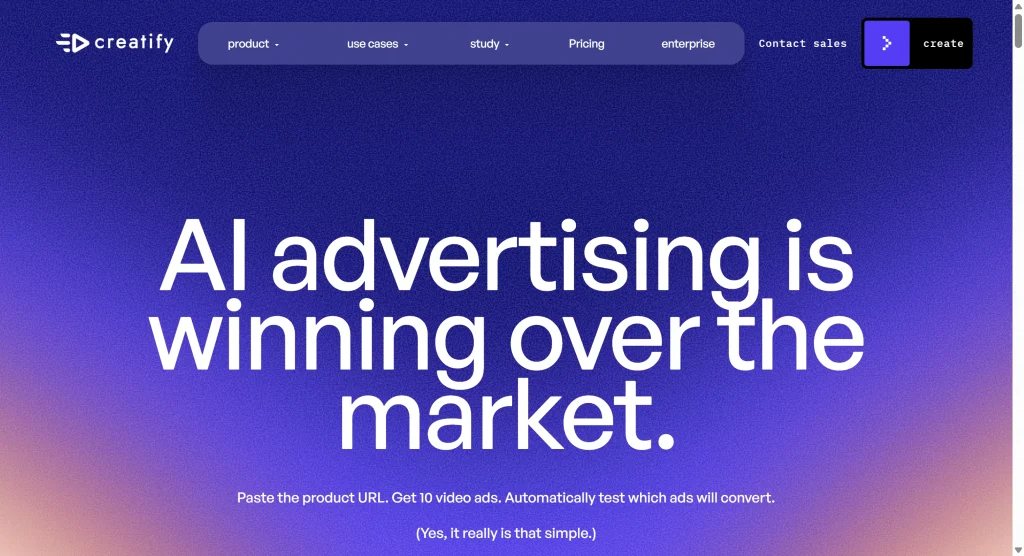
Creatify is the “budget-friendly” enterprise solution. While it caters to individual agents, its “URL-to-Video” feature is a dream for large-scale property management companies.
- Enterprise Value: You can feed it a list of 100 rental URLs, and it will churn out 100 unique videos in under an hour.
- The Trade-off: Users occasionally report platform lag during high-traffic periods, but for the price, the efficiency is unmatched.
Strategic Comparison: Which Tool Fits Your Budget?
Finding the right tool is a balance of your current GCI and your marketing goals.
| Tool | Monthly Price | Cost Per Video | Free Trial | Primary Benefit |
| Creatify | $19 | ~$1.27 | 2 Videos | Extreme affordability |
| Tagshop AI | $23 | ~$0.77 | 1 Video | Multilingual (40+ languages) |
| VibePeak | $29 | ~$1.50 | 3-Day Refund | Social media optimization |
| PhotoAIVideo | $29 | ~$1.50 | Yes | Cinematic MLS quality |
| Arcads AI | $110+ | ~$5.50 – $11 | No | High-fidelity realism |
Segmenting Your Strategy by Property Type
One size does not fit all in real estate. Your AI strategy should change based on what you are selling:
- Starter Homes & Rentals: AI is a “no-brainer” here. Buyers in this segment are searching for functional information. They want to see the layout and the neighborhood. AI UGC delivers this perfectly for a few dollars.
- Mid-Market ($500k – $900k): Use a hybrid approach. Use AI for the “teaser” videos on Instagram to drive traffic, but keep high-resolution photography for the main listing page.
- Luxury Properties ($1M+): Proceed with caution. High-net-worth individuals value exclusivity and authenticity. While AI can be used for behind-the-scenes “Coming Soon” hype, the final walkthrough should usually remain human-led to maintain trust.
The “Agent Verdict”: Community Insights & Trust
We’ve monitored discussions across Reddit and real estate forums to see what’s actually happening on the ground.
The Pro-AI Sentiment:
“I used to spend $600 on a human-shot UGC clip for my Facebook ads. Now I spend $7 on an AI version, and the click-through rate is actually higher because I can test five different versions of the video for the same price.” — Verified Agent, r/RealEstateAdvice
The Skeptic’s View:
“If the AI looks too fake, buyers think the house is fake. There’s an ‘uncanny valley’ where if the agent looks like a robot, people assume the photos are photoshopped to hide mold or cracks.” — Buyer Feedback, Reddit
The Best Practice:
Transparency is key. Many top-performing agents use a “Digital Twin” strategy. They use tools like Tagshop AI to create a digital version of themselves. This maintains the personal brand while reaping the efficiency of AI.
Getting Started: Your 30-Day AI Roadmap
You don’t need to be a tech genius to implement this. Here is how to start:
- Select Your Tool: Based on our reviews of AI UGC video creators for real estate, start with VibePeak if you want social growth, or PhotoAIVideo if you want to improve your listing pages.
- The 3-Listing Test: Don’t commit to a yearly plan yet. Run AI videos on your next three listings.
- Monitor the Data: Track your inquiries. Are people mentioning the video? Is your “Time on Page” increasing?
- Refine the Voice: If the AI sounds too robotic, try the “Voice Cloning” features available in premium tiers to use your own voice over the AI’s movements.
