
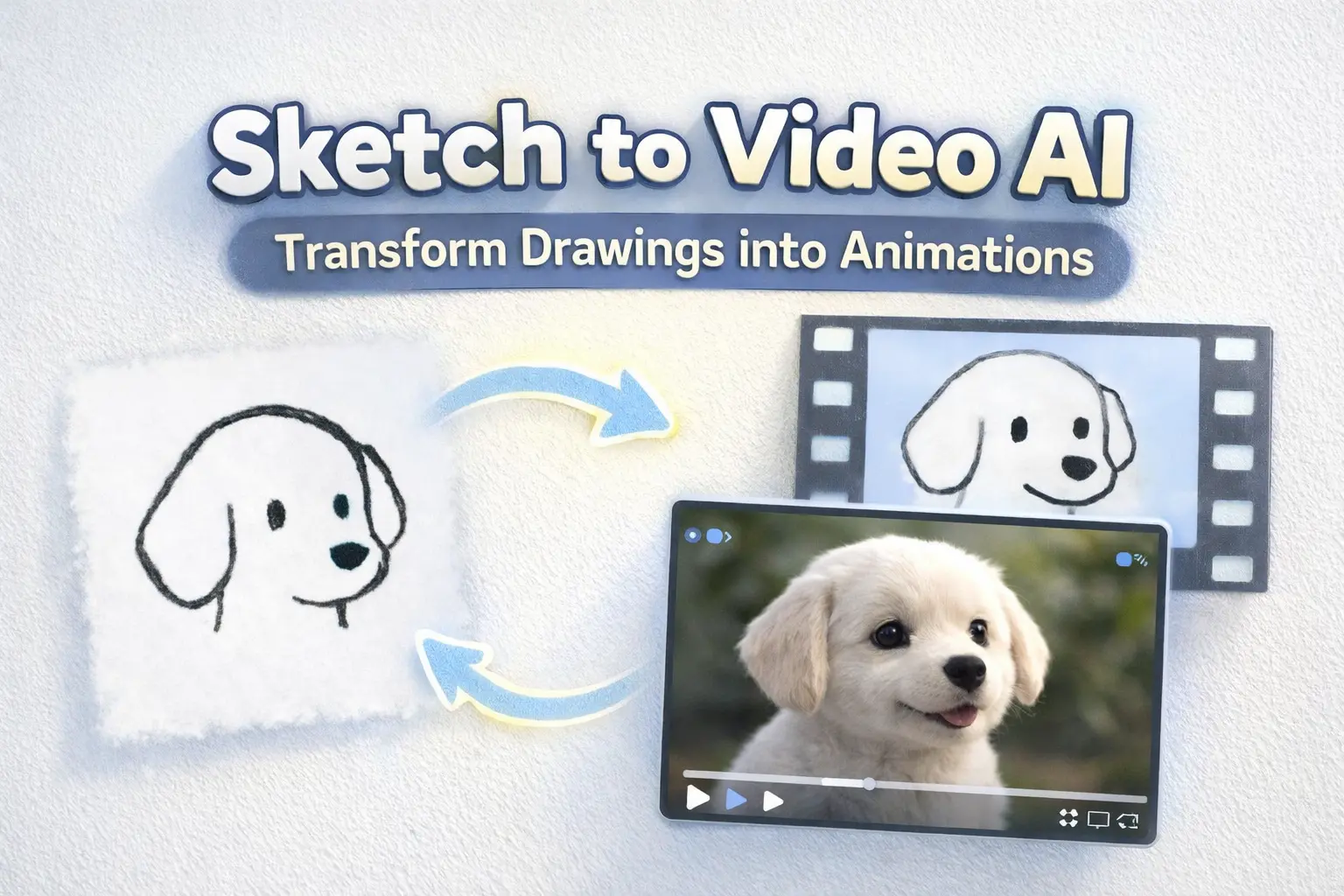
For independent filmmakers and artists, the traditional animation pipeline has always been a barrier. The workload could be enormous. But now the era of AI, that’s changing. You no longer need to hand-draw hundreds of keyframes for just a few seconds of animation, or spend weeks working with expensive software to create visual effects.
With sketch to video AI technology, you can achieve the cinematic animations you want quickly and effortlessly, even no animation degree required.
What Is Sketch to Video AI?
Sketch to video AI is technology that converts static drawings into animated video content. Unlike traditional text-to-video tools that require complex prompts, these platforms use a visual-first approach—the AI reads motion, emotion, and momentum directly from your lines.
Upload a sketch, select a motion style, and the AI generates fluid animation in minutes. The technology works with rough storyboards, polished manga panels, or simple doodles. Most tools offer motion presets (Cinematic, Anime, Realistic, Commercial) that define the animation style without additional input.
Key benefits for creators:
-
Prompt engineering is not necessary—your drawing is the instruction
-
720p to 1080p output suitable for professional use
-
Multiple style options from realistic to anime aesthetics
-
Seconds to generate what would take animators days
Storyboard-to-Scene Workflow for Filmmakers
For filmmakers, storyboard-to-video AI represents the most practical application. Transform your shot breakdowns into animated pre-viz or even final footage.
Why Storyboards Work Perfectly with AI Video
Storyboards are inherently sequential and visual—exactly what AI video models understand best. Each frame contains compositional information, character placement, and implied motion that AI can interpret.
Traditional storyboards already communicate:
-
Camera angles and framing
-
Character positions and movements
-
Scene transitions and pacing
AI video tools read these visual cues and generate corresponding motion. The result: your rough sketches become watchable sequences that communicate your vision to collaborators, investors, or audiences.
Step-by-Step: From Pencil Sketch to Animated Scene
-
Prepare your sketch: Clean lines work best, but rough drawings are acceptable. Add simple arrows to indicate motion direction if desired.
-
Choose your platform: Select a tool based on output quality needs and budget (comparison below).
-
Upload and configure: Most platforms offer aspect ratio options (16:9 for film, 9:16 for social) and duration settings.
-
Select motion preset: Choose Cinematic for dramatic camera moves, Realistic for naturalistic motion, or Anime for stylized movement.
-
Generate and refine: Preview the result. Adjust motion intensity or regenerate if needed.
-
Export: Download at your target resolution for editing integration.
Key Takeaway: Start with simple, clear sketches. Complex detail can confuse the AI—focus on composition and gesture.
Pre-Viz vs. Final Output: When to Use Each
Pre-visualization use: Generate quick animated storyboards to communicate your vision during pre-production. Speed matters more than polish here.
Final output use: For short-form content, social media, or low-budget productions, AI-generated footage can serve as final deliverables. Higher resolution settings and careful shot selection yield professional results.
Most filmmakers use a hybrid approach—AI for establishing shots and background motion, traditional production for hero moments.
Animating Manga and Comic Art for IP Promotion
Manga artists and comic creators can transform their existing art into promotional animations without hiring animators.
Turning Static Panels into Motion for Social Sharing
Key panels from your manga become eye-catching clips for TikTok, Instagram Reels, and YouTube Shorts. The 9:16 vertical format works perfectly for social distribution.
Select panels with:
-
Dynamic poses or action
-
Emotional character moments
-
Striking compositions
AI adds subtle motion—hair flowing, clothing rippling, atmospheric effects—that brings static art to life while preserving your original style.
Creating Animated GIFs and Memes from Your Art
Loopable animations spread organically across platforms. Short clips of character expressions or action moments become shareable content that builds your audience.
Workflow: Generate a 3-5 second animation → Export as GIF → Share with your community.
Building Anticipation: Teaser Animations from Concept Art
Before a manga release or crowdfunding campaign, animated teasers generate buzz. Transform concept art into cinematic trailers that preview your world and characters.
This approach works particularly well for:
-
Webtoon premieres
-
Kickstarter/Indiegogo campaigns
-
Social media announcement posts
Product and Concept Visualization for Designers
Product designers and entrepreneurs can bring concepts to life without 3D modeling skills.
From Napkin Sketch to Product Demo Video
Rough product sketches become compelling demo videos for pitches and presentations. Investors and stakeholders see your vision in motion rather than static drawings.
The workflow is straightforward: sketch your product concept, upload to a sketch-to-video platform, and generate an animated demonstration.
Motion Presets for Commercial and Marketing Content
Different products require different motion aesthetics:
-
Commercial preset: Clean, professional movement for corporate presentations
-
Cinematic preset: Dramatic reveals for premium products
-
Realistic preset: Naturalistic motion for lifestyle products
Match the motion style to your brand identity and target audience expectations.
Educational Content and Explainer Animations
Educators and course creators can animate hand-drawn explanations for enhanced learning materials.
Animating Diagrams and Scientific Illustrations
Complex concepts become clearer with motion. Animate:
-
Process diagrams showing step-by-step workflows
-
Scientific illustrations demonstrating principles
-
Historical scenes bringing events to life
Motion helps learners understand relationships and sequences that static images struggle to convey.
Creating Engaging Course Content from Whiteboard Drawings
Transform lecture sketches into polished animated segments. The casual, hand-drawn aesthetic maintains approachability while animation adds engagement.
Online course completion rates improve with varied visual content—animated segments break up talking-head footage and maintain attention.
Best Sketch-to-Video AI Tools Compared
Choosing the right platform depends on your specific needs, budget, and output requirements.
AI Image to Video – Multi-Model Platform
AI Image to Video offers flexibility through multiple AI models including Kling, Veo, and Wan. Key advantages:
-
Up to 4K resolution with no watermarks
-
Multiple model options for different styles
-
Batch processing for high-volume projects
-
Customizable aspect ratios and motion intensity
Ideal for creators who need professional-quality output and want to experiment with different AI engines.
Higgsfield Sketch-to-Video (Sora 2 Powered)
Higgsfield’s platform runs on Sora 2 technology with built-in drawing canvas. Features include:
-
Five motion presets (Cinematic, Anime, Realistic, Commercial, Horror)
-
1080p HD output
-
Multi-scene narrative coherence
-
No prompt needed—draws motion from sketches directly
Best for creators who want an all-in-one sketching and animation environment.
Runway Gen 4.5 Motion Sketch
Runway offers professional-grade motion control with its Gen 4.5 Motion Sketch feature:
-
Precise motion path drawing
-
Image-to-video generation
-
Professional editing integration
Suited for serious filmmakers already using Runway’s ecosystem.
Canva Image to Video
For creators already using Canva, the built-in Image to Video feature provides accessible animation:
-
Smart mode (automatic motion) and Custom mode (describe motion)
-
3-second video generation
-
No additional tool required
Best for social media managers and marketers who need quick, simple animations.
Quick Comparison Table
| Tool | Max Resolution | Watermark-Free | Best For |
| AI Image to Video | 1080p | Yes | Multi-model flexibility |
| Higgsfield | 1080p | Plan-dependent | Built-in canvas workflow |
| Runway | 1080p | Plan-dependent | Professional filmmakers |
| Canva | 1080p | Plan-dependent | Quick social content |
Frequently Asked Questions
Do I need drawing skills to use sketch-to-video AI?
Basic sketching works fine. These tools interpret gesture and composition, not artistic perfection. Stick figures and rough doodles can produce surprisingly good results—clean lines simply help the AI understand your intent more clearly.
Can I use AI-generated videos commercially?
Most paid plans include commercial usage rights, but verify each platform’s terms. Free tiers typically restrict commercial use and add watermarks.
How long does generation take?
Most tools generate 3-10 second clips within 30-60 seconds. Longer videos or higher resolutions take more time. Peak usage hours may increase wait times on popular platforms.
Conclusion
Sketch-to-video AI has removed the barriers between imagination and animation. Indie filmmakers can pre-visualize entire sequences in hours rather than weeks. Manga artists can promote their IP with animated content. Educators can bring diagrams to life.
The technology continues advancing rapidly—what required studio budgets last year now runs on accessible web platforms.
Ready to animate your sketches? Start with AI Image to Video to experience multi-model AI animation with Kling, Veo, and Wan. Whether you’re pre-visualizing your next film or animating manga for your fans, the future of visual storytelling begins with your next drawing.
