
The Fliki AI Video Generator scores a 4.4 out of 5 on Trustpilot from nearly 3,000 reviews — yet just 2.1 out of 5 on the iOS App Store. That gap reveals precisely where the Fliki AI Video Generator shines and where it falls flat.
If you need professional video content but lack editing expertise or budget, you’ve likely noticed dozens of AI tools fighting for your wallet. Choosing poorly means wasted money on a subscription that’s hard to escape. This guide offers a data-driven breakdown of what the Fliki AI Video Generator actually delivers, what it costs, and where it falls short. We reviewed 89 sources — Reddit threads, YouTube critiques, competitor comparisons, and Trustpilot ratings — then measured it against InVideo, Synthesia, Pictory, and VEED.
What Is the Fliki AI Video Generator?
The Fliki AI Video Generator is an all-in-one text-to-video platform that turns scripts, blog posts, URLs, PowerPoint files, or rough text ideas into polished videos. It offers 2,500+ AI voices across 80+ languages, AI avatars, voice cloning, plus Seedance 2.0 and VEO 3 integrations—targeting creators who want professional output without picking up a camera or learning complex software. Pricing for the Fliki AI Video Generator starts at $28/month with a free tier available.
Core capabilities include:
- Text-to-video, idea-to-video, blog-to-video, PPT-to-video, and image-to-video conversion
- 2,500+ AI voices spanning 80+ languages and 100+ dialects
- AI avatars with lip-sync for stock and custom characters
- Voice cloning from a ~2-minute audio sample
- Seedance 2.0 and Google VEO 3 integrations for improved visual quality
- Auto-subtitles, background music, and brand kits
How the Fliki AI Video Generator Works
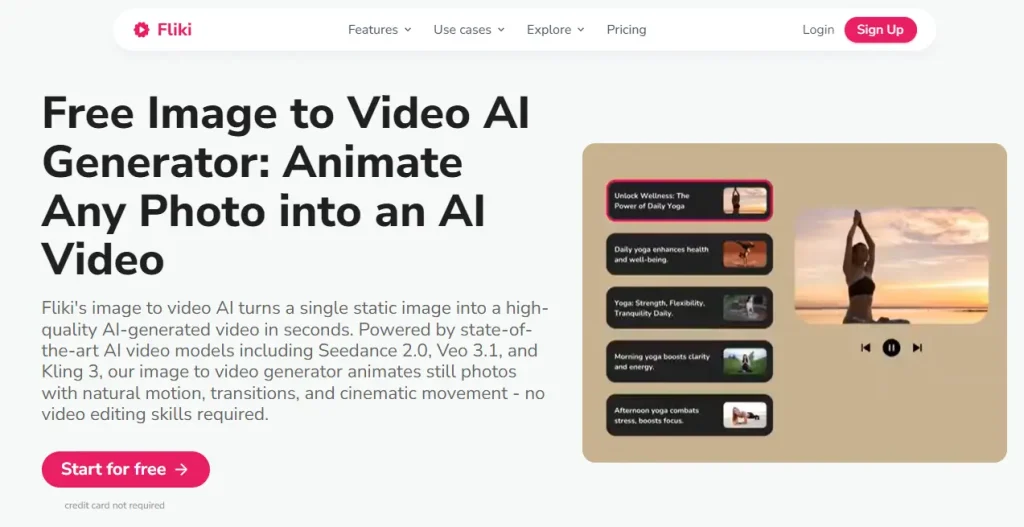
Instead of a traditional timeline editor, it uses a slide-based editing model. You provide input (script, URL, blog post, or PowerPoint), and the tool splits it into slides. Each slide gets an AI voiceover, matched visuals from stock libraries (or AI-generated imagery), and auto-subtitles.
It also integrates Shutterstock’s library and supports Seedance 2.0 plus Google VEO 3 for higher-quality AI clips. A built-in ChatGPT integration can draft scripts from topic prompts, speeding up the idea-to-video workflow.
Who Should Use the Fliki AI Video Generator?
Community feedback shows it works best for:
- Faceless YouTube creators who want automated script-to-video workflows
- Content marketers repurposing blog posts and articles into video
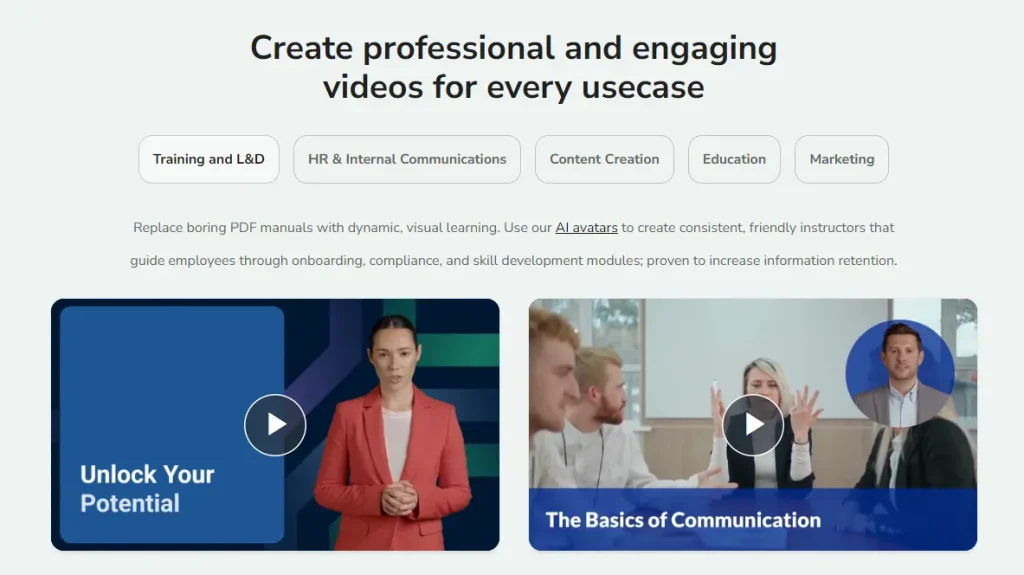
- Educators converting lectures and course materials into visual lessons
- Social media managers producing Shorts/Reels/TikToks at volume
- Small businesses making simple video ads without production teams
It’s not the right fit for editors who demand frame-level timeline control, creators chasing cinematic realism, or projects with heavy multi-speaker dialogue.
Key Features
Input Format Flexibility
It supports a wide range of input types: scripts, blog URLs, PowerPoint files, text ideas, and images. The blog-to-video flow is a standout: paste a URL and it extracts the article, segments it into scenes, and drafts a video.
Main complaint: visual-script mismatch. For niche topics, stock footage choices can be irrelevant and require manual replacement.
Voice Library and Voice Cloning
Voiceover quality is consistently rated as the Fliki AI Video Generator’s top strength. With 2,500+ voices across 80+ languages, it earns repeated praise for breadth and ease of use (including stronger-than-average “kid” voice options).
Non-English voices can be uneven versus English, so previews matter.
Voice cloning is available, but typically locked to the higher-tier plan. (As with any cloning feature, you should consider consent, right-of-publicity rules, and platform policies.)
AI Avatars and Short-Form Content
It includes stock and custom avatars with lip-sync. Avatars are useful for off-camera content, but “uncanny valley” is still a recurring user critique.
For short-form, it supports 9:16, 16:9, and 1:1 with templates, auto-subtitles, and background music suitable for Shorts/Reels/TikTok-style formats.
Seedance 2.0 and VEO 3
These model integrations represent the Fliki AI Video Generator’s biggest recent leap. Seedance 2.0 improves generation speed and motion smoothness; VEO 3 raises the ceiling for AI clip quality. Reddit feedback generally treats these as meaningful upgrades versus older, more “slideshow-like” outputs.
Fliki AI Video Generator Pricing Breakdown
- Free plan: 5 minutes/month, watermarked, 720p—good for testing basics.
- Standard ($28/month): Removes watermarks, unlocks HD and the full voice library (annual pricing reduces the effective monthly rate).
- Key warning: the Fliki AI Video Generator consumes credits during editing and previewing, not only on final export—this is the most common billing frustration.
- Premium ($88/month): Adds voice cloning, API access, and priority rendering (discounted with annual billing). Best suited for branded voice needs or developer workflows.
Quick positioning vs competitors (high level):
- InVideo AI: often cheaper entry; strong on model/features breadth
- Synthesia: best-in-class for polished corporate avatar training content
- This tool (Standard): strongest on voice breadth + input formats
- Premium tier: mainly for cloning/API use cases
Practical advice echoed on Reddit: avoid annual commitments until you’ve validated output quality and credit usage with real projects.
Fliki AI Video Generator: Pros and Cons
Pros
- Broad input support (script, URL, PPT, etc.)
- Very large multilingual voice library
- Generally more affordable than avatar-heavy enterprise tools
- Strong for quick blog/article repurposing
- Beginner-friendly slide workflow
Cons
- Visual relevance can be hit-or-miss (often requires manual cleanup)
- Credit burn during edits/previews can feel punitive
- No true timeline editor for advanced control
- iOS app feedback cites frequent bugs and instability
- Non-English voice quality varies
- Avatar realism still limited
Fliki AI Video Generator vs Competitors
- Vs InVideo: InVideo often wins on price and breadth of “AI add-ons,” while this platform stands out on voice variety and input flexibility.
- Vs Pictory: Different focus—Pictory is more an AI-assisted editor for existing footage, while this platform is more script/asset driven (with avatars as an option).
- Vs Synthesia: Synthesia dominates corporate avatar training; this platform offers more flexibility at a typically lower price but with less polished avatars.
- Vs VEED: VEED is stronger for timeline-style editing workflows; this platform is more self-contained for rapid generation.
If your workflow is primarily image-to-video, specialized generators (Kling/Veo/Wan-type tooling) may complement or outperform a text-first suite depending on your quality needs.
What Users Say About the Fliki AI Video Generator
- Trustpilot: 4.4/5 from ~3,000 reviews (heavy skew toward 5-star)
- G2/Capterra: ~4.8/5 from business users
- iOS App Store: ~2.1/5, with repeated complaints about bugs and poor UX
Reddit threads often describe it as a solid choice for faceless channels and multilingual production, with a recurring caution that generic, templated outputs can underperform without customization.
YouTube coverage is frequently affiliate-driven, so user reports on Trustpilot/Reddit tend to be more useful for balancing pros/cons.
Fliki AI Video Generator FAQs
Is it free? Yes—there’s a free plan with limited minutes, watermarking, and 720p output.
How many languages are supported? 80+ languages and 100+ dialects with thousands of voice options; English tends to be strongest, so test non-English voices early.
Is it good for faceless YouTube? Yes—script-to-video automation is one of its most common use cases.
Can content be monetized? Generally yes, but follow platform disclosure rules and any AI/voice usage policies relevant to your channel and region.
Conclusion — Is the Fliki AI Video Generator Worth It?
The Fliki AI Video Generator is strongest when you need fast, scalable script-to-video production with unusually broad voice options and flexible inputs (especially blog URL and PPT workflows). It’s weaker if you need precise timeline editing, consistently perfect footage matching, or highly realistic avatars—and the iOS app experience is a notable pain point.
If your priority is fast script-to-video at scale, the Fliki AI Video Generator is a compelling monthly test; validate credit usage and output quality with real scripts before committing longer-term.






