
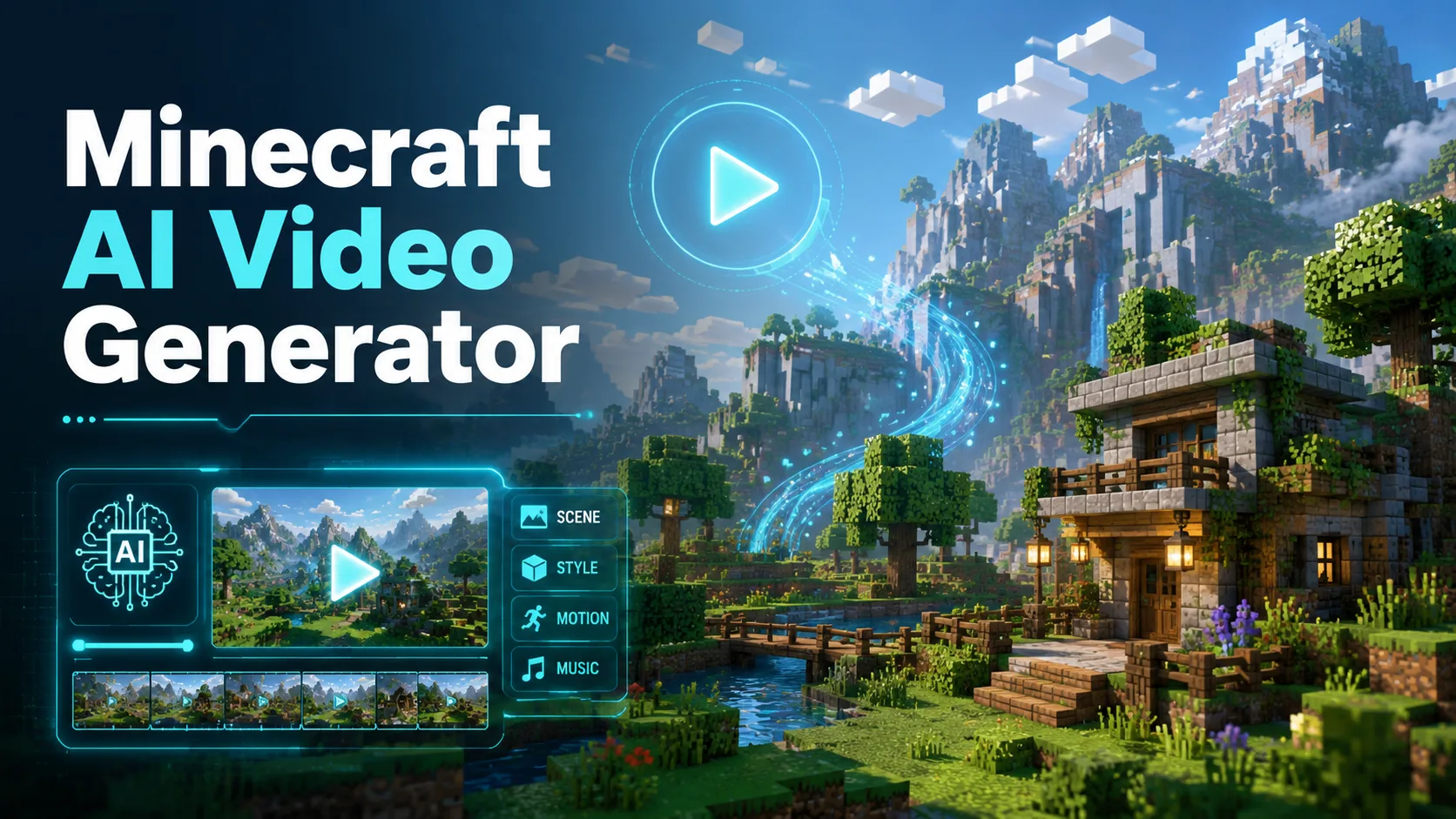
Minecraft content is everywhere on TikTok and YouTube Shorts, with parkour clips and AI-generated animations racking up millions of views. The catch? You no longer need to record gameplay or learn animation software to join in. AI Minecraft video generators now let you turn a simple text prompt into a polished Minecraft-style video in minutes.
The problem is that dozens of tools have flooded the market, all making similar claims. Some hide core features behind paywalls, others produce output that barely resembles Minecraft. This guide cuts through the noise with honest, side-by-side comparisons of the best AI Minecraft video generators available right now, plus a step-by-step workflow to help you start creating immediately.
What Is an AI Minecraft Video Generator?
An AI Minecraft video generator is a tool that uses artificial intelligence to create Minecraft-style videos from text prompts or images. No Minecraft account, screen recording, or animation skills are required. These tools produce parkour footage, character animations, and gameplay-style clips ready for YouTube Shorts, TikTok, and Instagram Reels.
How AI Minecraft Video Generators Work
The process is straightforward. You type a description of the scene you want, such as “first-person parkour through a nether fortress with lava below,” and the AI model generates a short video clip matching that prompt. Some tools also accept image uploads, transforming photos or screenshots into animated Minecraft-style videos. Under the hood, models like Veo, Kling, and Wan handle the heavy lifting.
Types of AI Minecraft Videos You Can Create
The most popular formats include parkour background videos for TikTok voiceover content, Minecraft animations and cinematics, gameplay-style simulations, photo-to-Minecraft character transformations, and brainrot study content that overlays educational material on Minecraft backgrounds. Different tools specialize in different formats, which is why choosing the right one matters.
Best AI Minecraft Video Generators Compared
With so many options available, here is how the top tools stack up across features, pricing, and output quality.
AI Image to Video — Best for High-Quality Multi-Model Minecraft Videos
AI Image to Video stands out by supporting multiple AI models, including Kling, Veo, and Wan, all in one platform. You can generate Minecraft content from both images and text prompts, with output up to 4K resolution and no watermarks. Customizable aspect ratios, adjustable motion intensity, and batch processing make it a strong pick for creators who want professional-quality results at scale.
Opus.pro (Agent Opus) — Best for Minecraft-Specific Features
Opus.pro offers the deepest Minecraft-native controls of any tool we reviewed. It includes custom biome generation, day-night cycle control, redstone mechanism demos, and automated block animations with consistent pixelated style. A free tier is available, making it accessible for creators who need game-accurate visual elements.
AutoClips — Best Budget Option for Faceless Minecraft Channels
At roughly $0.25 per video, AutoClips is the most affordable option for high-volume production. It includes character voices with voice cloning, multiple gaming backgrounds, and auto captions. With over 40,000 creators using the platform, it is built specifically for faceless channel workflows.
Pixazo — Best for AI Model Variety
Pixazo lets you choose between Kling AI, Luma AI, Minimax Hailuo, and Mochi AI within a single interface. It is EU-GDPR and SOC-2 compliant, which matters for professional and enterprise users who need data handling assurances alongside creative tools.
Revid.ai — Best All-in-One Minecraft Video Platform
Revid.ai bundles over 42 tools, including text-to-video, AI voiceover, captions, music, and even a PDF-to-brainrot pipeline. Its dedicated Minecraft parkour, animation, and gameplay categories come with community examples. The free tier gives you 3 videos with no credit card required, and the Hobby plan starts at $39 per month.
TopMediai — Best for Minecraft Parkour with Prompt Templates
TopMediai is powered by Veo 3 and Kling models, with a unique video extender feature that lets you stretch AI clips beyond their initial length. It also provides five ready-made viral prompt templates and game-specific sound effects, giving parkour creators a head start.
Short.ai — Best for Social Media Scheduling and Distribution
Short.ai combines generation with publishing. It offers 12 or more parkour styles, over 1,000 AI voices, a built-in social media scheduler with bulk upload, and an analytics dashboard. If you want to generate, schedule, and distribute from one tool, this is the most integrated option.
EasyBrainrot — Best for Study and Brainrot Content
EasyBrainrot fills a unique niche. Upload a PDF of your study notes and it generates a Minecraft parkour video with your content overlaid. It includes 8 parkour clips, multiple AI voices, and a free tier with watermark. This is built for Gen Z creators making viral study content.
More AI Minecraft Video Tools Worth Trying
Several other tools deserve a look. InsMind transforms photos of people, pets, and objects into Minecraft-style animated characters. DreamShootAI offers free photo-to-Minecraft scene generation. AutopilotShorts provides full channel automation with auto-posting to TikTok and YouTube. GlbGPT gives access to 100+ AI models in one platform. For free general-purpose options, Seedance 2.0 offers unlimited free generation, and Google Opal lets you build a custom video generator at no cost.
AI Minecraft Video Generator Comparison Table
| Tool | Best For | Free Tier | Starting Price | Key Feature |
| AI Image to Video | Multi-model, 4K output | Yes | Paid plans available | No watermarks, batch processing |
| Opus.pro | Minecraft-native features | Yes | Free tier available | Biome and redstone controls |
| AutoClips | Budget faceless channels | Yes | ~$0.25/video | 40K+ creator community |
| Pixazo | AI model variety | Limited | Subscription plans | 4 AI models in one platform |
| Revid.ai | All-in-one platform | 3 videos free | $39/mo | 42+ integrated tools |
| TopMediai | Parkour with prompts | Yes | Paid plans available | Video extender feature |
| Short.ai | Scheduling and distribution | Limited | Not specified | Built-in social scheduler |
| EasyBrainrot | Study brainrot content | With watermark | Paid for clean output | PDF-to-brainrot pipeline |
How to Make AI Minecraft Videos Step by Step
Creating your first AI Minecraft video takes just a few steps, regardless of which tool you choose.
Step 1 — Write Your Script or Prompt
Start with a clear visual prompt. Be specific about the setting, camera angle, and movement. For example: “First-person Minecraft parkour through a dark oak forest at sunset, smooth block-to-block jumps, warm golden lighting.” For voiceover-style content, use an LLM like ChatGPT to draft a short script first.
Step 2 — Generate Minecraft Visuals with AI
Choose your tool and AI model. Set the aspect ratio to 9:16 for TikTok and Shorts or 16:9 for YouTube. A practical tip: describe camera movement rather than object movement for smoother, more natural output.
Step 3 — Add AI Voiceover and Music
Use built-in voices from tools like Short.ai or AutoClips, or go with a dedicated service like ElevenLabs for premium quality. For music, the YouTube Audio Library and Pixabay are free and reliable. Match the energy of your audio to the content.
Step 4 — Edit, Export, and Publish
Add animated subtitles for engagement, trim to platform length requirements, and make sure your hook lands within the first three seconds. Use a scheduling tool or post manually, but stay consistent. Daily or three times a week is the sweet spot for algorithm growth.
Prompt Tips for Better AI Minecraft Videos
Getting better results comes down to prompt specificity. Include the biome or setting (nether, ocean monument, cherry blossom grove), the camera movement (aerial flyover, tracking shot, first-person), lighting details (torch-lit cave, sunset glow), and motion descriptors (smooth, fast-paced, cinematic). Also specify what to exclude to reduce visual artifacts.
FAQs About AI Minecraft Video Generators
Are AI Minecraft video generators really free?
Some genuinely are. Seedance 2.0 offers unlimited free generation, and Google Opal is fully free. Others like Revid.ai give 3 free videos, and EasyBrainrot is free with watermarks. Expect trade-offs on free tiers, such as lower resolution or limited exports.
Can you monetize AI-generated Minecraft videos on YouTube?
YouTube currently allows monetization of AI content that adds value and is not misleading, but you must disclose AI-generated elements. The YouTube Partner Program still requires 1,000 subscribers and 4,000 watch hours. Always check YouTube’s latest policies, as this area evolves quickly.
Do you need a Minecraft account to use AI generators?
No. These tools generate Minecraft-style visuals using trained AI models. No Minecraft license, installation, or account is needed.
Which AI model makes the best Minecraft videos — Veo, Sora, or Kling?
Veo 3 produces the most cinematic output with strong lighting. Kling 3.0 offers the best price-to-quality ratio and consistent block textures. Sora 2 excels at realistic motion. Tools like AI Image to Video and Pixazo let you test multiple models in one place so you can compare directly.
What’s the best AI Minecraft video generator for TikTok and YouTube Shorts?
For short-form specifically, prioritize 9:16 format support and fast generation. Short.ai offers 12+ parkour styles with a built-in scheduler. AutoClips is optimized for gaming backgrounds. Revid.ai has dedicated Minecraft Shorts categories.
How long does it take to generate an AI Minecraft video?
Most tools generate a short clip in under five minutes. A complete production, including script, generation, voiceover, and editing, typically takes 15 to 30 minutes for a polished short-form video.
Conclusion
AI Minecraft video generators have made it realistic to produce professional-looking Minecraft content in minutes, with no gameplay recording or animation expertise needed. The right tool depends on your priorities: AI Image to Video for high-quality multi-model output, Opus.pro for game-accurate features, AutoClips for budget-friendly volume, or Seedance 2.0 and Google Opal for zero-cost starting points.
Pick a free tier, generate your first video today, and see which tool matches your workflow. Bookmark the prompt tips section above for quick reference as you refine your style.






