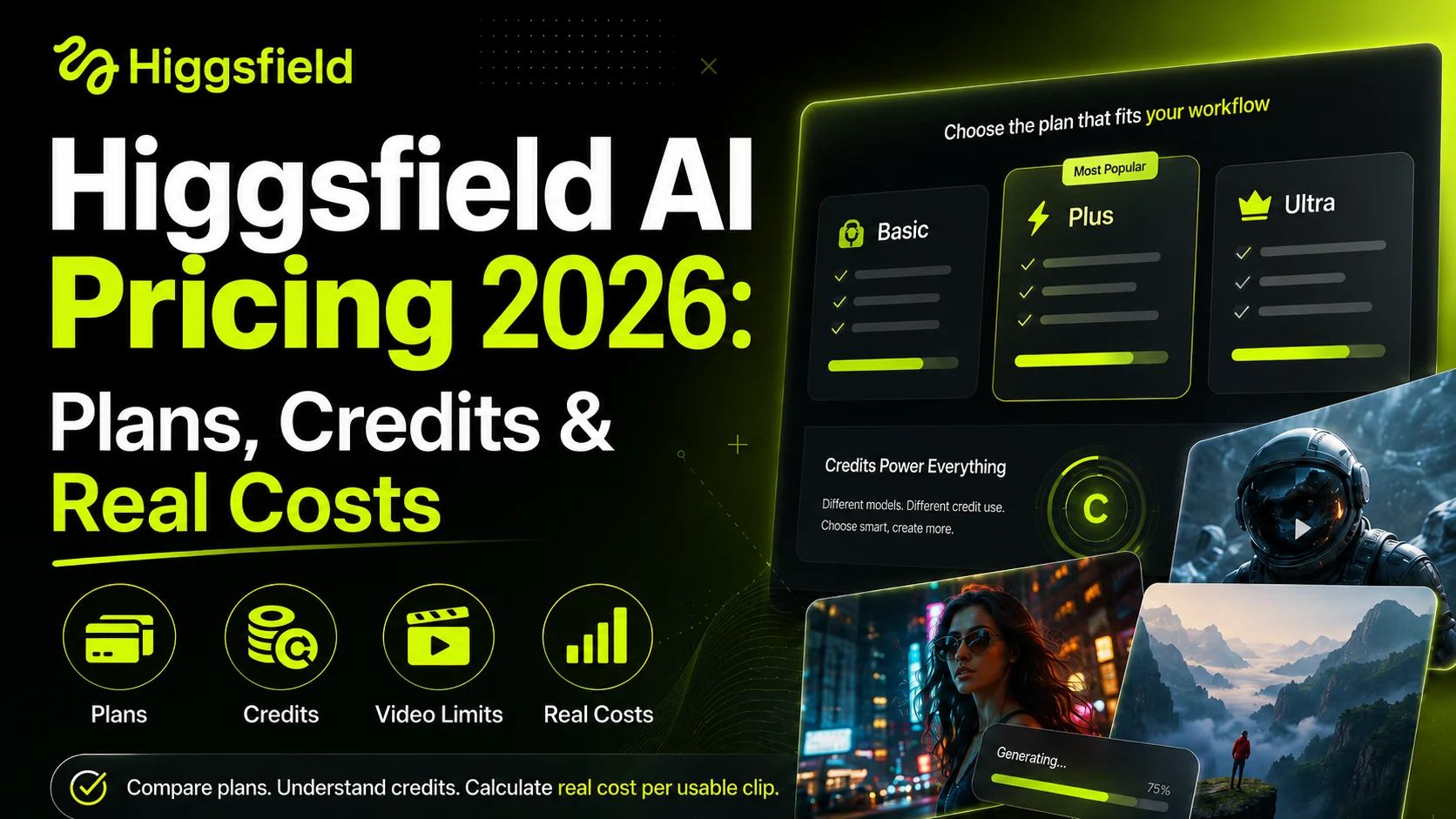
Higgsfield AI pricing looks simple until you try to work out how many videos a plan can actually produce. The platform charges a monthly subscription and gives users a fixed number of credits, but every model consumes those credits at a different rate.
A low-cost Kling generation may use only a small part of your balance, while a premium Veo or high-resolution Seedance video can consume far more. You also need to account for retries because one generation attempt does not always produce a video you are ready to publish.
This guide breaks down Higgsfield’s current plans, free access, credit rules, estimated video output, and the type of user each plan makes sense for.
How Much Does Higgsfield AI Cost?
Higgsfield uses a subscription-based credit system. Its most commonly listed individual plans in July 2026 are Basic, Plus, and Ultra.
| Higgsfield plan | Monthly price | Monthly credits | Best suited for |
| Basic | $9 | 120 | Testing a small number of generations |
| Plus | $49 | 1,000 | Regular image and video creation |
| Ultra | $129 | 3,000 | High-volume commercial production |
These figures have appeared across Higgsfield’s official July 2026 pricing comparisons and product guides. The company has also tested other plan names, including Starter, Pro, and Max, so the exact lineup shown to your account may differ.
The cheapest plan is not automatically the cheapest way to produce a finished video. Basic has a low entry price, but 120 credits can disappear quickly when using premium models or repeating failed generations.
Plus is the first practical option for creators who want to compare multiple video models without running out of credits after a few attempts. Ultra reduces the effective price per credit and provides more room for commercial projects, but it only makes financial sense when those credits are used consistently.
Higgsfield Monthly vs Annual Pricing
Higgsfield also promotes discounted annual billing. Annual plans can reduce the effective monthly price and may offer longer video durations or higher Unlimited limits than the equivalent monthly plan.
However, the main drawback is the upfront commitment. AI video platforms change quickly, and a model that is useful today may be replaced by a better or cheaper option several months later.
For first-time users, one month of Plus is usually a safer test than immediately paying for a full year. Annual billing becomes more reasonable once you know your average monthly credit use and which Higgsfield models are part of your regular workflow.
Is Higgsfield AI Free?
Higgsfield has a free account, but free access should be treated as a way to explore the platform rather than a reliable production plan.
The number of free credits, available models, generation limits, and promotional offers can change. Some Higgsfield pages also advertise daily free credits for selected tools, while limited campaigns may unlock premium models temporarily.
Higgsfield has recently offered a one-time 24-hour Unlimited trial to eligible new users. The trial requires card details and can automatically convert to the $49 monthly Plus plan unless auto-renewal is cancelled. Eligibility and availability depend on the account and current promotion.
Free access is most useful for checking:
- Whether the interface fits your workflow
- Which models are available in your region
- How credits are displayed before generation
- Whether your source image works well with AI motion
It is less suitable for producing a complete advertising campaign or maintaining a regular social media schedule. Even a short video may require several attempts, and free allowances rarely provide enough room for meaningful iteration.
How Do Higgsfield Credits Work?
Higgsfield credits are shared across image, video, audio, editing, and some automated production tools. The platform normally shows the required number of credits before you approve a generation.
The amount depends on the model and settings rather than video duration alone.
How Many Credits Does a Higgsfield Video Use?
The main factors affecting credit use include:
- Video model
- Clip duration
- Output resolution
- Fast or quality mode
- Native audio
- Additional generation or editing steps
For example, an official Higgsfield comparison estimates that 1,000 credits can produce around 150 lower-cost Kling 3.0 clips. The same source lists Veo 3.1 at approximately 58 credits for a 1080p clip, which reduces the same balance to roughly 17 attempts.
Seedance 2.0 has been estimated at about 40 credits for an eight-second 720p generation in standard credit mode. At that rate, 1,000 credits would cover approximately 25 attempts.
| Example video generation | Approximate credits per attempt |
| Lower-cost Kling 3.0 configuration | 6–7 |
| Seedance 2.0, 8 seconds at 720p | 40 |
| Veo 3.1, 1080p | 58 |
These are reference figures, not permanent prices. Higgsfield can change model costs, and different durations or resolutions may produce a different total. Always check the number shown beside the Generate button.
Do Higgsfield Credits Roll Over?
Subscription credits do not roll over. Any unused subscription balance expires at the end of its billing period.
That matters for occasional creators. A larger plan may offer a lower cost per credit, but it becomes more expensive in practice when hundreds of credits disappear unused each month.
Separately purchased Add-On Credits follow different rules. Higgsfield’s current terms state that Add-On Credits are valid for 90 days and are normally consumed after subscription credits. Promotional credits may have their own expiration date.
Credits also have no cash value and cannot normally be transferred between accounts. Cancelling an account can result in unused credits being forfeited, so remaining balances should be checked before ending a subscription.
How Many Videos Can You Make With Each Higgsfield Plan?
The number of videos depends heavily on the model. A plan may support hundreds of inexpensive attempts or only a few dozen premium generations.
Using the example credit rates above, the theoretical monthly output looks like this:
| Plan | Kling at 6–7 credits | Seedance at 40 credits | Veo at 58 credits |
| Basic: 120 credits | About 18 attempts | About 3 attempts | About 2 attempts |
| Plus: 1,000 credits | About 150 attempts | About 25 attempts | About 17 attempts |
| Ultra: 3,000 credits | About 450 attempts | About 75 attempts | About 51 attempts |
The important word is attempts. These numbers do not represent finished videos.
What Is the Real Cost per Usable Video?
AI video generation often requires retries. A face may change, a hand may deform, a product may lose its shape, or the camera may move in a way that makes the clip unusable.
Suppose you use Plus to generate 25 Seedance clips:
| Usable result rate | Publishable clips |
| 75% | About 19 |
| 50% | About 12 |
| 25% | About 6 |
At a 50% usable rate, the $49 plan is producing approximately 12 publishable Seedance clips, making the subscription cost about $4.08 per retained clip. That calculation does not include editing, voice production, upscaling, or the creator’s time.
A more useful formula is:
Real cost per usable video = monthly subscription price ÷ videos you actually keep
This is why a cheaper model with predictable motion can sometimes offer better value than a premium model with stronger maximum quality but a lower success rate.
Which Higgsfield Plan Is Worth It?
The best plan depends on how often you create, which models you use, and how many versions you normally generate before choosing a final result.
Best Higgsfield Plan for Occasional Use
Basic works for users who want to explore the interface or generate a few inexpensive clips.
It is less suitable for serious testing of Seedance or Veo. With only 120 credits, two premium generations can consume most or all of the monthly allowance.
Users who produce only one or two videos per month should also compare the plan with free or pay-as-you-go alternatives. A subscription becomes poor value when the credits expire before they are used.
Best Higgsfield Plan for Content Creators
Plus is the most balanced option for creators publishing videos regularly.
Its 1,000-credit balance gives enough room to compare several models, test different movements, and regenerate weak results. It also provides access to a broader model library, including premium options such as Seedance, Kling, Veo, and Wan. Higgsfield currently presents these models in one shared video workspace.
Plus makes the most sense for creators producing several social media clips, product videos, or AI character scenes each week. It is still important to monitor premium-model use because Veo and high-resolution generations can reduce the balance quickly.
Best Higgsfield Plan for Agencies and High-Volume Production
Ultra is designed for creators and teams with predictable monthly output.
The 3,000-credit allowance supports more campaign variations, client revisions, and parallel projects. Its lower effective cost per credit also becomes meaningful when nearly all of the monthly balance is consumed.
Ultra is not automatically better for solo creators. If only 1,000 of the 3,000 credits are used, Plus would have been the more economical choice.
Agencies that need shared folders, roles, approvals, and collaborative project management should also review the separate Team workspace rather than choosing an individual plan based only on credit volume.
Does Higgsfield Unlimited Really Mean Unlimited?
Higgsfield Unlimited removes the per-generation credit charge for selected models, but it does not remove every restriction.
Unlimited generations use a shared queue rather than the faster priority queue. Current rules allow one image, one video, and one audio generation to run at the same time. Speed may decrease during periods of high demand.
Unlimited access also applies only when generating directly on the main Higgsfield website with the Unlimited toggle enabled. Work completed through Canvas, Supercomputer, Marketing Studio, Shorts Studio, MCP, or CLI can still consume credits.
Resolution and duration limits depend on the plan. For example, Plus monthly has lower video-duration ceilings than higher plans, while selected Max and Ultra annual plans can unlock higher Seedance resolutions. The active model list should be checked under Manage Account → Subscription → Active Unlimited Models.
Unlimited is valuable for experimentation because creators can generate many versions without watching the credit balance. Credit mode remains more useful when fast queues, multiple parallel tasks, or specific premium settings are required.
Is Higgsfield AI Worth the Price?
Higgsfield offers the strongest value to creators who genuinely use several image and video models. Instead of paying for separate Seedance, Kling, Veo, image-generation, and character tools, they can manage production through one credit balance.
The value is weaker for users who only want one model or generate occasionally. Subscription credits expire, premium models can consume the balance quickly, and a generation attempt is not the same as a publishable result.
For most regular creators, Plus is the safest starting point. Basic is better for limited testing, while Ultra only becomes cost-effective when high monthly production justifies the larger credit allowance.
Before subscribing, estimate how many clips you need each month and multiply that number by your average attempts per usable result. That calculation will tell you far more than the advertised number of credits.