Viggle AI vous propose des idées à copier avant que la tendance ne s'essouffle.
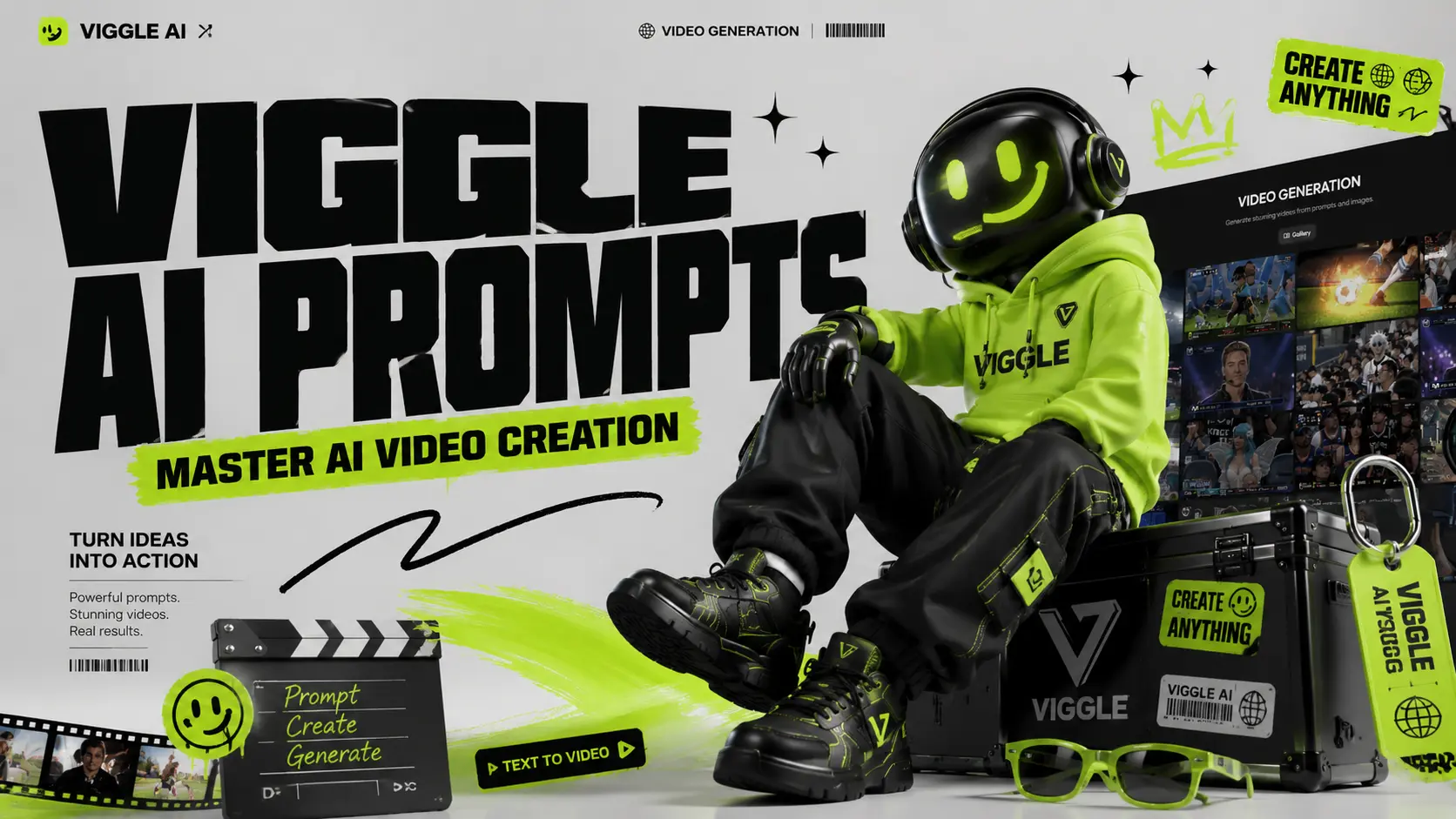
Les vidéos virales sur l'IA se propagent rapidement. Un jour, tout le monde fait des vidéos de bébés qui dansent ; le lendemain, votre fil d'actualité est rempli de montages d'anime, de clips de football, de mèmes de super-héros et de vidéos en playback. Viggle AI facilite la création de ces vidéos, mais le véritable raccourci ne réside pas dans l'outil lui-même. C'est l'invite. La plateforme est conçue pour la génération de vidéos par IA contrôlable, permettant aux utilisateurs de transformer des photos en vidéos de danse, de playback, de type mème et de performance. Mais si votre consigne est trop vague, votre résultat peut paraître flou, rigide ou complètement démodé. Ce guide vous aide à trouver des suggestions pratiques de Viggle AI par catégorie afin que vous puissiez copier, coller, ajuster et générer plus rapidement pour TikTok, Instagram Reels, YouTube Shorts, les mèmes, les montages de fans, les clips musicaux et les animations de personnages. Où se trouvent les invites de l'IA de Viggle ? Il existe deux emplacements principaux où vous pouvez trouver des invites vidéo IA prêtes à l'emploi sur le site officiel de Viggle AI. Ces exemples proviennent de vidéos créées et partagées par de vrais utilisateurs ; ils constituent donc des références utiles pour comprendre comment sont réalisées les vidéos populaires de Viggle AI. Premier chemin : sur la page d’accueil. Après avoir accédé au site officiel de Viggle AI, faites défiler vers le bas jusqu’à trouver la section « Galerie vidéo ». Cette section présente quelques-unes des idées de vidéos IA populaires récemment créées avec Viggle AI. Cliquez sur n'importe quelle vidéo de la galerie pour afficher les documents sources, les instructions et les principaux paramètres utilisés pour générer cette vidéo. Pour découvrir d'autres exemples, cliquez simplement sur « Voir plus » pour parcourir d'autres vidéos créées par les utilisateurs. Bien que la page d'accueil comprenne également des exemples tels que Sing & Dance, la création de mèmes et d'autres modèles rapides, la plupart d'entre eux sont principalement alimentés par la fonctionnalité « Mix Video » de Viggle AI. Ce processus permet aux utilisateurs de créer des vidéos sans rédiger de consigne détaillée. Cependant, le résultat peut parfois paraître moins naturel, notamment lorsque le personnage semble flotter au-dessus du calque vidéo original. Cet effet de « calque flottant » sera bientôt pris en charge par la future fonctionnalité de contrôle de mouvement d'AI Image to Video. Deuxième option : Conversion de texte en vidéo. Cliquez sur « Conversion de texte en vidéo » à gauche pour accéder à la page de génération vidéo de Viggle AI. Sur cette page, Viggle AI recommande également des exemples de vidéos d'IA populaires en fonction de leur utilisation et de leurs styles créatifs. Vous pouvez cliquer sur une vidéo recommandée pour copier la même configuration dans l'espace de travail de montage, puis étudier sa structure d'invite, sa direction visuelle et ses paramètres de génération. Pour les utilisateurs qui souhaitent créer des vidéos IA plus abouties, les invites prêtes à l'emploi ne sont pas de simples modèles à copier-coller. Ce sont des supports pédagogiques. En étudiant comment d'autres créateurs décrivent les personnages, les actions, les scènes, le style de caméra et l'ambiance visuelle, vous pouvez mieux comprendre ce qui rend une suggestion efficace. Trouver des prompts sur TikTok, YouTube et Reddit ● TikTok : Suivez le hashtag #ViggleAIprompt pour découvrir les prompts tendance associés aux vidéos virales. ● YouTube : Des tutoriels de créateurs, comme ceux de chaînes telles que AI Andy (177 000 vues) et Sejin AI (138 000 vues), présentent régulièrement des analyses de prompts. ● Reddit : Des communautés comme r/StableDiffusion discutent des techniques de prompts et comparent les résultats de Viggle avec d’autres outils. Chez AI Image to Video, notre objectif est de simplifier la création de vidéos tout en encourageant les utilisateurs à apprendre, tester et améliorer leurs prompts vidéo IA grâce à différents outils et ressources. C’est pourquoi nous continuerons à mettre à jour notre série d’articles de blog sur les guides d’utilisation. Ces articles sont conçus pour aider les utilisateurs à comprendre comment rédiger de meilleures invites pour la génération de vidéos par IA, les effets image-vidéo, l'animation de personnages et le contenu viral pour les médias sociaux. Vous pouvez trouver nos articles relatifs aux prompts via l'onglet « Prompt » dans la barre de navigation supérieure de notre site web. Vous pouvez également accéder à la série depuis la section « Prompt Enhancer » de la page d’accueil. Les meilleures suggestions de danse de Viggle AI : les vidéos de danse sont l'utilisation la plus populaire de Viggle et présentent le plus fort potentiel viral sur TikTok et Instagram Reels. Ces suggestions de danse de Viggle AI proviennent de contenus populaires et de bibliothèques communautaires. Les prompteurs de danse sont le moyen le plus simple de créer des clips viraux. Ils sont particulièrement efficaces pour les tendances TikTok, les vidéos de réaction, les montages d'influenceurs et les mèmes de personnages. Consigne 1 : Une personne en pied portant un survêtement fluo éclatant, des baskets blanches et des lunettes de soleil, se tenant avec assurance sur un fond blanc immaculé, dans le style d'une vidéo de danse TikTok énergique. Prompt 2 : Une personne portant un t-shirt graphique surdimensionné, un pantalon cargo ample et des baskets épaisses, debout droite avec les bras relâchés, fond vert, style vidéo de danse streetwear tendance. Prompt 3 : Une artiste féminine élégante portant une tenue de scène scintillante et des bottes, debout sous des lumières de concert colorées, expression confiante, style de performance de clip vidéo. Prompt 4 : Un artiste masculin en veste de cuir noire, jean foncé et bottes, debout sous un projecteur sur scène, dans un style de performance de danse pop-star dramatique. Conseil : Les indications de danse fonctionnent mieux lorsque la tenue a une forme et un contraste nets. Évitez les motifs complexes susceptibles de clignoter lors des mouvements. Les meilleures vidéos de mèmes et de sketchs humoristiques de Viggle AI fonctionnent car le personnage et le mouvement ne correspondent souvent pas. Un personnage sérieux qui fait une danse ridicule est plus drôle qu'un personnage drôle qui fait une danse drôle. Prompt 1 : Un employé de bureau sérieux, vêtu d'un costume formel, tenant un dossier, debout dans un bureau banal, expression confuse, style vidéo de mème réaliste. Prompt 2 : Un personnage de super-héros portant une cape spectaculaire et un costume moulant, se tenant dans une pose héroïque sur un fond vert, dans un style de mème comique exagéré. Suggestion 3 : Un agent de sécurité en uniforme propre, debout, raide et au garde-à-vous, devant l'entrée d'un bâtiment, visage sérieux, style mème viral amusant. Prompt 4 : Un étudiant fatigué portant un sweat à capuche et un sac à dos, debout dans une salle de classe, expression endormie, style de mème scolaire auquel on peut s'identifier. Conseil : Plus le contraste est grand, meilleur est le mème. Associez des personnages sérieux à des danses ridicules, des chutes spectaculaires ou des mouvements maladroits. Meilleures suggestions d'anime et de personnages pour Viggle AI : les suggestions d'anime nécessitent plus de détails que les suggestions réalistes. Concentrez-vous sur les cheveux, les yeux, la tenue et la pose. Prompt 1 : Une fille d'anime avec de longs cheveux bleus en couettes, de grands yeux expressifs, portant un uniforme scolaire japonais avec une jupe plissée et des chaussettes hautes, corps entier, fond blanc, style anime épuré. Prompt 2 : Un garçon d'anime avec des cheveux argentés hérissés, des yeux perçants, portant un long manteau noir sur une chemise rouge, des bottes de combat, debout dans une pose prête, style d'action anime cinématographique.








Incroyable revue Pixlr pour la vidéo
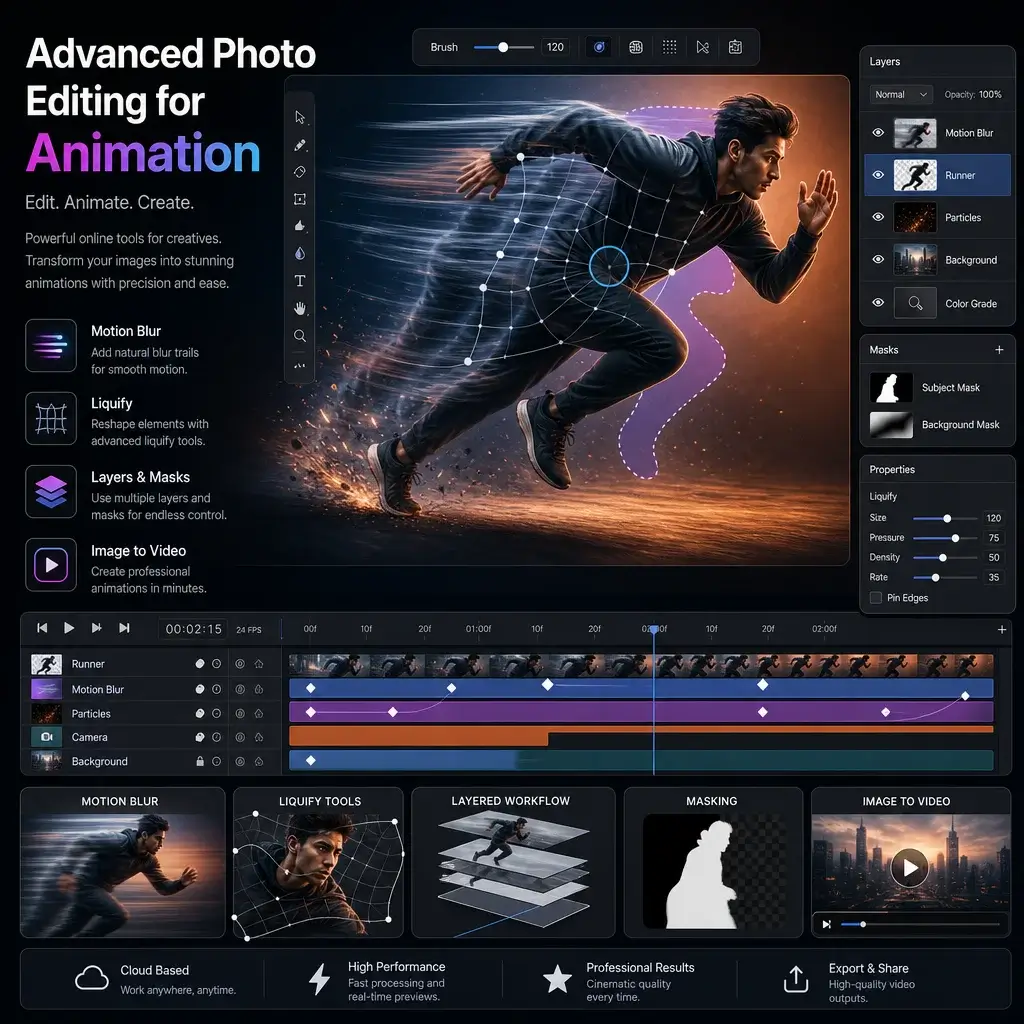
Je cherchais une alternative Pixlr fiable pour des animations rapides. Le générateur d'image en vidéo AI est fantastique et j'aime pouvoir appliquer plusieurs calques uniquement à des calques spécifiques. Cela a sauvé ma campagne marketing !
Meilleure vidéo IA gratuite à partir d'une image
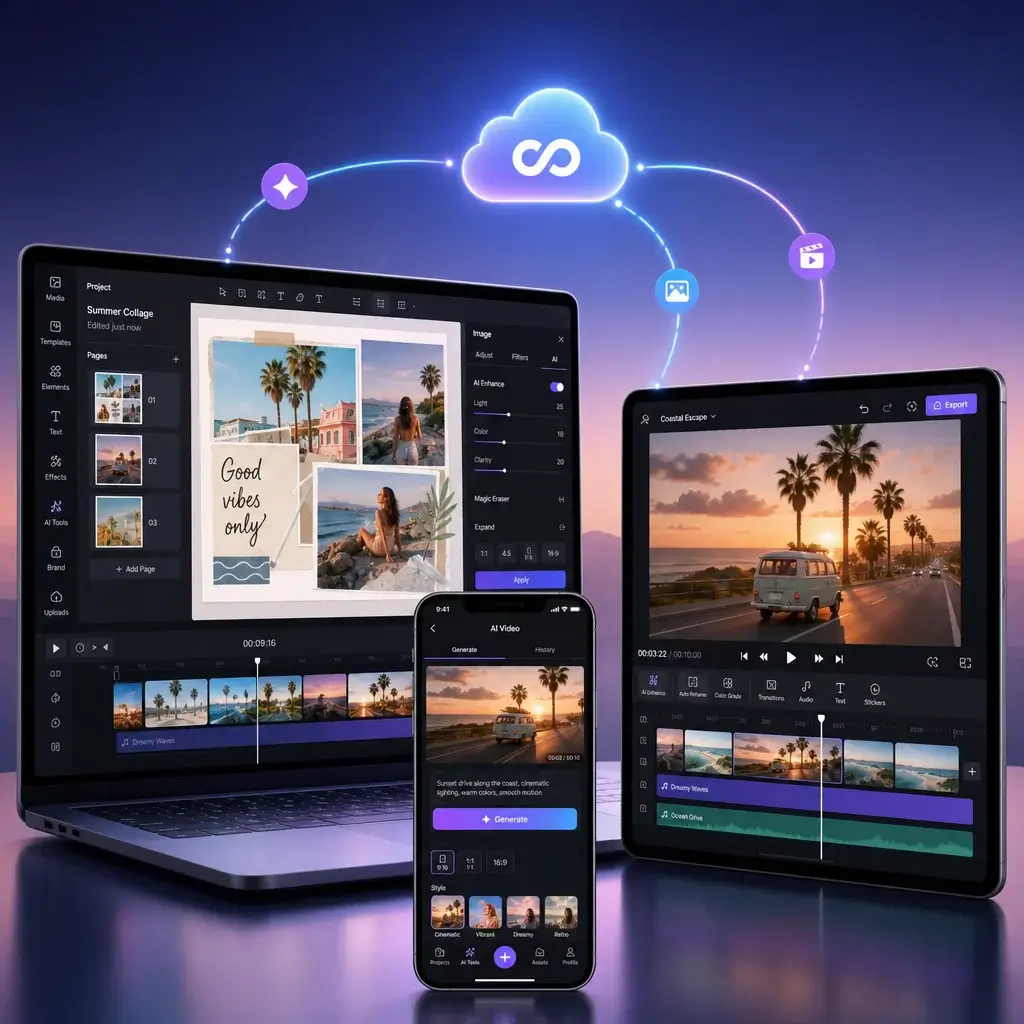
Créer des images IA en vidéo gratuitement n'a jamais été aussi simple. L'interface de l'application Pixlr est intuitive et la qualité d'exportation est époustouflante. Je le recommande vivement à tous ceux qui ont besoin d'un contenu visuel rapide.
Image Pixlr transparente en vidéo
J'utilise quotidiennement l'éditeur vidéo Pixlr. La possibilité d’ajouter un pinceau dans Pixlr et de l’animer change la donne pour mon art numérique. C'est vraiment le meilleur éditeur d'images en ligne.
Parfait pour les modifications rapides
J'avais besoin de savoir comment agrandir une image sur Pixlr pour une bannière, et l'outil le gérait parfaitement avant de l'animer. Excellente expérience d'image IA gratuite pour les générateurs vidéo dans l'ensemble.
Excellent éditeur d'images Pixlr AI
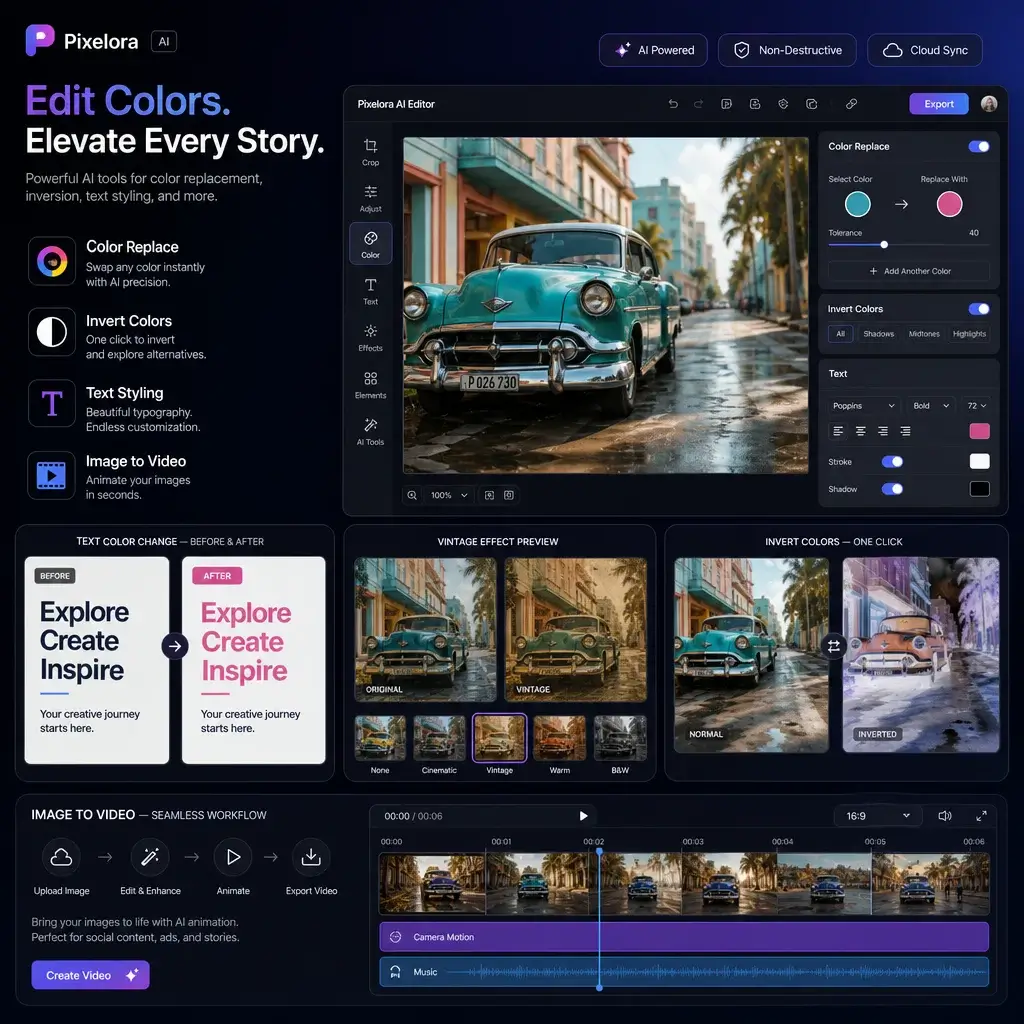
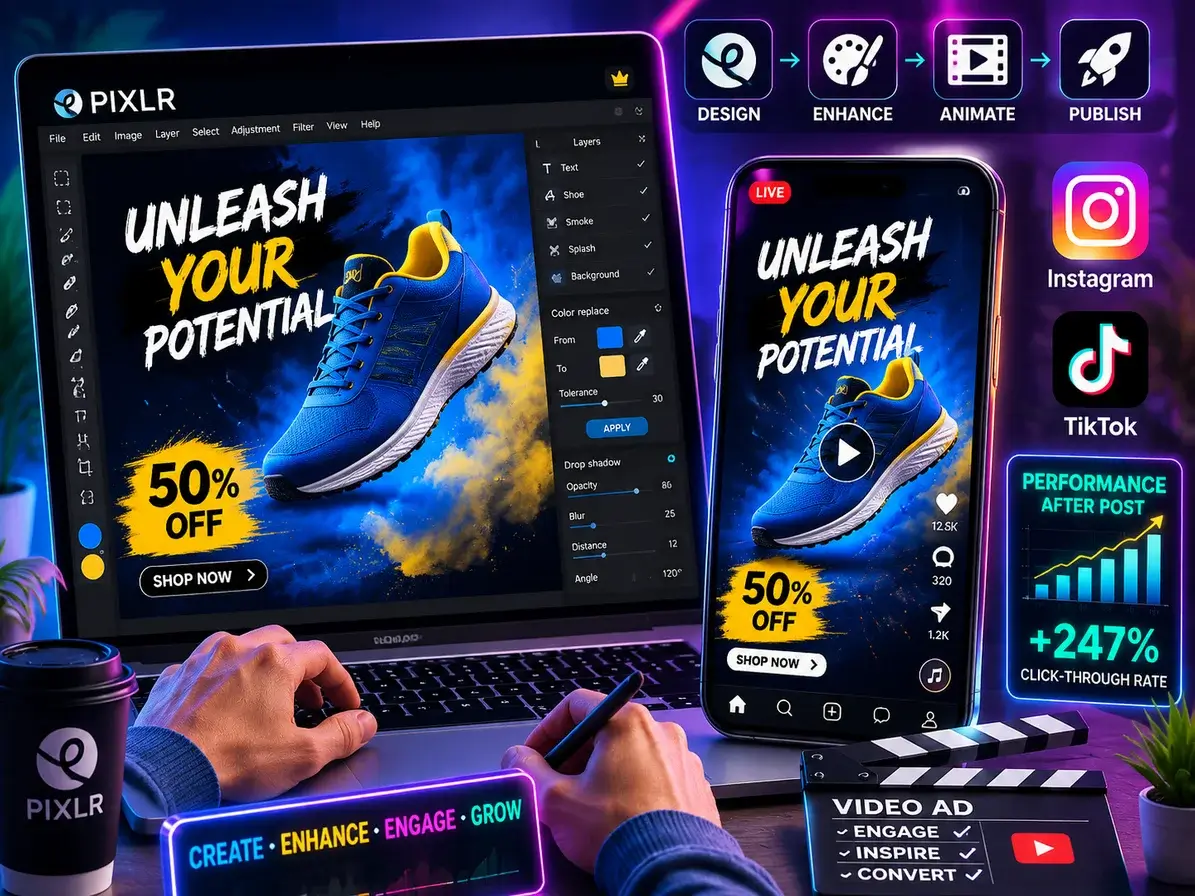
L'outil de remplacement de couleur est si précis. Je l'ai utilisé pour changer la couleur du texte, les styles Pixlr, puis j'ai transformé le graphique en vidéo. La suite Pixlr est incroyablement polyvalente pour les créateurs.
Plateforme fiable et sûre
Je me demandais si Pixlr était sans danger pour le travail des clients, et c'est absolument le cas. Le téléchargement du logiciel Pixlr est sécurisé et les fonctionnalités d'animation sont excellentes pour les présentations professionnelles.
Incroyable revue Pixlr pour la vidéo
Je cherchais une alternative Pixlr fiable pour des animations rapides. Le générateur d'image en vidéo AI est fantastique et j'aime pouvoir appliquer plusieurs calques uniquement à des calques spécifiques. Cela a sauvé ma campagne marketing !
Meilleure vidéo IA gratuite à partir d'une image
Créer des images IA en vidéo gratuitement n'a jamais été aussi simple. L'interface de l'application Pixlr est intuitive et la qualité d'exportation est époustouflante. Je le recommande vivement à tous ceux qui ont besoin d'un contenu visuel rapide.
Image Pixlr transparente en vidéo
J'utilise quotidiennement l'éditeur vidéo Pixlr. La possibilité d’ajouter un pinceau dans Pixlr et de l’animer change la donne pour mon art numérique. C'est vraiment le meilleur éditeur d'images en ligne.
Parfait pour les modifications rapides
J'avais besoin de savoir comment agrandir une image sur Pixlr pour une bannière, et l'outil le gérait parfaitement avant de l'animer. Excellente expérience d'image IA gratuite pour les générateurs vidéo dans l'ensemble.
Excellent éditeur d'images Pixlr AI
L'outil de remplacement de couleur est si précis. Je l'ai utilisé pour changer la couleur du texte, les styles Pixlr, puis j'ai transformé le graphique en vidéo. La suite Pixlr est incroyablement polyvalente pour les créateurs.
Plateforme fiable et sûre
Je me demandais si Pixlr était sans danger pour le travail des clients, et c'est absolument le cas. Le téléchargement du logiciel Pixlr est sécurisé et les fonctionnalités d'animation sont excellentes pour les présentations professionnelles.