Seedream 5.0 Pro: Ontgrendel de meest geschikte prompts voor AI-afbeeldingen
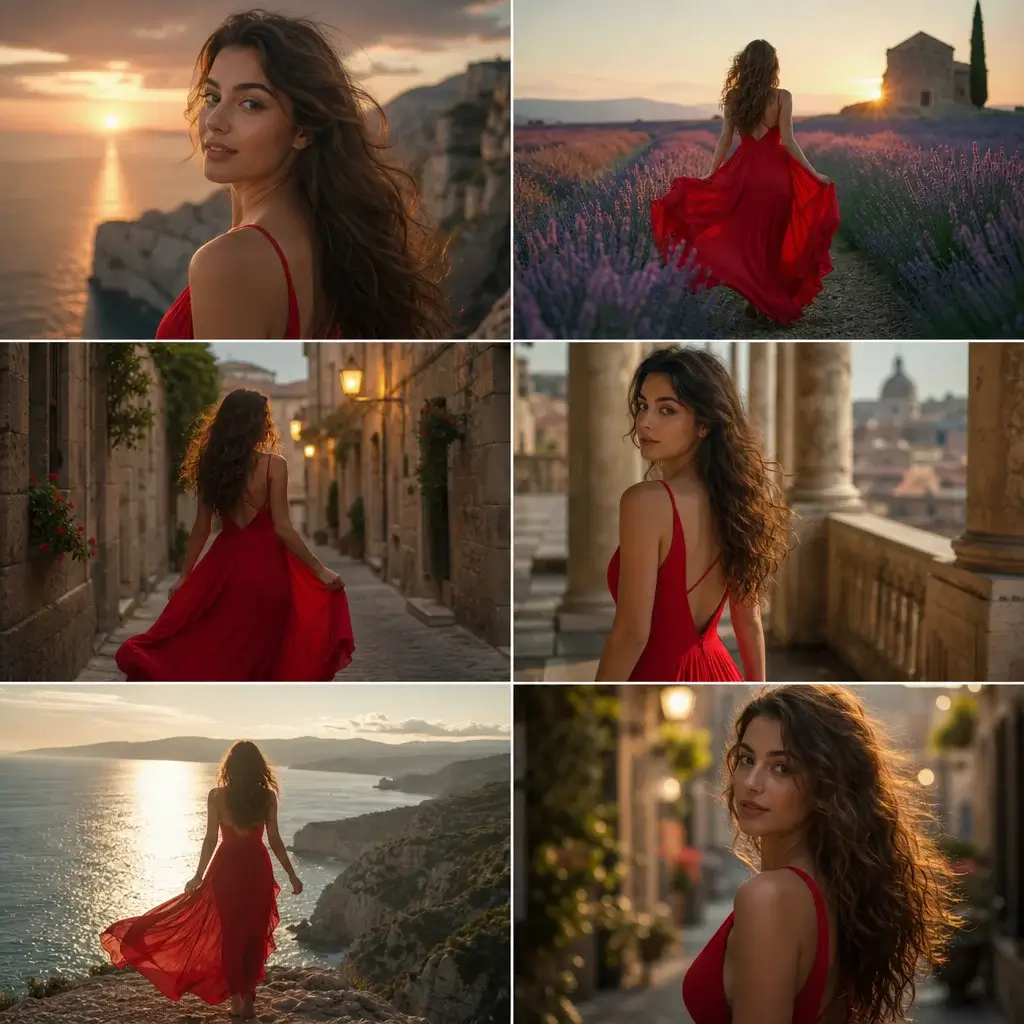
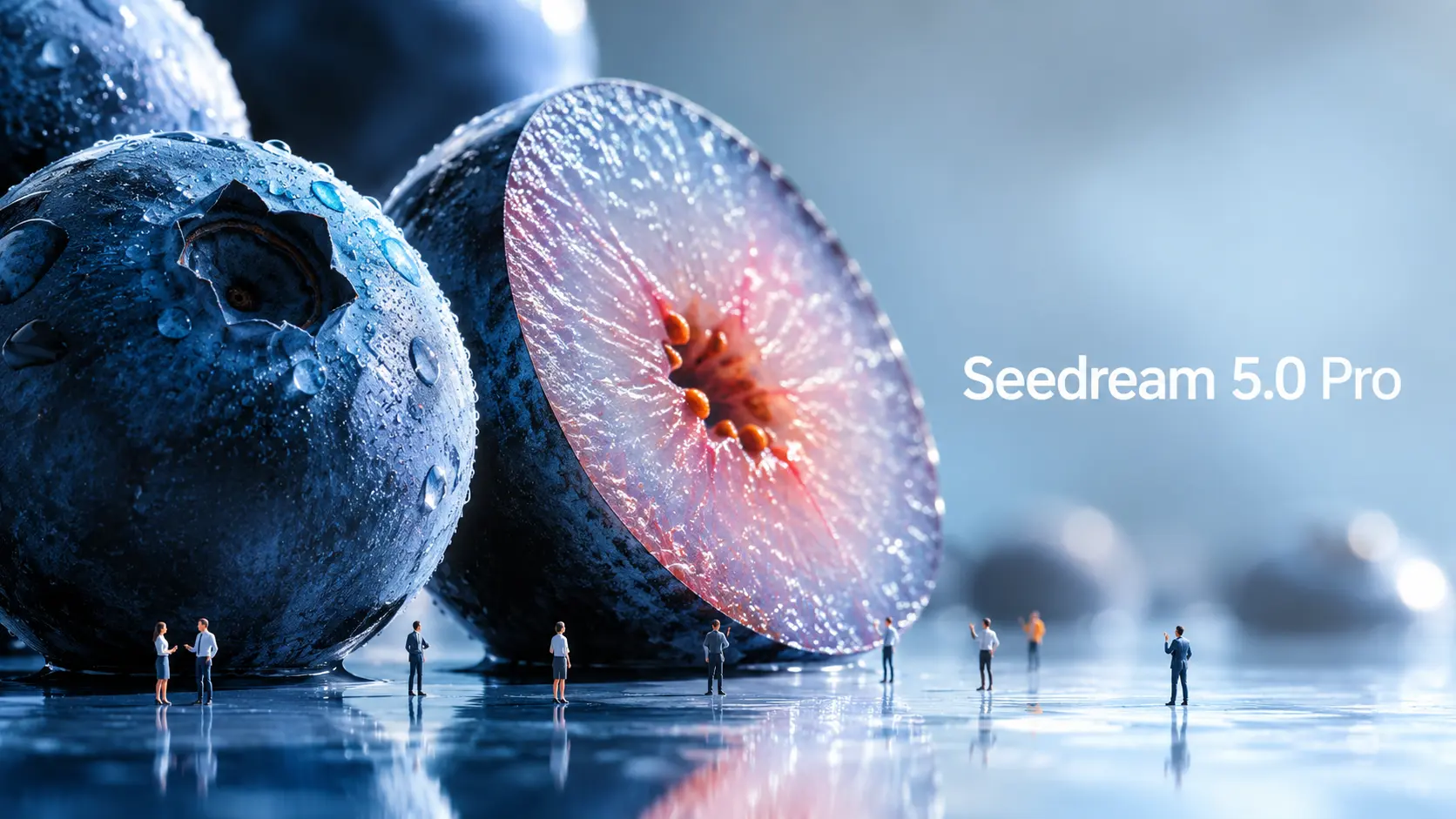
Seedream 5.0 Pro is ByteDance Seed's nieuwe AI-model voor het genereren en bewerken van afbeeldingen, ontwikkeld voor meer gecontroleerde visuele creatie. Naarmate beeldmodellen krachtiger worden, moeten ook de prompts mee evolueren. Een simpele prompt met onderwerp en stijl is niet langer voldoende als je gestructureerde infographics, UI-mockups, commerciële visuals, meertalige posters of nauwkeurige beeldbewerkingen wilt. De echte vraag is: hoe zou je Seedream 5.0 Pro anders moeten aansturen? Deze handleiding analyseert officiële Seedream 5.0 Pro-voorbeelden en zet ze om in herbruikbare promptformules. Wat maakt Seedream 5.0 Pro anders? Seedream 5.0 Pro is handig omdat het meer op een ontwerptool lijkt dan op een simpele afbeeldingsgenerator. Het zorgt niet alleen voor aantrekkelijke beelden. Het probeert te begrijpen hoe informatie, objecten, tekst en ontwerpelementen binnen een afbeelding moeten worden gerangschikt. Afbeeldingen met veel informatie worden beter weergegeven. Een van de grootste verbeteringen is de visualisatie van complexe informatie. Volgens ByteDance kan Seedream 5.0 Pro data, concepten en dichte tekst omzetten in professionele lay-outs. Dit maakt het geschikt voor infographics, educatieve posters, vergelijkingsgrafieken, productuitleg, visuele weergave in rapporten en kenniskaarten voor sociale media. Dit is belangrijk omdat informatiebeelden lastig te interpreteren zijn. Het model moet de lay-out plannen, tekst correct plaatsen, secties scheiden, de hiërarchie leesbaar houden en er tegelijkertijd voor zorgen dat het beeld er goed uitziet. Nauwkeuriger bewerken: Seedream 5.0 Pro is ook ontworpen voor interactieve, precieze bewerking. Volgens de officiële aankondiging kan het gebruikmaken van ruimtelijke positionering en regionaal inzicht ter ondersteuning van puntselectie, lasso-selectie, schetsweergave, kleurbewerking, materiaalvervanging en het samenvoegen van meerdere afbeeldingen. Simpel gezegd kun je het programma vragen om een deel van een afbeelding te wijzigen zonder de hele afbeelding opnieuw te genereren. In plaats van bijvoorbeeld te zeggen "maak deze kamer mooier", kun je zeggen: verander alleen de stof van de bank, laat de verlichting en de indeling van de kamer ongewijzigd. Dat soort aanwijzingen is veel nuttiger voor echt ontwerpwerk. ByteDance laat in zijn officiële materialen ook zien dat er sprake is van layer separation. Op het moment van schrijven is de workflow voor het scheiden van lagen echter nog niet breed beschikbaar in alle openbare productworkflows. Daarom zal deze handleiding deze workflow niet als een direct bruikbare kernmethode beschouwen. Seedream 5.0 Pro biedt realistische commerciële visuals en legt de nadruk op realistische belichting, materiaaleigenschappen, huidtextuur, reflecties, architectuur en fotografische kwaliteit. Dit maakt het geschikt voor productadvertenties, modebeelden, portretfotografie, interieurontwerp, lifestylefoto's en filmische stilbeelden. Voor makers betekent dit dat het model kan helpen om meer verfijnde bronafbeeldingen te produceren voordat ze in video's worden omgezet. Meertalige beeldgeneratie: Seedream 5.0 Pro kan ook werken met meertalige prompts en tekst genereren in meer dan tien veelgebruikte talen, waaronder Chinees, Engels, Frans, Duits, Russisch, Japans, Koreaans, Spaans en Arabisch. Dit is handig voor wereldwijde advertenties, lokale posters, meertalige berichten op sociale media en internationale marketinguitingen. Hoe de officiële Seedream 5.0 Pro-opdrachten werken: De officiële voorbeelden laten zien dat Seedream 5.0 Pro het beste presteert wanneer de opdracht is gestructureerd als een ontwerpbrief. Officieel voorbeeld: Infographic over onderzoek in Antarctica. Een officieel voorbeeld vraagt Seedream 5.0 Pro om een infographic te maken over wetenschappelijk onderzoek op het Qinling-station in Antarctica. De opdracht luidt niet simpelweg: "Maak een infographic over Antarctica." Er wordt gevraagd om het belangrijkste gebouw van het Qinling-station in het midden. Het model moet daaromheen een tijdlijn, staafdiagram, cirkeldiagram, lijndiagram, foto's van de apparatuur, een weerpaneel, een stroomschema van het veldwerk en foto's van de monstername bevatten. De les is eenvoudig: Vertel het model welke secties, grafieken, kaarten, labels en panelen er moeten verschijnen. Zoals wij, de eerste gebruikers, hebben ondervonden, zal het model vaak niet automatisch de lay-out, labels of informatiehiërarchie genereren als je deze niet zelf specificeert. Hoewel dit meer gedetailleerde aanwijzingen vereist, geeft het makers ook veel meer controle over het uiteindelijke ontwerp. Officieel voorbeeld: gebruikersinterface van de homepage van een webwinkel voor huisdieren. Het voorbeeld van een webwinkel voor huisdieren is nuttig voor ontwerpers van gebruikersinterfaces en landingspagina's. De opdracht vraagt om een homepage voor een dierenwebshop in 16:9-formaat, uitgevoerd in warme zonsondergangtinten. Het bevat een navigatiebalk bovenaan, een tekstvak aan de linkerkant, productkaarten, een capsulevormige knop en een afbeelding van een Golden Retriever aan de rechterkant. Het meest briljante creatieve element in dit UI-ontwerp is de interactie tussen de verschillende lagen: de poot van de hond breekt uit het rechter frame en drukt op de knop aan de linkerkant. Dit toont aan dat Seedream 5.0 Pro ruimtelijke verhoudingen binnen een ontworpen lay-out kan begrijpen. Maar om dit te bereiken is een duidelijk omschreven aanwijzing nodig, aangezien het model dit niet automatisch genereert. Officieel voorbeeld: materiaal- en kleurbewerking. Dit is een van de gevallen die ik het meest interessant vind. Een ander officieel voorbeeld maakt gebruik van meerdere referenties: Afbeelding 1 toont het materiaal, Afbeelding 2 een kleurstalenkaart en Afbeelding 3 de afbeelding van de bank die bewerkt moet worden. De les is belangrijk: als je meerdere referentieafbeeldingen uploadt, geef dan elke afbeelding een taak. Verrassend genoeg heeft Seedream 5.0 Pro ook geen moeite met het begrijpen van handgeschreven conceptinstructies. Dit betekent dat je, zelfs buitenshuis, zolang je maar een smartphone of iPad hebt, je bewerkingswensen direct op de originele afbeelding kunt schetsen. Zo hoef je geen lange, essayachtige instructies meer uit te typen. Officieel voorbeeld: panning shot fotografie. Seedream 5.0 Pro toont ook een voorbeeld van een panning shot. De prompt zorgt ervoor dat de fietser en de fiets scherp blijven, de achtergrond horizontaal vervaagt door bewegingsonscherpte en de spaken van het wiel rotatievervaging ondergaan. Dit is handig voor makers die afbeeldingen omzetten naar video. Een stilstaand beeld dat geschikt is voor beweging, geeft het videomodel een sterker uitgangspunt. Seedream 5.0 Pro promptformule. Op basis van de officiële voorbeelden kan de promptfunctie van Seedream 5.0 Pro worden onderverdeeld in vier praktische categorieën. 1. Informatieve visuele prompt. Gebruik deze voor infographics, educatieve posters, vergelijkingstabellen, beginnershandleidingen, productuitleg, rapportagevisualisaties, instructiekaarten en rastergebaseerde kennisafbeeldingen. Het doel is om het model te helpen informatie overzichtelijk te ordenen. Formule: “Maak een [visuele presentatie] over [onderwerp]. Gebruik een [layouttype] lay-out. Vermeld [hoofdonderwerp of titel]. Voeg [module/kaart 1], [module/kaart 2], [module/kaart 3] en [module/kaart 4] toe. Elke sectie moet [labels / korte beschrijvingen / pictogrammen / grafieken / illustraties] bevatten. Houd de hiërarchie duidelijk, de tekst leesbaar en de ontwerpstijl [stijl].” Voorbeeld: “Maak een educatieve infographic in 16:9-formaat over hoe AI-beeld-naar-video-generatie werkt. Gebruik een overzichtelijke modulaire lay-out. Plaats een bronafbeelding in het midden.






Ongelooflijke beweging in Vidu AI Studio
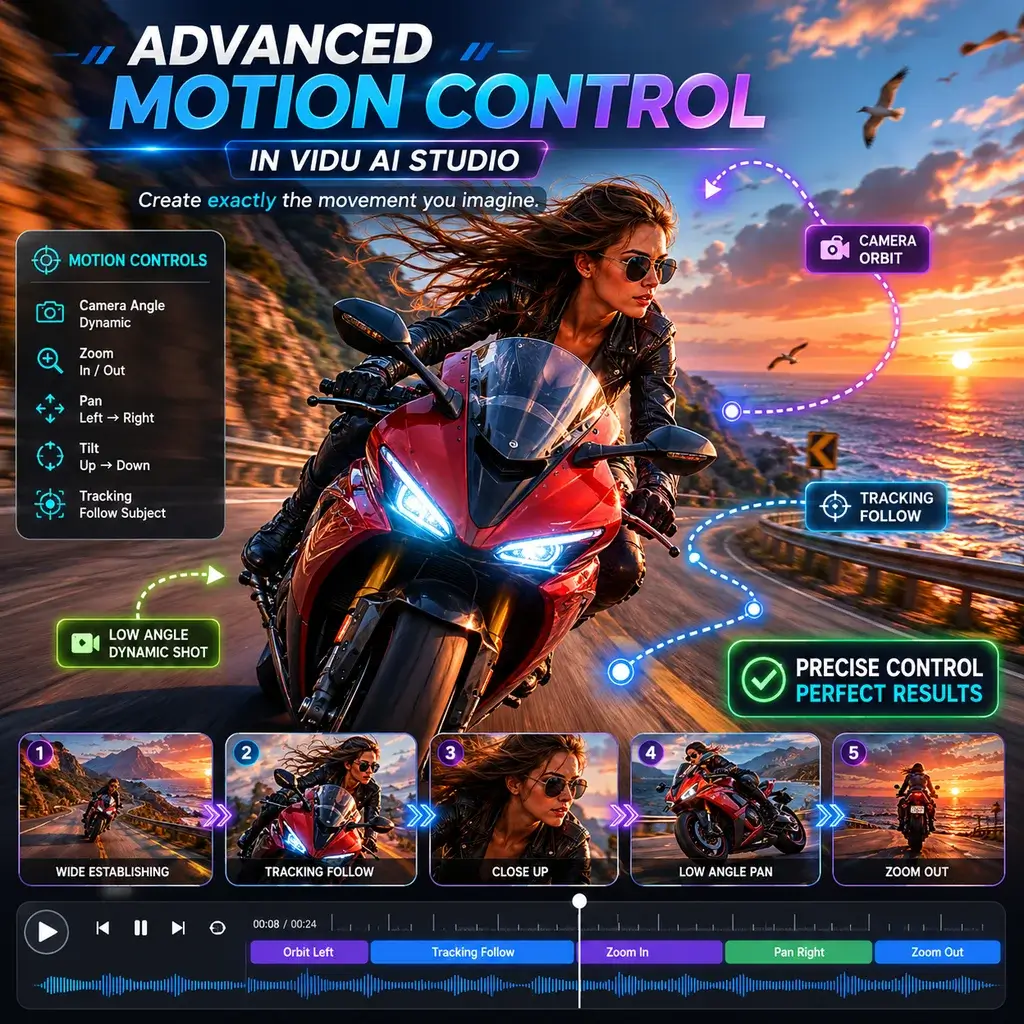
Als freelance animator heb ik veel tools getest, maar de Vidu AI-studio verbaasde me volledig. De manier waarop het omgaat met complexe camerabewegingen tijdens het genereren van een AI-video is ongeëvenaard. Het heeft mij uren aan handmatige keyframing bespaard.
Naadloos beeld naar video op mobiel
Tijdens mijn woon-werkverkeer gebruik ik de Vidu AI-app op mijn tablet. Het omzetten van een snelle schets in een vloeiende afbeelding naar een videoclip is ongelooflijk intuïtief. De interface is schoon en de weergavesnelheid is verrassend snel voor een mobiele ervaring.
Beste gratis niveau voor door AI gegenereerde video
Het vinden van een betrouwbare Vidu AI-videogenerator zonder verborgen watermerken is zeldzaam. Ik gebruikte het voor een studentenfilmproject en de door AI gegenereerde videokwaliteit was filmisch. De gratis credits waren ruim voldoende om mijn short af te maken.
Realistische AI-kus- en knuffelscènes
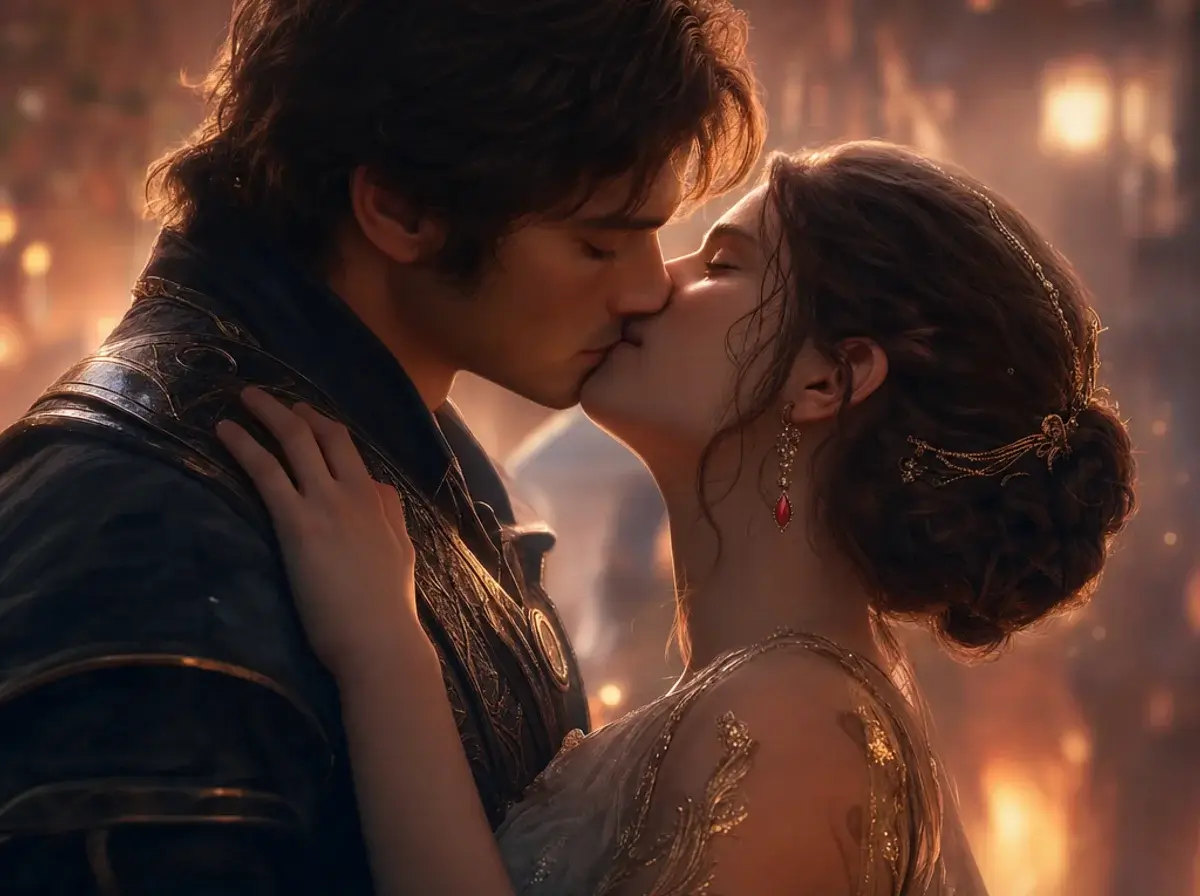
Ik had een subtiele romantische scène nodig voor mijn indiegametrailer. De AI-kusgenerator zorgde voor een prachtig teder moment, en de AI-knuffelfysica kwam helemaal niet door de personagemodellen heen. Werkelijk indrukwekkende technologie.
Perfect voor Vidu AI Anime-projecten
Het animeren van 2D-mangapanelen is mijn niche. Het Vidu AI-animemodel respecteert de originele lijntekeningen perfect. Met behulp van de verwijzing naar de video-AI-functie heb ik naadloos de exacte framesnelheid en stijl van mijn vorige afleveringen kunnen matchen.
De beste keuze onder sites zoals Vidu AI
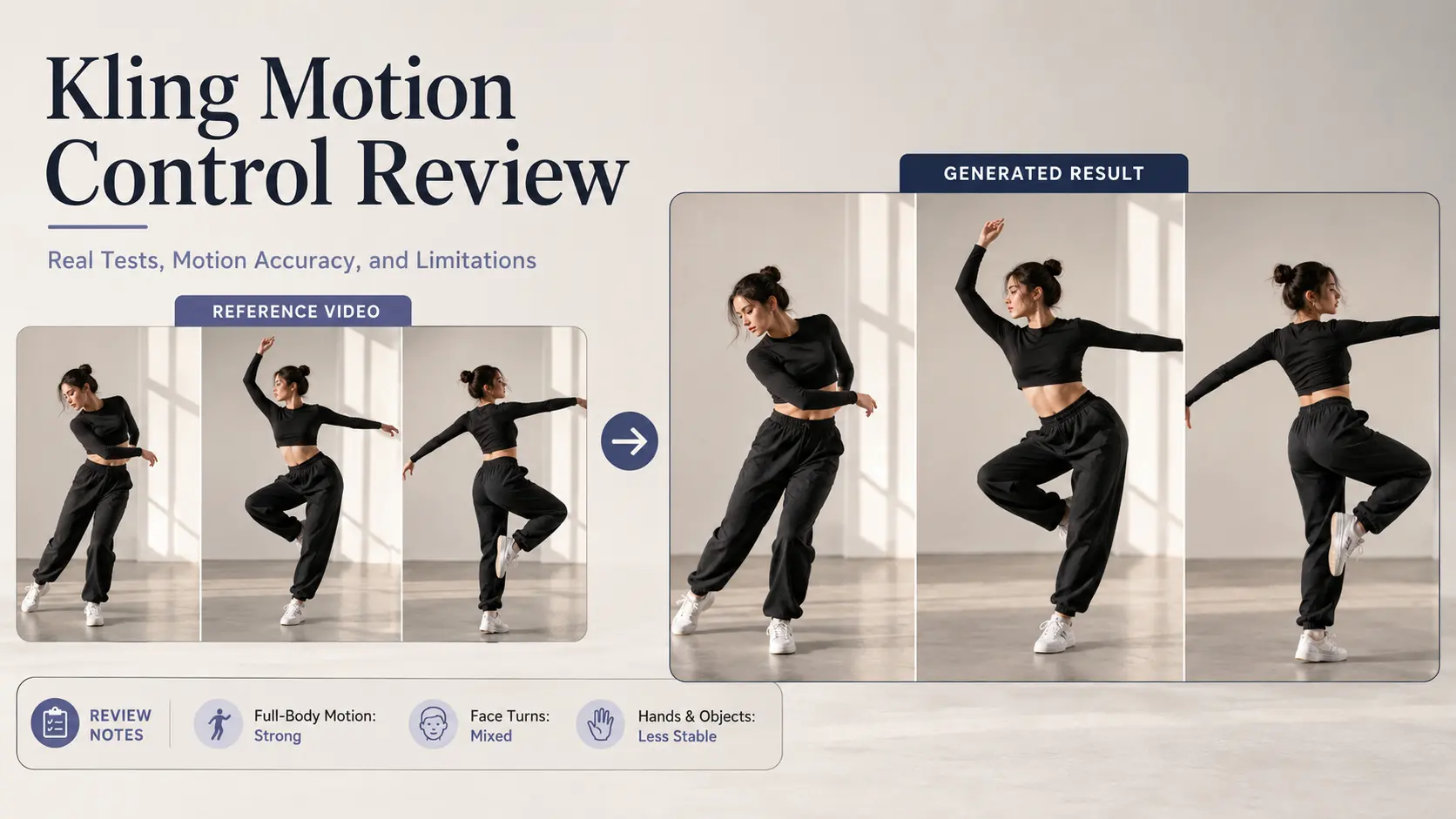
Ik heb bijna alle sites zoals Vidu AI verkend, maar dit platform valt op. Het is echt het beste Vidu AI-alternatief dat gratis te gebruiken is en biedt premium motion control-functies die anderen achter dure betaalmuren vergrendelen.
Ongelooflijke beweging in Vidu AI Studio
Als freelance animator heb ik veel tools getest, maar de Vidu AI-studio verbaasde me volledig. De manier waarop het omgaat met complexe camerabewegingen tijdens het genereren van een AI-video is ongeëvenaard. Het heeft mij uren aan handmatige keyframing bespaard.
Naadloos beeld naar video op mobiel
Tijdens mijn woon-werkverkeer gebruik ik de Vidu AI-app op mijn tablet. Het omzetten van een snelle schets in een vloeiende afbeelding naar een videoclip is ongelooflijk intuïtief. De interface is schoon en de weergavesnelheid is verrassend snel voor een mobiele ervaring.
Beste gratis niveau voor door AI gegenereerde video
Het vinden van een betrouwbare Vidu AI-videogenerator zonder verborgen watermerken is zeldzaam. Ik gebruikte het voor een studentenfilmproject en de door AI gegenereerde videokwaliteit was filmisch. De gratis credits waren ruim voldoende om mijn short af te maken.
Realistische AI-kus- en knuffelscènes
Ik had een subtiele romantische scène nodig voor mijn indiegametrailer. De AI-kusgenerator zorgde voor een prachtig teder moment, en de AI-knuffelfysica kwam helemaal niet door de personagemodellen heen. Werkelijk indrukwekkende technologie.
Perfect voor Vidu AI Anime-projecten
Het animeren van 2D-mangapanelen is mijn niche. Het Vidu AI-animemodel respecteert de originele lijntekeningen perfect. Met behulp van de verwijzing naar de video-AI-functie heb ik naadloos de exacte framesnelheid en stijl van mijn vorige afleveringen kunnen matchen.
De beste keuze onder sites zoals Vidu AI
Ik heb bijna alle sites zoals Vidu AI verkend, maar dit platform valt op. Het is echt het beste Vidu AI-alternatief dat gratis te gebruiken is en biedt premium motion control-functies die anderen achter dure betaalmuren vergrendelen.