
کلنگ موشن کنٹرول ریویو: یہ کتنا درست ہے؟
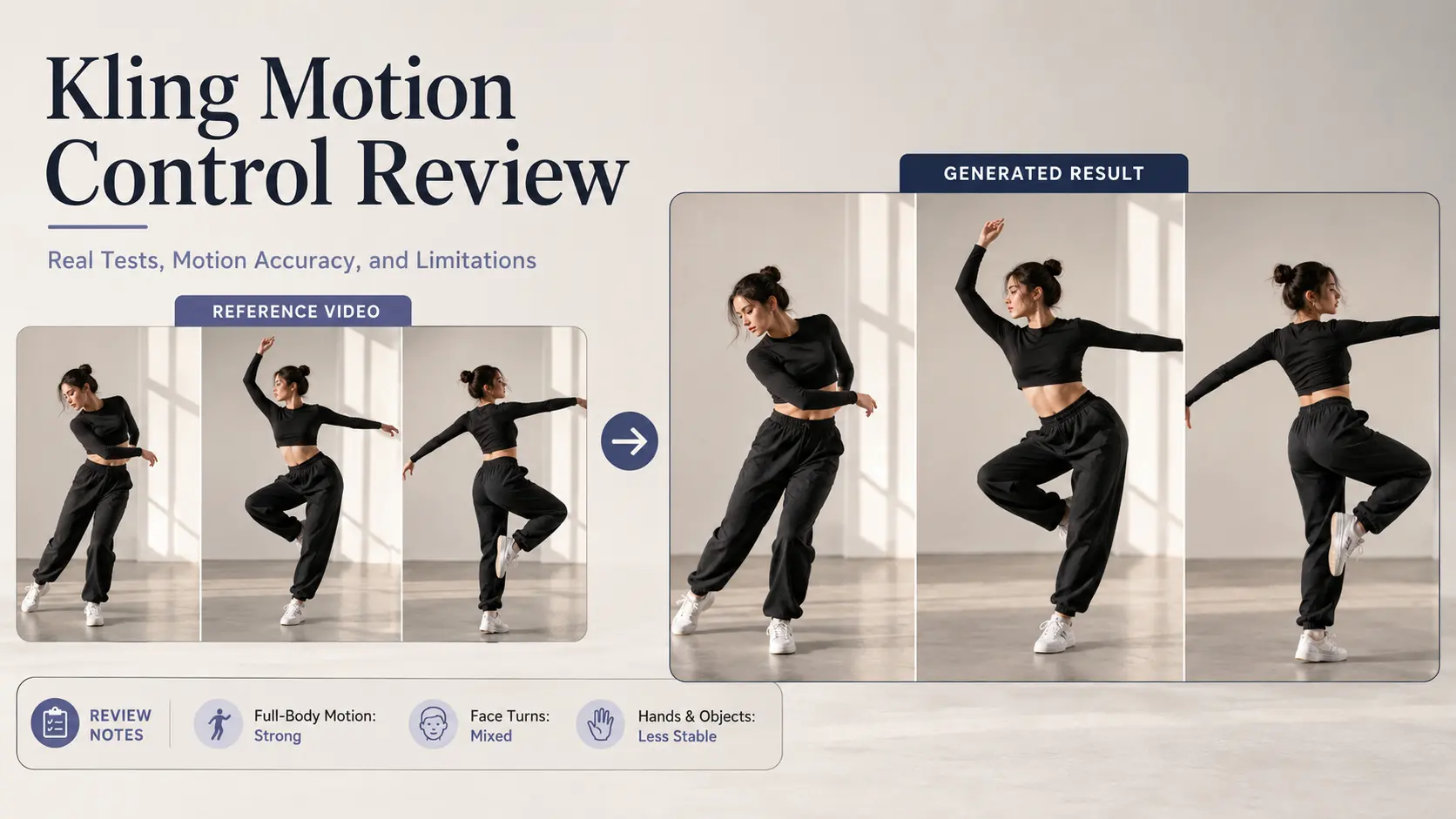
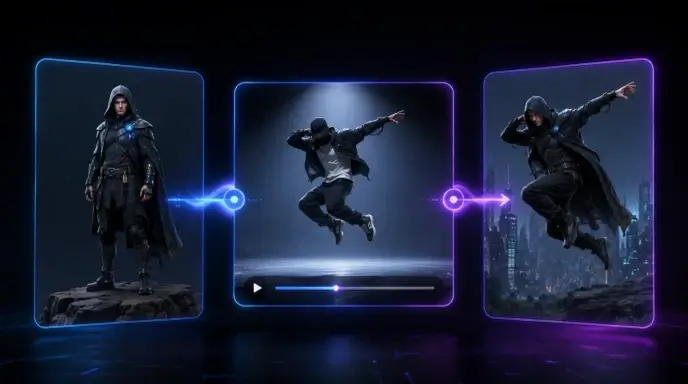
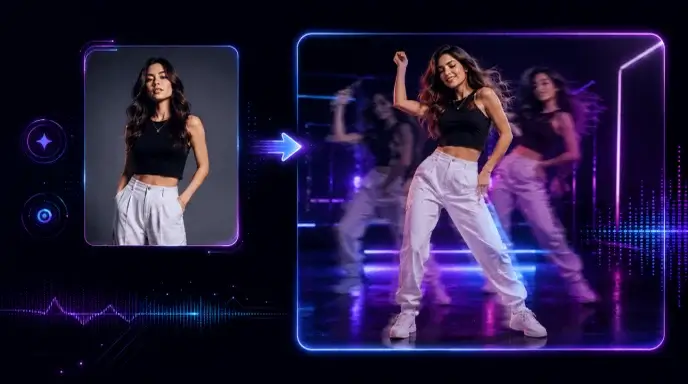
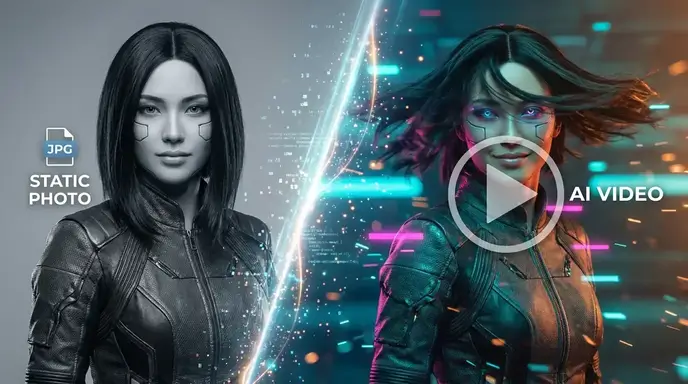
Kling Motion Control transfers the performance in a reference video to a character shown in a static image. Unlike ordinary Image-to-Video generation, it does not rely only on a prompt to guess how the subject should move. The reference clip controls the timing, pose changes, head movement, and much of the expression. Official demos look smooth, but real reliability still depends on motion speed, character framing, face angles, and occlusion. Overall, Kling Motion Control works best for clear, continuous body movements, while hands, props, and very fast action remain less predictable. What Is Kling Motion Control? Kling Motion Control uses a character image and a reference video to transfer real movements—poses, timing, gestures, and some facial expressions—onto the character. Unlike standard Image-to-Video, which generates motion from text prompts, it directly copies performance from the video. Prompts mainly control visual details like background and lighting. Kling 2.6 introduced this reference-based workflow with orientation modes and 3–30 second clips. Kling 3.0 adds Element Binding, allowing extra facial references to improve identity consistency during head turns and expressions. How to Use Kling Motion Control Start by uploading a clear image with one person or humanoid character, then add a continuous reference video without cuts or heavy camera movement. Choose orientation mode: “Matches Video” for dancing, turning, and large movements; “Matches Image” to keep the original direction and allow prompt-based camera control. In Kling 3.0, use Element Binding to add extra face angles or expressions when there are head turns. Then write a short prompt for environment, lighting, or camera—no need to describe the motion again. Focus on input quality: match full-body video with full-body image, keep limbs visible, and leave space around the subject. Use one visible character, moderate movement, minimal obstruction, and a 3–30 second clip. Start with a short, slower test for best results. Kling Motion Control Test Results Full-Body Motion Accuracy Test result: Full-body motion is Kling Motion Control’s strongest area. Walking, waving, dancing, turning, and large arm movements usually follow the reference video more accurately than prompt-only Image-to-Video. Results are most stable when the character image and reference video have similar framing and body proportions. It performs well with: Fast spins, jumps, crossed limbs, and sudden direction changes are less reliable. Common problems include stretched arms, unstable legs, disappearing limbs, and brief body intersections. For better results, use moderate-speed movement, keep the full body visible, and leave enough space around the subject. Face Consistency and Head Turns Test result: Small facial movements work well, but large head turns remain difficult. Blinking, smiling, slight glances, and mild head movement can look natural with a sharp, front-facing source image. Larger turns may cause face flicker, changing facial proportions, or temporary identity loss. Kling 3.0’s Element Binding allows users to add facial images or a short face video. Front, three-quarter, and profile references can improve side views and expression consistency. However, fast expressions, major head turns, and hands covering the face may still cause distortion. Hands and Object Interaction Test result: Simple gestures are usable, but fingers and prop interaction are less stable. Waving, raising an arm, and pointing often transfer well because the overall movement path is clear. Accuracy drops when fingers overlap, hands cross, or gestures move quickly. Common issues include: Holding a cup or phone may work when the grip stays visible. Picking up, rotating, opening, or putting down an object is more difficult because the model must preserve the hand, object shape, contact point, and timing at once. For prop scenes, use slow and simple actions and expect to generate several versions. Kling Motion Control Pricing and Credit Cost Kling charges for Motion Control based on generated duration, with the final length rounded to the nearest whole second. Kling 2.6 costs 5 credits per second in Standard mode and 8 credits per second in Professional mode. Kling 3.0 costs 9 credits per second in Standard mode and 12 credits per second in Professional mode. Model Mode 5 Seconds 10 Seconds 30 Seconds Kling 2.6 Standard 25 credits 50 credits 150 credits Kling 2.6 Professional 40 credits 80 credits 240 credits Kling 3.0 Standard 45 credits 90 credits 270 credits Kling 3.0 Professional 60 credits 120 credits 360 credits Kling 3.0 becomes noticeably more expensive across repeated attempts. A failed 10-second Kling 3.0 Professional generation still consumes 120 credits. Kling also states that credits are not refunded when only part of a difficult motion clip can be extracted. Because fast motion, hand details, head turns, and prop interaction often require retries, it is more economical to test a 5- to 8-second segment before submitting the complete sequence. The listed generation cost only covers one attempt, while the real cost may be higher when a scene requires several retries. Kling Motion Control Review: Pros, Cons, and Final Verdict Category Score Motion Accuracy 8.5/10 Face Consistency 7.5/10 Hand Quality 6.5/10 Ease of Use 8.5/10 Value for Credits 7/10 Overall Rating 7.8/10 Kling Motion Control is considerably easier to direct than prompt-only Image-to-Video. Walking, dancing, waving, and turning benefit from a real performance reference, and creators do not need to describe every movement through complicated prompt language. It is particularly useful for transferring human actions to anime characters, game-inspired avatars, virtual influencers, and concept-video subjects. Its weaknesses appear in fast motion, severe occlusion, crossed limbs, fingers, and detailed prop contact. Large head turns benefit from additional facial references, while repeated generations can quickly increase the real credit cost. Kling 3.0’s Element Binding is a meaningful improvement over Kling 2.6 when facial identity matters. However, the higher credit cost may not be justified for simple front-facing movement without major expression or angle changes. Is Kling Motion Control worth using? Yes, for short-form creators, virtual-character accounts, AI animation, dance clips, and visual concepts that can tolerate some rerendering. Kling 2.6 offers better value for straightforward body movement, while Kling 3.0 is the stronger choice for faces, head turns, and expressive performances. It is less suitable for precise multi-person choreography, complex object handling, or
Vidu AI اسٹوڈیو میں ناقابل یقین حرکت
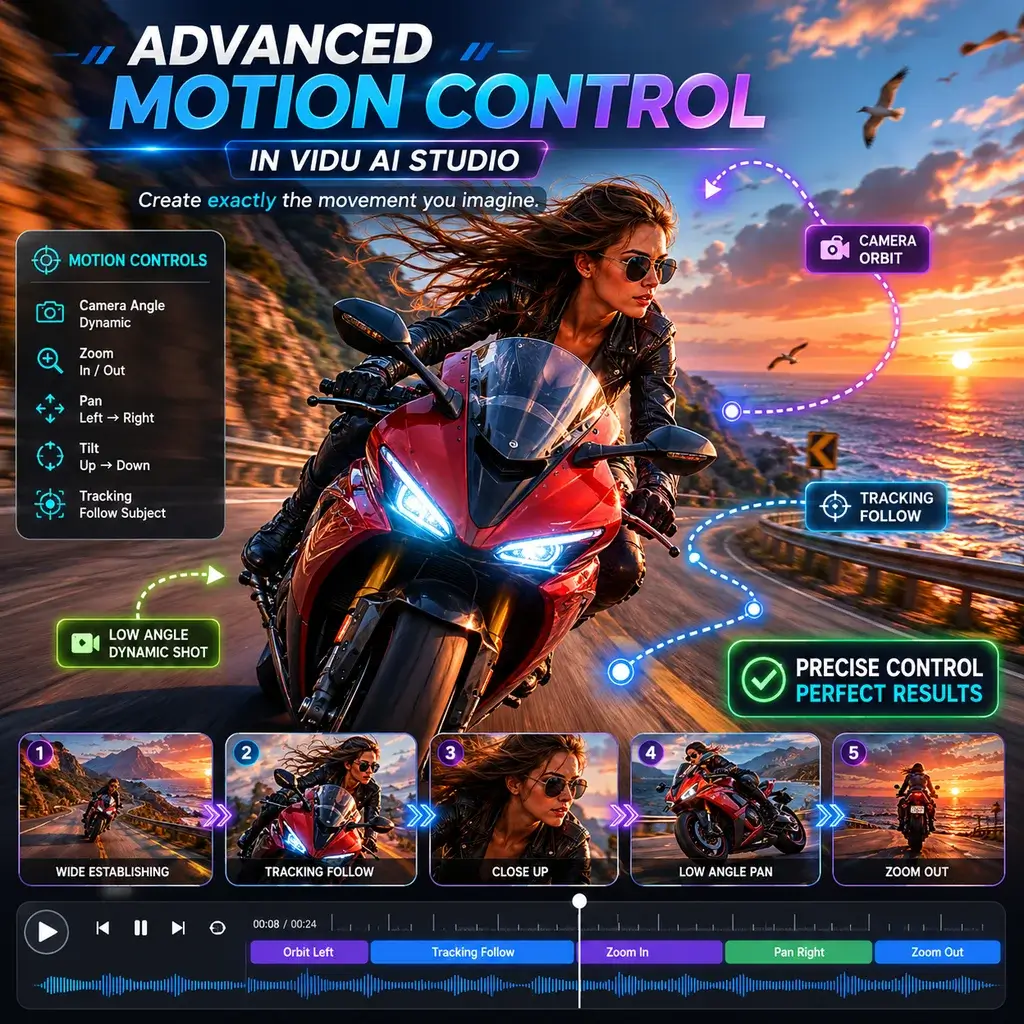
ایک فری لانس اینیمیٹر کے طور پر، میں نے بہت سے ٹولز کا تجربہ کیا ہے، لیکن Vidu AI اسٹوڈیو نے مجھے مکمل طور پر اڑا دیا۔ AI ویڈیو بنانے کے دوران یہ جس طرح پیچیدہ کیمرہ پین کو سنبھالتا ہے اس کی مثال نہیں ملتی۔ اس نے مجھے دستی کی فریمنگ کے گھنٹوں کی بچت کی۔
موبائل پر ویڈیو کے لیے ہموار تصویر
میں اپنے سفر کے دوران اپنے ٹیبلیٹ پر Vidu AI ایپ استعمال کرتا ہوں۔ ایک فوری خاکہ کو ایک فلوڈ امیج میں ویڈیو کلپ میں تبدیل کرنا ناقابل یقین حد تک بدیہی ہے۔ انٹرفیس صاف ہے، اور موبائل کے تجربے کے لیے رینڈرنگ کی رفتار حیرت انگیز طور پر تیز ہے۔
AI جنریٹڈ ویڈیو کے لیے بہترین فری ٹائر
پوشیدہ واٹر مارکس سے پاک ایک قابل اعتماد Vidu AI ویڈیو جنریٹر تلاش کرنا نایاب ہے۔ میں نے اسے طالب علم کے فلم پروجیکٹ کے لیے استعمال کیا، اور AI سے تیار کردہ ویڈیو کا معیار سنیما تھا۔ مفت کریڈٹ میرے مختصر کو ختم کرنے کے لئے کافی سے زیادہ تھے۔
حقیقت پسندانہ AI کس اور گلے ملنے کے مناظر
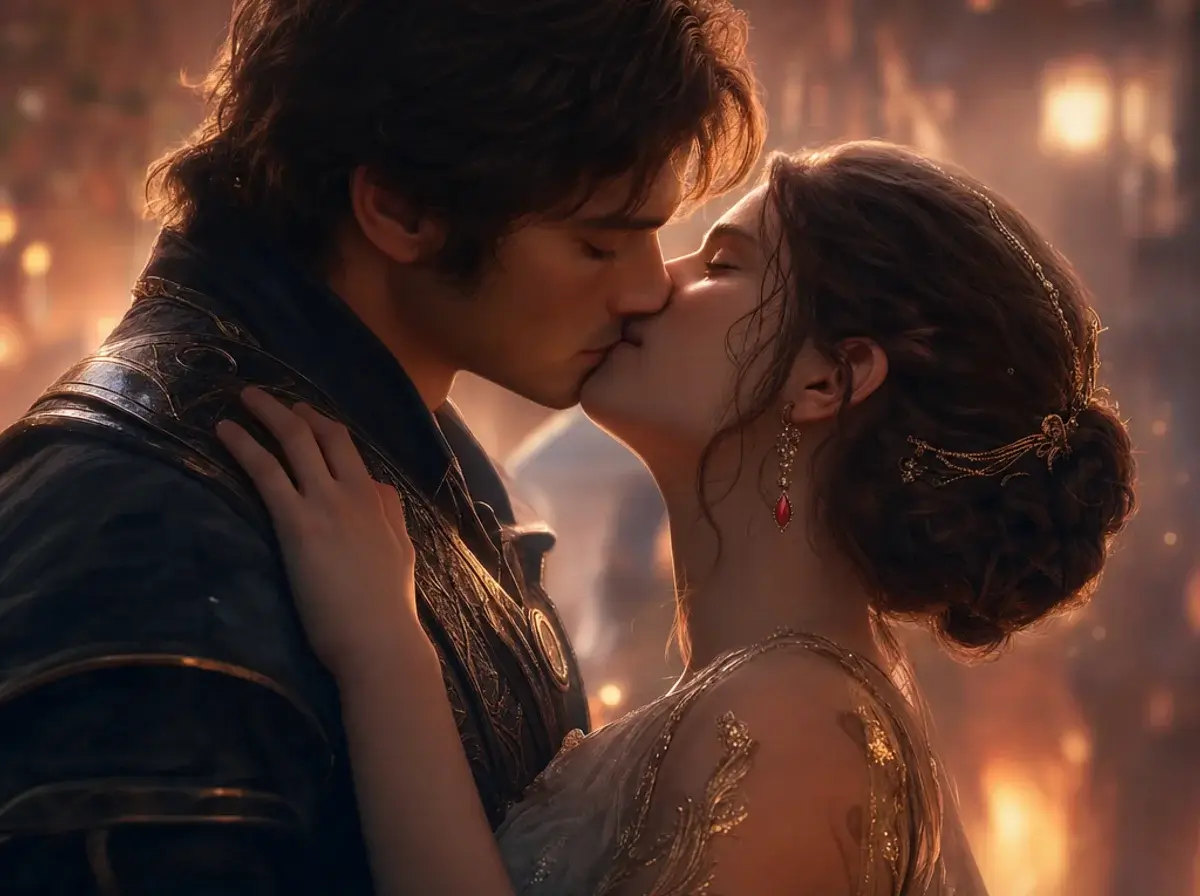
مجھے اپنے انڈی گیم ٹریلر کے لیے ایک لطیف رومانوی منظر کی ضرورت تھی۔ AI بوسہ جنریٹر نے ایک خوبصورت لمحہ تیار کیا، اور AI کو گلے لگانے والی طبیعیات نے کردار کے ماڈل کے ذریعے بالکل بھی کلپ نہیں کیا۔ واقعی متاثر کن ٹیکنالوجی۔
Vidu AI انیمی پروجیکٹس کے لیے کامل
2D مانگا پینلز کو متحرک کرنا میرا مقام ہے۔ Vidu AI anime ماڈل اصل لائن آرٹ کا بالکل احترام کرتا ہے۔ ویڈیو AI فیچر کا حوالہ استعمال کرتے ہوئے، میں نے اپنی پچھلی اقساط کے فریم ریٹ اور انداز کو بغیر کسی رکاوٹ کے ملایا۔
Vidu AI جیسی سائٹوں میں سرفہرست انتخاب
میں نے تقریباً تمام سائٹس جیسے Vidu AI کو تلاش کیا ہے، لیکن یہ پلیٹ فارم نمایاں ہے۔ یہ حقیقی طور پر استعمال کرنے کے لیے بہترین Vidu AI متبادل ہے، جو پریمیم موشن کنٹرول کی خصوصیات پیش کرتا ہے جسے دوسرے مہنگے پے والز کے پیچھے بند کر دیتے ہیں۔
Vidu AI اسٹوڈیو میں ناقابل یقین حرکت
ایک فری لانس اینیمیٹر کے طور پر، میں نے بہت سے ٹولز کا تجربہ کیا ہے، لیکن Vidu AI اسٹوڈیو نے مجھے مکمل طور پر اڑا دیا۔ AI ویڈیو بنانے کے دوران یہ جس طرح پیچیدہ کیمرہ پین کو سنبھالتا ہے اس کی مثال نہیں ملتی۔ اس نے مجھے دستی کی فریمنگ کے گھنٹوں کی بچت کی۔
موبائل پر ویڈیو کے لیے ہموار تصویر
میں اپنے سفر کے دوران اپنے ٹیبلیٹ پر Vidu AI ایپ استعمال کرتا ہوں۔ ایک فوری خاکہ کو ایک فلوڈ امیج میں ویڈیو کلپ میں تبدیل کرنا ناقابل یقین حد تک بدیہی ہے۔ انٹرفیس صاف ہے، اور موبائل کے تجربے کے لیے رینڈرنگ کی رفتار حیرت انگیز طور پر تیز ہے۔
AI جنریٹڈ ویڈیو کے لیے بہترین فری ٹائر
پوشیدہ واٹر مارکس سے پاک ایک قابل اعتماد Vidu AI ویڈیو جنریٹر تلاش کرنا نایاب ہے۔ میں نے اسے طالب علم کے فلم پروجیکٹ کے لیے استعمال کیا، اور AI سے تیار کردہ ویڈیو کا معیار سنیما تھا۔ مفت کریڈٹ میرے مختصر کو ختم کرنے کے لئے کافی سے زیادہ تھے۔
حقیقت پسندانہ AI کس اور گلے ملنے کے مناظر
مجھے اپنے انڈی گیم ٹریلر کے لیے ایک لطیف رومانوی منظر کی ضرورت تھی۔ AI بوسہ جنریٹر نے ایک خوبصورت لمحہ تیار کیا، اور AI کو گلے لگانے والی طبیعیات نے کردار کے ماڈل کے ذریعے بالکل بھی کلپ نہیں کیا۔ واقعی متاثر کن ٹیکنالوجی۔
Vidu AI انیمی پروجیکٹس کے لیے کامل
2D مانگا پینلز کو متحرک کرنا میرا مقام ہے۔ Vidu AI anime ماڈل اصل لائن آرٹ کا بالکل احترام کرتا ہے۔ ویڈیو AI فیچر کا حوالہ استعمال کرتے ہوئے، میں نے اپنی پچھلی اقساط کے فریم ریٹ اور انداز کو بغیر کسی رکاوٹ کے ملایا۔
Vidu AI جیسی سائٹوں میں سرفہرست انتخاب
میں نے تقریباً تمام سائٹس جیسے Vidu AI کو تلاش کیا ہے، لیکن یہ پلیٹ فارم نمایاں ہے۔ یہ حقیقی طور پر استعمال کرنے کے لیے بہترین Vidu AI متبادل ہے، جو پریمیم موشن کنٹرول کی خصوصیات پیش کرتا ہے جسے دوسرے مہنگے پے والز کے پیچھے بند کر دیتے ہیں۔