Seedream 5.0 Pro: Sblocca i suggerimenti più adatti per l'immagine AI
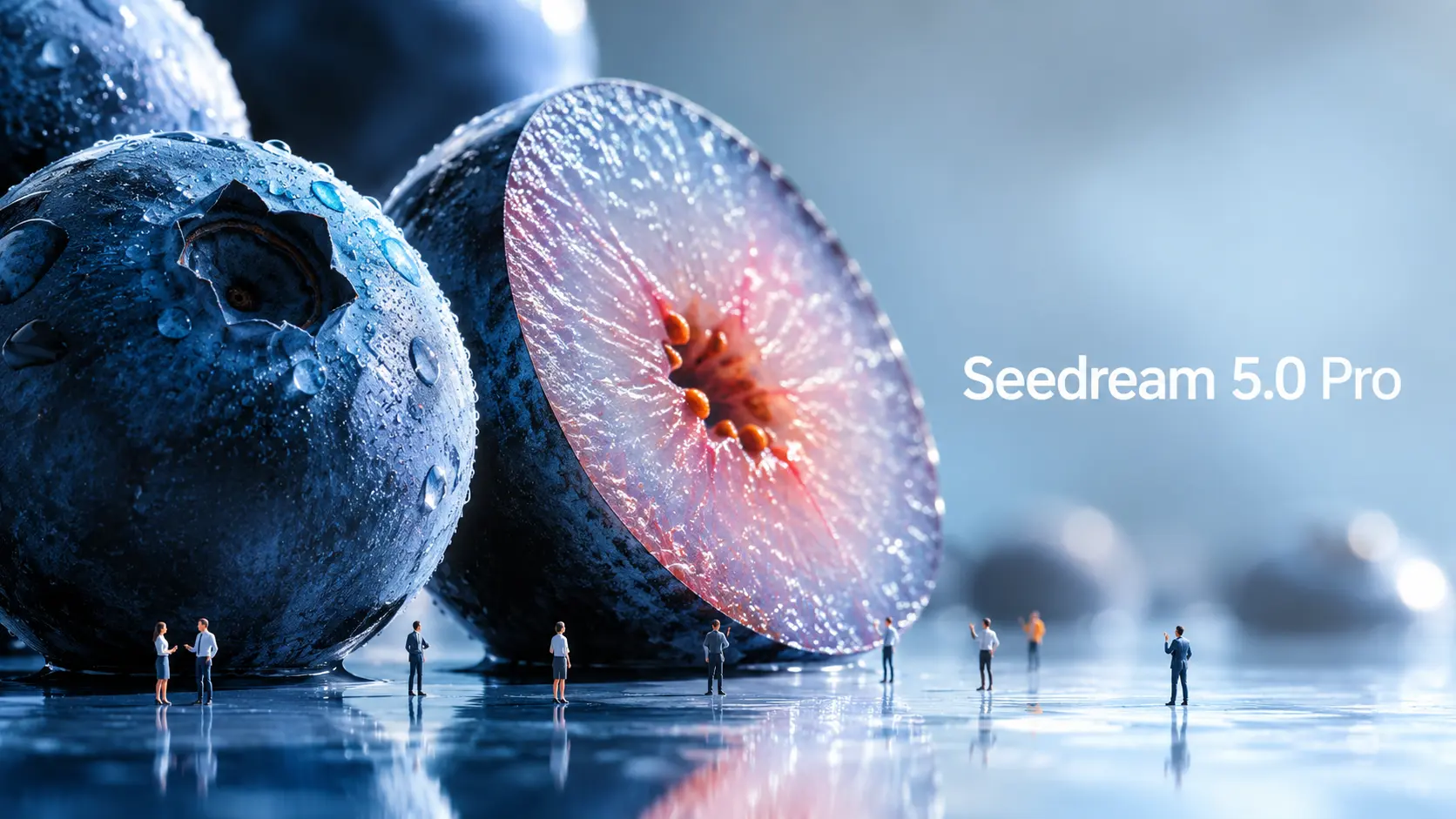
Seedream 5.0 Pro è il nuovo modello di generazione e modifica di immagini basato sull'intelligenza artificiale di ByteDance Seed, progettato per una creazione visiva più controllata. Man mano che i modelli di immagine diventano più potenti, anche i suggerimenti devono evolversi. Un semplice suggerimento su soggetto e stile non è più sufficiente se si desiderano infografiche strutturate, mockup di interfacce utente, elementi grafici per la pubblicità, poster multilingue o modifiche precise alle immagini. La vera domanda è: in che modo dovresti configurare Seedream 5.0 Pro in modo diverso? Questa guida analizza gli esempi ufficiali di Seedream 5.0 Pro e li trasforma in formule di prompt riutilizzabili. Cosa rende Seedream 5.0 Pro diverso dagli altri? Seedream 5.0 Pro è utile perché è concepito più come uno strumento di progettazione che come un semplice generatore di immagini. Non crea solo effetti visivi accattivanti. Cerca di capire come informazioni, oggetti, testo ed elementi di design dovrebbero essere disposti all'interno di un'immagine. Le immagini ricche di informazioni sono migliorate. Uno dei miglioramenti più significativi riguarda la visualizzazione di informazioni complesse. ByteDance afferma che Seedream 5.0 Pro è in grado di trasformare dati, concetti e testi densi in layout professionali. Questo lo rende utile per infografiche, poster didattici, tabelle comparative, descrizioni di prodotti, elementi visivi per report e schede informative per i social media. Questo è importante perché le immagini informative sono complesse. Il modello deve pianificare il layout, posizionare correttamente il testo, separare le sezioni, mantenere una gerarchia leggibile e, al contempo, far sì che l'immagine risulti gradevole. Modifica più precisa: Seedream 5.0 Pro è progettato anche per la modifica interattiva di precisione. Secondo quanto riportato nel comunicato ufficiale, il sistema può utilizzare il posizionamento spaziale e la comprensione regionale per supportare la selezione di punti, la selezione con il lazo, il rendering di schizzi, la modifica del colore, la sostituzione dei materiali e la fusione di più immagini. In parole semplici, è possibile chiedere di modificare una parte di un'immagine senza rigenerare l'intera immagine. Ad esempio, invece di dire "rendi questa stanza più bella", puoi dire: cambia solo il tessuto del divano, mantenendo invariati l'illuminazione e la disposizione della stanza. Quel tipo di suggerimento è molto più utile per un vero lavoro di progettazione. ByteDance dimostra la separazione dei livelli anche nei suoi materiali ufficiali. Tuttavia, al momento della stesura di questo documento, il flusso di lavoro di separazione dei livelli non è ancora ampiamente disponibile in tutti i flussi di lavoro dei prodotti pubblici, pertanto questa guida non lo tratterà come un metodo di base pronto all'uso. Immagini commerciali realistiche Seedream 5.0 Pro si concentra anche su illuminazione realistica, comportamento dei materiali, texture della pelle, riflessi, architettura e qualità fotografica. Questo lo rende utile per pubblicità di prodotti, immagini di moda, ritratti, design d'interni, immagini di lifestyle e fotogrammi cinematografici. Per i creatori, questo significa che il modello può contribuire a produrre immagini di partenza più rifinite prima di trasformarle in video. Generazione di immagini multilingue Seedream 5.0 Pro è in grado di gestire anche prompt multilingue e generare testo in oltre dieci lingue di uso comune, tra cui cinese, inglese, francese, tedesco, russo, giapponese, coreano, spagnolo e arabo. Questo è utile per annunci globali, poster localizzati, post sui social media multilingue e materiale visivo per il marketing internazionale. Come funzionano i prompt ufficiali di Seedream 5.0 Pro Gli esempi ufficiali mostrano che Seedream 5.0 Pro offre prestazioni ottimali quando il prompt è strutturato come un brief di progettazione. Esempio ufficiale: Infografica sulla ricerca antartica. Un esempio ufficiale richiede a Seedream 5.0 Pro di creare un'infografica sulla ricerca scientifica presso la stazione Qinling in Antartide. La richiesta non si limita a dire "crea un'infografica sull'Antartide". Richiede che l'edificio principale della stazione di Qinling sia al centro. Attorno ad esso, il modello dovrebbe includere una cronologia, un grafico a barre, un grafico a torta, un grafico a linee, foto delle attrezzature, un pannello meteorologico, un diagramma di flusso del lavoro sul campo e fotografie dei campioni. La lezione è semplice: indica al modello quali sezioni, grafici, schede, etichette e pannelli devono apparire. Come abbiamo scoperto noi, i primi utenti, se non si specificano il layout, le etichette o la gerarchia delle informazioni, il modello spesso non li crea automaticamente. Sebbene ciò richieda istruzioni più dettagliate, offre anche ai creatori un controllo molto maggiore sul design finale. Esempio ufficiale: interfaccia utente della homepage di un sito di e-commerce per animali domestici. L'esempio del sito di e-commerce per animali domestici è utile per chi crea interfacce utente e landing page. La richiesta prevede la creazione di una homepage per un sito di e-commerce di animali domestici in formato 16:9, con calde tonalità che richiamano il tramonto. Include una barra di navigazione superiore, un'area di testo sul lato sinistro, schede prodotto, un pulsante a forma di capsula e l'immagine di un Golden Retriever sul lato destro. L'elemento creativo più geniale di questo design dell'interfaccia utente è l'interazione tra i livelli: la zampa del cane esce dalla cornice di destra e preme il pulsante a sinistra. Questo dimostra che Seedream 5.0 Pro è in grado di comprendere le relazioni spaziali all'interno di un layout progettato. Ma per raggiungere questo obiettivo è necessario un prompt chiaro e dettagliato, poiché non è qualcosa che il modello genera automaticamente. Esempio ufficiale: modifica di materiali e colori. Questo è uno dei casi che trovo più interessanti. Un altro caso ufficiale utilizza riferimenti multipli: l'immagine 1 fornisce il materiale, l'immagine 2 fornisce un campione di colore e l'immagine 3 è l'immagine del divano da modificare. La lezione è importante: quando caricate più immagini di riferimento, assegnate a ciascuna un compito. Sorprendentemente, Seedream 5.0 Pro non ha problemi a comprendere anche le istruzioni scritte a mano in bozza. Questo significa che, anche quando sei all'aperto, a patto di avere uno smartphone o un iPad, puoi semplicemente disegnare le tue esigenze di modifica direttamente sull'immagine originale, eliminando la necessità di digitare lunghe istruzioni simili a saggi. Esempio ufficiale: fotografia con panoramica. Seedream 5.0 Pro mostra anche un esempio di panoramica. Il prompt mantiene nitidi il ciclista e la bicicletta, estende lo sfondo in una sfocatura di movimento orizzontale e aggiunge una sfocatura rotazionale ai raggi della ruota. Questo è utile per chi crea video a partire da immagini. Un'immagine fissa pronta per il movimento offre al modello video un punto di partenza più solido. Formula di prompt di Seedream 5.0 Pro: Sulla base degli esempi ufficiali, i prompt di Seedream 5.0 Pro possono essere raggruppati in quattro categorie pratiche. 1. Suggerimento visivo informativo. Utilizzalo per infografiche, poster didattici, tabelle comparative, guide per principianti, descrizioni di prodotti, elementi visivi per report, schede tutorial e immagini informative basate su griglie. L'obiettivo è aiutare il modello a organizzare le informazioni in modo chiaro. Formula: “Crea un [formato visivo] su [argomento]. Utilizza un layout di tipo [layout type]. Includere [argomento principale o titolo]. Aggiungi [modulo/scheda 1], [modulo/scheda 2], [modulo/scheda 3] e [modulo/scheda 4]. Ogni sezione dovrebbe includere [etichette / brevi descrizioni / icone / grafici / illustrazioni]. Mantieni la gerarchia chiara, il testo leggibile e lo stile di progettazione [stile]”. Esempio: “Crea un'infografica didattica in formato 16:9 su come funziona la generazione di video da immagini tramite IA. Utilizza un layout modulare pulito. Posiziona un'immagine sorgente al centro.






Movimento incredibile in Vidu AI Studio
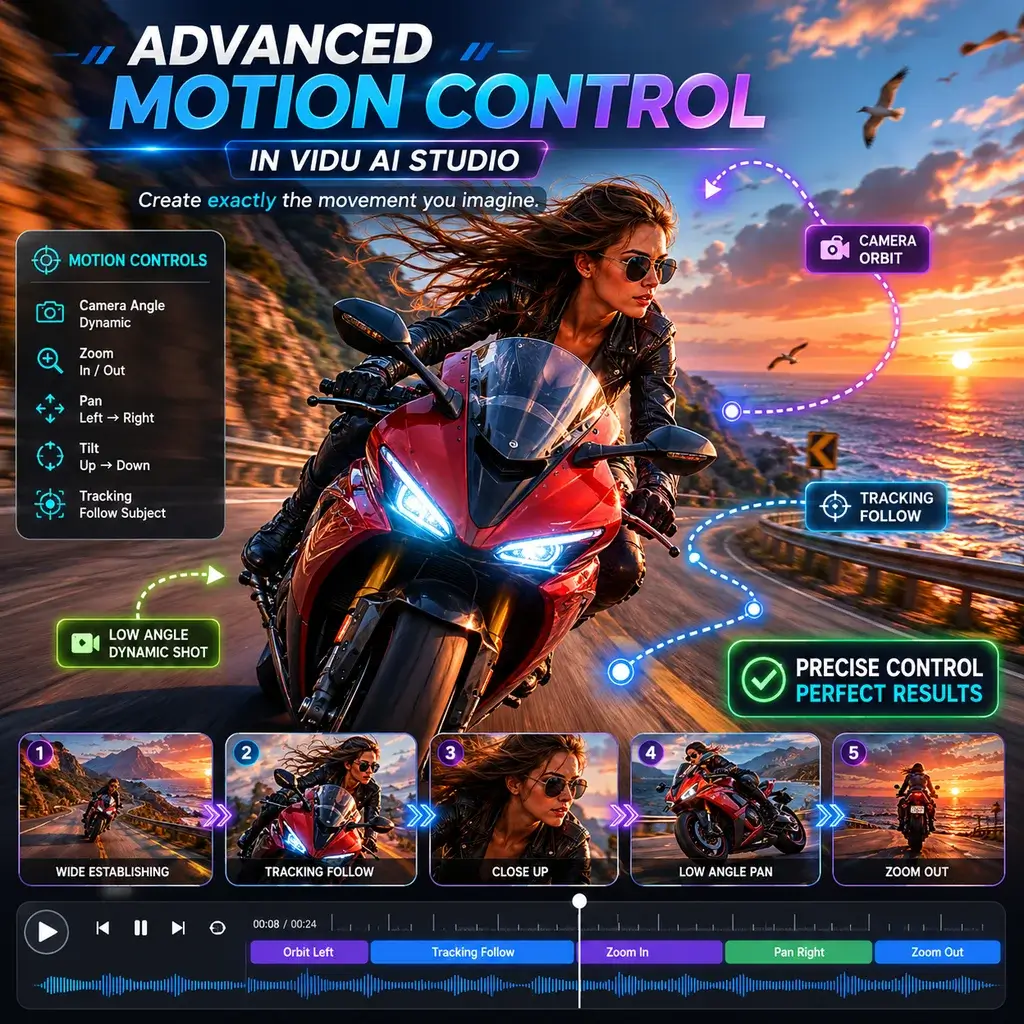
Come animatore freelance, ho testato molti strumenti, ma lo studio Vidu AI mi ha completamente sbalordito. Il modo in cui gestisce le complesse panoramiche della telecamera durante la generazione di un video AI non ha eguali. Mi ha risparmiato ore di keyframing manuale.
Immagine senza interruzioni in video su dispositivi mobili
Utilizzo l'app Vidu AI sul mio tablet durante i miei spostamenti. Trasformare uno schizzo veloce in un'immagine fluida in un videoclip è incredibilmente intuitivo. L'interfaccia è pulita e la velocità di rendering è sorprendentemente elevata per un'esperienza mobile.
Miglior livello gratuito per video generati dall'intelligenza artificiale
Trovare un generatore video Vidu AI affidabile e privo di filigrane nascoste è raro. L'ho usato per un progetto cinematografico studentesco e la qualità video generata dall'intelligenza artificiale era cinematografica. I crediti gratuiti sono stati più che sufficienti per terminare il mio cortometraggio.
Scene realistiche di baci e abbracci con intelligenza artificiale
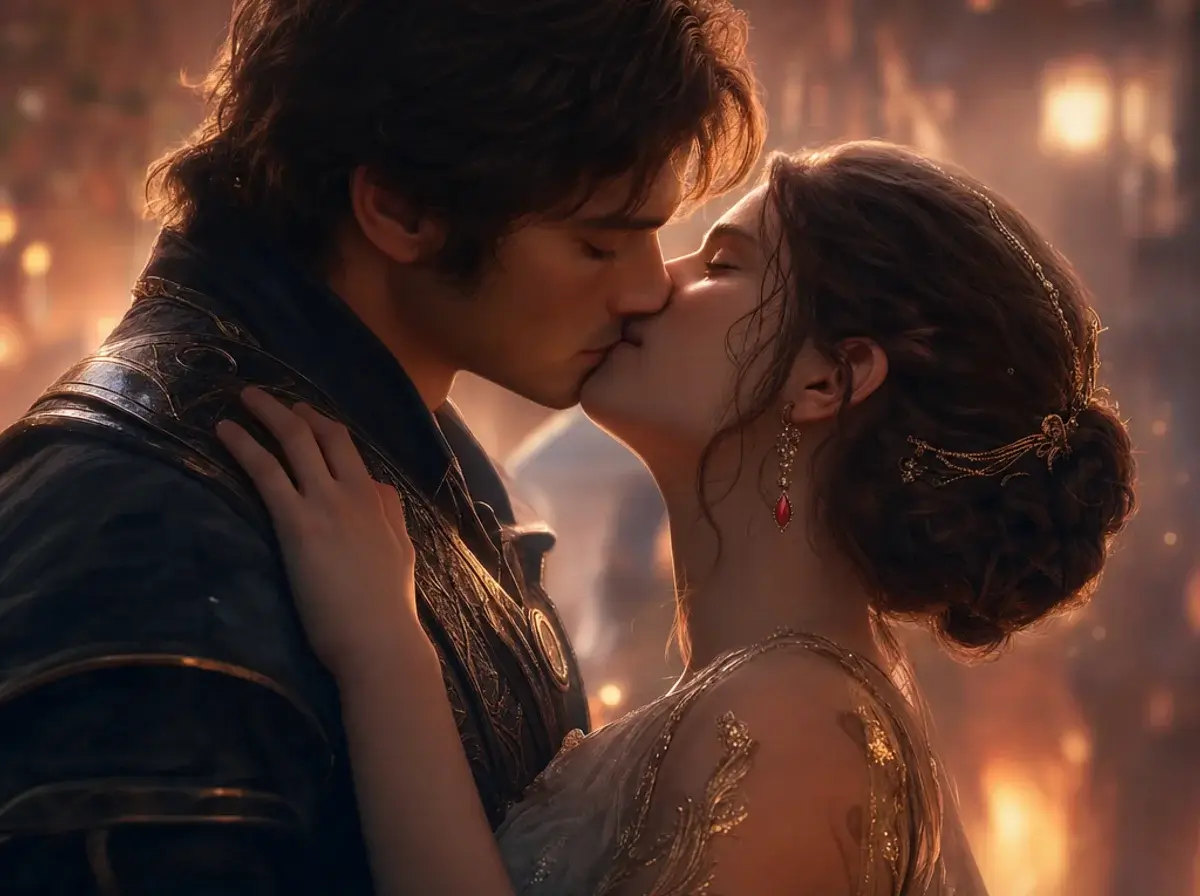
Avevo bisogno di una scena romantica e discreta per il trailer del mio gioco indipendente. Il generatore di baci dell'IA ha prodotto un momento meravigliosamente tenero e la fisica dell'abbraccio dell'IA non si è adattata affatto ai modelli dei personaggi. Una tecnologia davvero impressionante.
Perfetto per i progetti anime Vidu AI
Animare pannelli manga 2D è la mia nicchia. Il modello anime Vidu AI rispetta perfettamente la grafica originale. Usando il riferimento alla funzione AI video, ho adattato perfettamente il frame rate esatto e lo stile dei miei episodi precedenti.
La scelta migliore tra siti come Vidu AI
Ho esplorato quasi tutti i siti come Vidu AI, ma questa piattaforma si distingue. È davvero la migliore alternativa all'intelligenza artificiale di Vidu gratuita da usare, offrendo funzionalità di controllo del movimento premium che altri bloccano dietro costosi paywall.
Movimento incredibile in Vidu AI Studio
Come animatore freelance, ho testato molti strumenti, ma lo studio Vidu AI mi ha completamente sbalordito. Il modo in cui gestisce le complesse panoramiche della telecamera durante la generazione di un video AI non ha eguali. Mi ha risparmiato ore di keyframing manuale.
Immagine senza interruzioni in video su dispositivi mobili
Utilizzo l'app Vidu AI sul mio tablet durante i miei spostamenti. Trasformare uno schizzo veloce in un'immagine fluida in un videoclip è incredibilmente intuitivo. L'interfaccia è pulita e la velocità di rendering è sorprendentemente elevata per un'esperienza mobile.
Miglior livello gratuito per video generati dall'intelligenza artificiale
Trovare un generatore video Vidu AI affidabile e privo di filigrane nascoste è raro. L'ho usato per un progetto cinematografico studentesco e la qualità video generata dall'intelligenza artificiale era cinematografica. I crediti gratuiti sono stati più che sufficienti per terminare il mio cortometraggio.
Scene realistiche di baci e abbracci con intelligenza artificiale
Avevo bisogno di una scena romantica e discreta per il trailer del mio gioco indipendente. Il generatore di baci dell'IA ha prodotto un momento meravigliosamente tenero e la fisica dell'abbraccio dell'IA non si è adattata affatto ai modelli dei personaggi. Una tecnologia davvero impressionante.
Perfetto per i progetti anime Vidu AI
Animare pannelli manga 2D è la mia nicchia. Il modello anime Vidu AI rispetta perfettamente la grafica originale. Usando il riferimento alla funzione AI video, ho adattato perfettamente il frame rate esatto e lo stile dei miei episodi precedenti.
La scelta migliore tra siti come Vidu AI
Ho esplorato quasi tutti i siti come Vidu AI, ma questa piattaforma si distingue. È davvero la migliore alternativa all'intelligenza artificiale di Vidu gratuita da usare, offrendo funzionalità di controllo del movimento premium che altri bloccano dietro costosi paywall.