Seedream 5.0 Pro: Lås upp den mest lämpliga prompten för AI-bilder
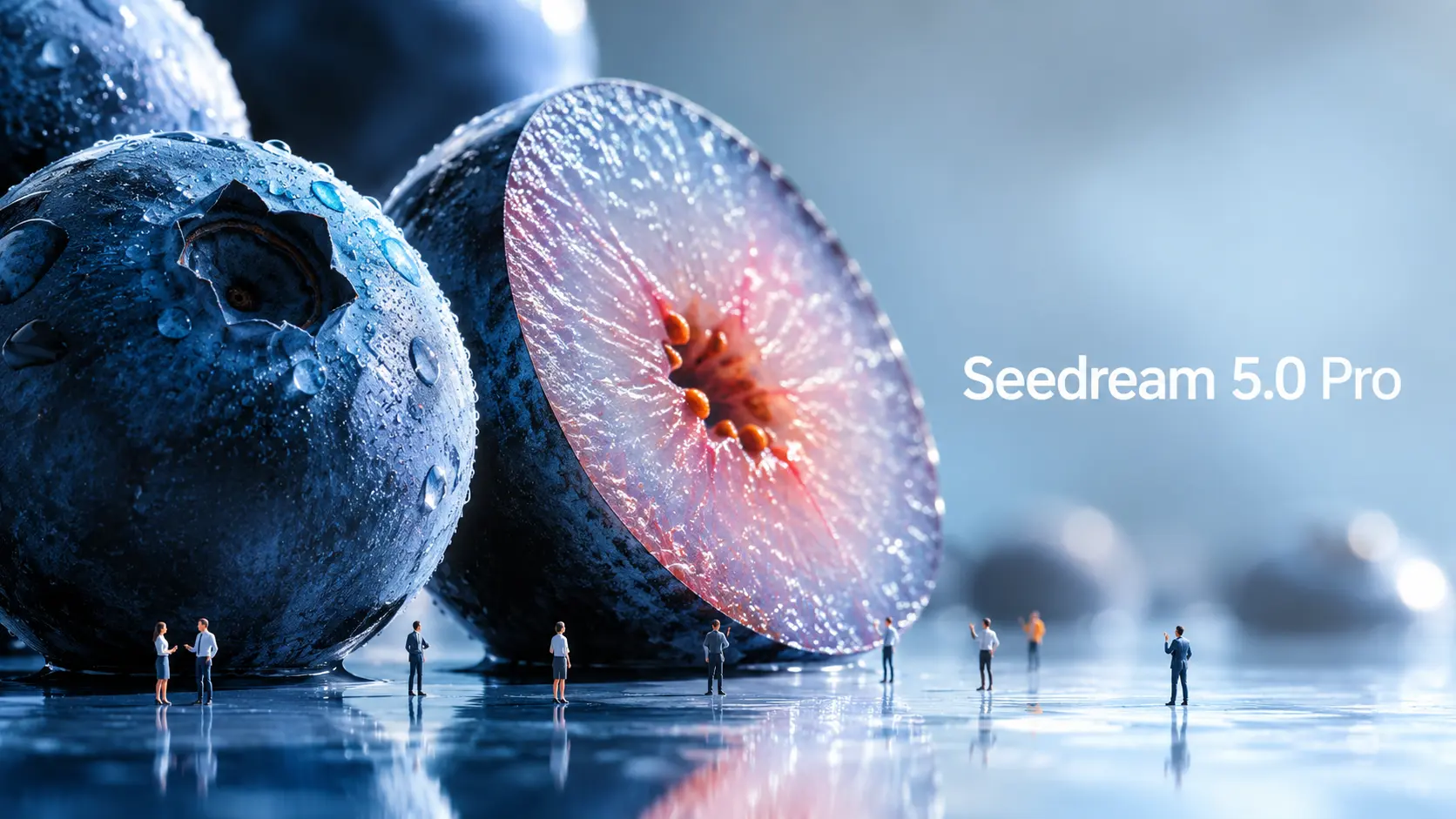
Seedream 5.0 Pro är ByteDance Seeds nya AI-modell för bildgenerering och redigering, byggd för mer kontrollerad visuell skapande. I takt med att bildmodeller blir kraftfullare måste även prompterna utvecklas. En enkel fråga med ämne och stil räcker inte längre om du vill ha strukturerad infografik, UI-mockups, kommersiella bilder, flerspråkiga affischer eller exakta bildredigeringar. Den verkliga frågan är: hur ska man uppmana Seedream 5.0 Pro annorlunda? Den här guiden bryter ner officiella Seedream 5.0 Pro-exempel och omvandlar dem till återanvändbara promptformler. Vad gör Seedream 5.0 Pro annorlunda? Seedream 5.0 Pro är användbart eftersom det är byggt närmare ett designverktyg än en enkel bildgenerator. Det skapar inte bara attraktiva bilder. Den försöker förstå hur information, objekt, text och designelement ska ordnas inuti en bild. Informationstunga bilder bättre En av de största uppgraderingarna är komplex informationsvisualisering. ByteDance säger att Seedream 5.0 Pro kan förvandla data, koncept och tät text till professionella layouter. Detta gör den användbar för infografik, utbildningsaffischer, jämförelsetabeller, produktförklaringar, visuella rapporter och kunskapskort för sociala medier. Detta är viktigt eftersom informationsbilder är svåra. Modellen måste planera layouten, placera text korrekt, separera avsnitt, hålla hierarkin läsbar och ändå få bilden att se bra ut. Mer exakt redigering Seedream 5.0 Pro är också utformad för interaktiv precisionsredigering. Enligt den officiella utgåvan kan den använda spatial positionering och regional förståelse för att stödja punktval, lassoval, skissrendering, färgredigering, materialbyte och flerbildsfusion. Enkelt uttryckt kan du be den att ändra en del av en bild utan att generera allt på nytt. Till exempel, istället för att säga ”få det här rummet att se bättre ut” kan du säga: ändra bara sofftyget, behåll belysningen och rummets layout oförändrad. Den typen av uppmaning är mycket mer användbar för riktigt designarbete. ByteDance demonstrerar även lagerseparation i sina officiella material. I skrivande stund är dock arbetsflödet för lagerseparation ännu inte allmänt tillgängligt i alla publika produktarbetsflöden, så den här guiden kommer inte att behandla det som en färdig kärnmetod. Realistiska kommersiella bilder Seedream 5.0 Pro fokuserar också på realistisk belysning, materialbeteende, hudstruktur, reflektioner, arkitektur och fotografisk kvalitet. Detta gör den användbar för produktannonser, modegrafik, porträttfotografering, inredning, livsstilsbilder och filmiska stillbilder. För kreatörer innebär det att modellen kan hjälpa till att producera mer polerade källbilder innan de omvandlas till videor. Flerspråkig bildgenerering Seedream 5.0 Pro kan också arbeta med flerspråkiga uppmaningar och generera text på fler än tio vanliga språk, inklusive kinesiska, engelska, franska, tyska, ryska, japanska, koreanska, spanska och arabiska. Detta är användbart för globala annonser, lokaliserade affischer, flerspråkiga sociala inlägg och internationella marknadsföringsgrafik. Hur officiella Seedream 5.0 Pro-prompter fungerar De officiella exemplen visar att Seedream 5.0 Pro presterar bäst när prompten är strukturerad som en designbrief. Officiellt exempel: Infografik om antarktisk forskning I ett officiellt exempel ber man Seedream 5.0 Pro att skapa en infografik om vetenskaplig forskning vid Qinling-stationen i Antarktis. Uppmaningen säger inte bara ”skapa en infografik om Antarktis”. Den frågar efter Qinling Stations huvudbyggnad i mitten. Runt det bör modellen lägga till en tidslinje, stapeldiagram, cirkeldiagram, linjediagram, utrustningsfoton, väderpanel, flödesschema för fältarbete och provtagningsfotografering. Lärdomen är enkel: Berätta för modellen vilka avsnitt, diagram, kort, etiketter och paneler som ska visas. Som vi tidiga användare upptäcker, om du inte anger layout, etiketter eller informationshierarki, kommer modellen ofta inte att uppfinna dem åt dig. Även om detta kräver mer detaljerade instruktioner, ger det också skaparna mycket mer kontroll över den slutliga designen. Officiellt exempel: användargränssnitt för hemsida för e-handel med husdjur Exemplet med e-handel med husdjur är användbart för skapare av användargränssnitt och landningssidor. Prompten ber om en hemsida för e-handel med husdjur i 16:9-format i varma solnedgångstoner. Den innehåller en navigeringsfält överst, ett textområde till vänster, produktkort, en kapselformad knapp och en bild på en Golden Retriever till höger. Den mest briljanta kreativa touchen i den här UI-designen är interaktionen mellan olika lager: hundens tass bryter ut ur den högra bilden och trycker på knappen till vänster. Detta visar att Seedream 5.0 Pro kan förstå rumsliga relationer inom en designad layout. Men för att uppnå detta krävs en tydligt detaljerad prompt, eftersom det inte är något som modellen genererar automatiskt. Officiellt exempel: material- och färgredigering. Detta är ett av de fall jag tycker är mest intressanta. Ett annat officiellt fall använder flera referenser: Bild 1 visar material, bild 2 visar en färgprov och bild 3 är soffbilden som ska redigeras. Lärdomen är viktig: När du laddar upp flera referensbilder, ge varje bild ett jobb. Överraskande nog har Seedream 5.0 Pro inte heller några problem med att förstå handskrivna utkastinstruktioner. Det betyder att även när du är utomhus, så länge du har en smartphone eller en iPad, kan du helt enkelt skissa dina redigeringsbehov direkt på originalbilden – vilket eliminerar behovet av att skriva ut långa, essäliknande uppmaningar. Officiellt exempel: panoreringsfotografering Seedream 5.0 Pro visar också ett exempel på panoreringsbild. Uppmaningen håller cyklisten och cykeln skarpa, sträcker bakgrunden till horisontell rörelseoskärpa och lägger till rotationsoskärpa på hjulens ekrar. Detta är användbart för skapare av bild-till-video. En rörelseklar stillbild ger videomodellen en starkare utgångspunkt. Seedream 5.0 Pro-promptformel Baserat på de officiella exemplen kan Seedream 5.0 Pro-prompter grupperas i fyra praktiska kategorier. 1. Informativa visuella uppmaningar Använd detta för infografik, utbildningsaffischer, jämförelsetabeller, nybörjarguider, produktförklaringar, rapportvisuella element, handledningskort och rutnätsbaserade kunskapsbilder. Målet är att hjälpa modellen att organisera information tydligt. Formel: ”Skapa ett [visuellt format] om [ämne]. Använd en layout av typen [layouttyp]. Inkludera [huvudämne eller titel]. Lägg till [modul/kort 1], [modul/kort 2], [modul/kort 3] och [modul/kort 4]. Varje avsnitt bör innehålla [etiketter / korta beskrivningar / ikoner / diagram / illustrationer]. Håll hierarkin tydlig, texten läsbar och designstilen [stil].” Exempel: ”Skapa en pedagogisk infografik i 16:9 om hur AI-generering av bild till video fungerar. Använd en ren modulär layout. Placera en källbild i mitten.







Otrolig rörelse i Vidu AI Studio
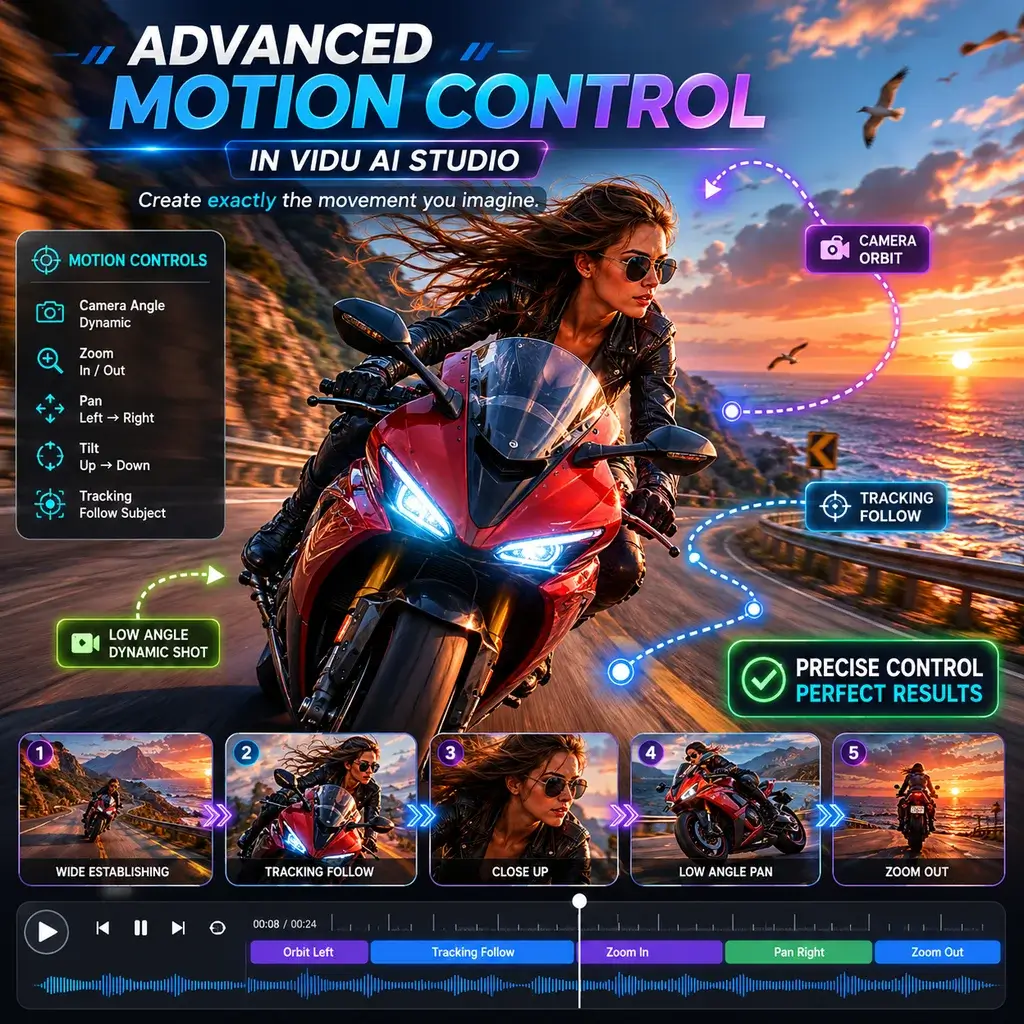
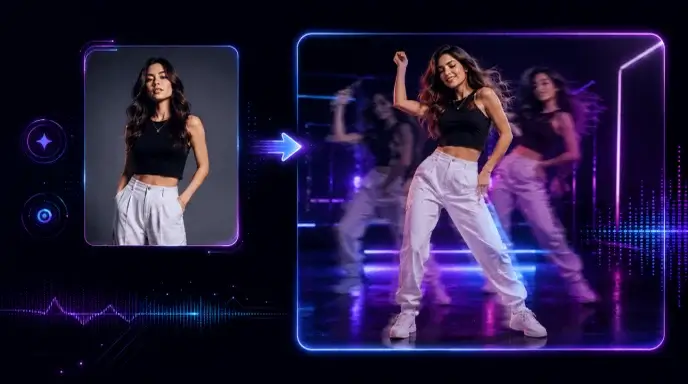
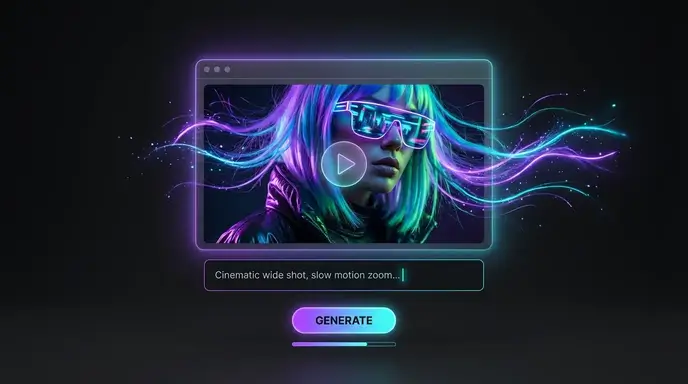
Som frilansande animatör har jag testat många verktyg, men Vidu AI-studion imponerade helt på mig. Sättet som den hanterar komplexa kamerapanorering samtidigt som den genererar en AI-video är oöverträffad. Det sparade mig timmar av manuell keyframing.
Sömlös bild till video på mobil
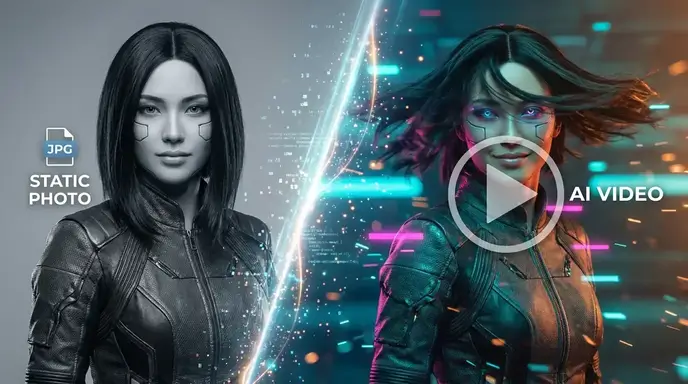
Jag använder Vidu AI-appen på min surfplatta under min pendling. Att förvandla en snabb skiss till en flytande bild till videoklipp är otroligt intuitivt. Gränssnittet är rent och renderingshastigheten är förvånansvärt snabb för en mobilupplevelse.
Bästa gratis nivå för AI-genererad video
Att hitta en pålitlig Vidu AI-videogenerator utan dolda vattenstämplar är sällsynt. Jag använde den för ett studentfilmprojekt, och den AI-genererade videokvaliteten var filmisk. De gratis krediterna var mer än tillräckligt för att avsluta min korta.
Realistiska AI-kyssar och kramasscener
Jag behövde en subtil romantisk scen för min indiespelstrailer. AI-kyssgeneratorn producerade ett vackert ömt ögonblick, och AI-kramas fysik klippte inte igenom karaktärsmodellerna alls. Verkligen imponerande teknik.
Perfekt för Vidu AI Anime-projekt
Att animera 2D-mangapaneler är min nisch. Vidu AI-animemodellen respekterar den ursprungliga linjeteckningen perfekt. Med hjälp av hänvisningen till video AI-funktionen matchade jag den exakta bildfrekvensen och stilen för mina tidigare avsnitt sömlöst.
Det bästa valet bland sajter som Vidu AI
Jag har utforskat nästan alla sajter som Vidu AI, men den här plattformen sticker ut. Det är verkligen det bästa Vidu AI-alternativet gratis att använda, och erbjuder premiumfunktioner för rörelsekontroll som andra låser bakom dyra betalväggar.
Otrolig rörelse i Vidu AI Studio
Som frilansande animatör har jag testat många verktyg, men Vidu AI-studion imponerade helt på mig. Sättet som den hanterar komplexa kamerapanorering samtidigt som den genererar en AI-video är oöverträffad. Det sparade mig timmar av manuell keyframing.
Sömlös bild till video på mobil
Jag använder Vidu AI-appen på min surfplatta under min pendling. Att förvandla en snabb skiss till en flytande bild till videoklipp är otroligt intuitivt. Gränssnittet är rent och renderingshastigheten är förvånansvärt snabb för en mobilupplevelse.
Bästa gratis nivå för AI-genererad video
Att hitta en pålitlig Vidu AI-videogenerator utan dolda vattenstämplar är sällsynt. Jag använde den för ett studentfilmprojekt, och den AI-genererade videokvaliteten var filmisk. De gratis krediterna var mer än tillräckligt för att avsluta min korta.
Realistiska AI-kyssar och kramasscener
Jag behövde en subtil romantisk scen för min indiespelstrailer. AI-kyssgeneratorn producerade ett vackert ömt ögonblick, och AI-kramas fysik klippte inte igenom karaktärsmodellerna alls. Verkligen imponerande teknik.
Perfekt för Vidu AI Anime-projekt
Att animera 2D-mangapaneler är min nisch. Vidu AI-animemodellen respekterar den ursprungliga linjeteckningen perfekt. Med hjälp av hänvisningen till video AI-funktionen matchade jag den exakta bildfrekvensen och stilen för mina tidigare avsnitt sömlöst.
Det bästa valet bland sajter som Vidu AI
Jag har utforskat nästan alla sajter som Vidu AI, men den här plattformen sticker ut. Det är verkligen det bästa Vidu AI-alternativet gratis att använda, och erbjuder premiumfunktioner för rörelsekontroll som andra låser bakom dyra betalväggar.