
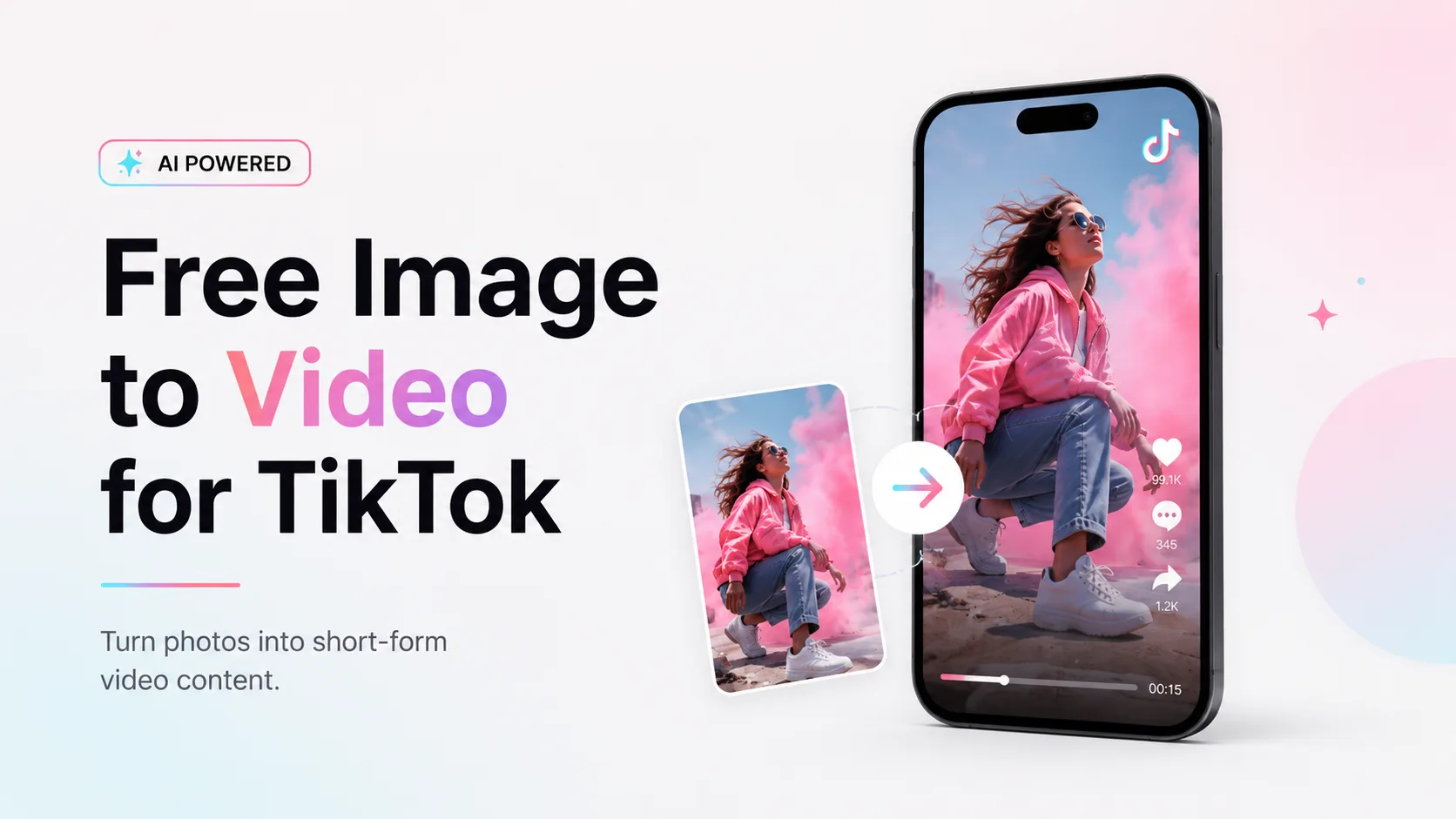
AI image to video tools make it easier to create TikTok videos from static photos, AI images, product shots, selfies, pet pictures, and meme visuals. Instead of filming from scratch, creators can upload one image and turn it into a short moving clip with camera motion, facial movement, product rotation, or cinematic effects.
But not every free AI image to video generator offers the same value. Some tools limit credits, add watermarks, reduce resolution, or restrict exports. This review compares seven tools based on free access, watermark policy, motion quality, ease of use, TikTok fit, and overall value.
Quick Comparison: Best Free AI image to video Tools for TikTok
| Tool | Best For | Main Strength | Main Limitation |
| AI Image to Video | TikTok-ready image animation | Simple workflow and social video focus | Free limits may vary by model |
| CapCut / Dreamina | TikTok-native editing | Built-in short-form editing tools | Some AI features may require credits |
| Kling AI | Realistic human motion | Strong cinematic and body movement | Free access can be limited |
| Hailuo AI | Fast testing | Quick creative variations | Output can be inconsistent |
| Google Veo | High-quality AI video | Polished visual generation | Access and limits may vary |
| VEED | Browser editing | Generation plus editing tools | Free exports may have limits |
| Canva | Teams and simple social content | Easy templates and brand assets | Less advanced motion control |
AI Image to Video — Best for Flexible TikTok-Ready Video Generation
AI Image to Video is a strong option for creators who want more than a basic photo animation tool. Its biggest advantage is model flexibility. Instead of using only one AI video model, the platform lets users generate videos with multiple models, including options such as Kling, Veo, and Wan. This makes it easier to compare different motion styles, quality levels, and creative results from one place.
For TikTok creators, this flexibility is useful because not every image needs the same type of motion. A product shot may need a clean camera movement, while an AI character image may need facial motion or cinematic animation. AI Image to Video also supports different video ratios, including 1:1, 3:4, and 9:16, so creators can adapt the same image for TikTok, Reels, Shorts, or other social platforms.
As a free AI image to video generator, it works best for users who want to test different models and formats without building a complex editing workflow.
Best for: creators who need an AI video generator for TikTok with multiple model options.
Pros: multiple AI models, flexible aspect ratios, useful for short-form content.
Cons: quality and free limits may vary by model.
Verdict: Best for creators who want flexible image to video generation for TikTok-ready clips.
CapCut / Dreamina — Best for TikTok-Native Editing
CapCut / Dreamina is one of the easiest choices for creators who want to make AI video for TikTok without learning a separate editing tool. Its biggest advantage is not only image to video generation, but the full short-form editing environment around it. After creating an AI video clip, users can quickly add captions, templates, effects, transitions, music, text overlays, and TikTok-style edits in the same workflow.
This makes CapCut especially useful for beginners, social media creators, and small teams who already edit short videos on mobile. Compared with standalone AI video tools, CapCut feels more native to TikTok because it focuses on final content packaging, not just generation.
However, CapCut may not be the best choice if your main goal is advanced model control or the highest motion quality. Free access can also depend on credits, feature availability, export settings, and regional rules. Some AI features may move behind paid plans or usage limits over time.
Best for: creators who want an AI TikTok video generator with built-in editing tools.
Pros: familiar interface, captions, templates, effects, music, and short-form editing features.
Cons: free usage rules and AI credit limits may change.
Verdict: Best for creators who want TikTok-style editing and AI generation in one place.
Kling AI — Best for Realistic Human Motion
Kling AI is one of the strongest choices when realistic motion matters. Compared with simpler image animation tools, Kling is better at handling people, portraits, fashion shots, cinematic scenes, and AI character videos. It can make an image feel more alive through natural camera movement, facial expression, hair motion, and body movement.
For TikTok creators, Kling works well when the content depends on realism or character presence. A portrait can become more expressive, a fashion image can feel like a short campaign clip, and an AI character can look more believable in a story-based video. This makes it useful for AI influencers, cinematic TikTok clips, character storytelling, and visual-heavy short-form content.
However, Kling is not always the most convenient free image to video AI tool for quick daily posting. Free access, generation speed, credit limits, and export options may vary. It may also take several attempts to get the cleanest result, especially with complex human poses.
Best for: realistic people, cinematic motion, portraits, and AI character videos.
Pros: strong motion quality, realistic movement, premium-looking results.
Cons: free access may be limited; complex scenes may need multiple generations.
Verdict: Best for creators who care more about realistic motion quality than fast, high-volume testing.
Hailuo AI — Best for Fast Creative Testing
Hailuo AI is a good choice for creators who want to test ideas quickly before spending more time on editing or polishing. Its main advantage is speed. The tool can generate short, visually energetic clips, which makes it useful for TikTok-style content where the first impression matters.
For creators making meme videos, surreal visuals, animal reactions, AI character moments, or quick hook tests, Hailuo is a practical option. It works well when you want to try several prompts, compare different motion styles, and see which idea has the strongest visual impact. If your goal is to make AI video TikTok content at a faster testing pace, Hailuo can help you move from idea to sample clip quickly.
That said, Hailuo is not always the most stable choice for polished results. Some videos may look bold and eye-catching, while others may include warped details, unstable motion, or unnatural subject changes. For serious brand videos or product content, you may need to generate multiple versions before choosing one.
Best for: testing TikTok hooks, meme clips, surreal visuals, and creative variations.
Pros: fast generation, energetic style, useful for quick idea testing.
Cons: output quality can be inconsistent, especially with complex images.
Verdict: Best for creators who want a fast free AI TikTok video generator for testing ideas, not final polished production.
Google Veo — Best for High-Quality AI Video Experiments
Google Veo is a strong option for creators who care more about polished video quality than fast daily output. Compared with many lightweight AI video tools, Veo is better suited for cinematic scenes, lifestyle visuals, product concepts, travel-style clips, and short AI storytelling videos.
For TikTok creators, Veo can be useful when you want a clip to feel more premium. A product image can become a clean campaign-style visual, while an AI-generated scene can turn into a more cinematic short-form post. It is not necessarily the easiest tool for beginners, but when the prompt and source image are clear, the results can look more refined than typical quick-generation tools.
That said, Veo is not the most predictable image to video AI free option for everyday creators. Access, free usage, credits, and output settings may vary depending on where users access the model. It may also be too advanced for simple meme videos or quick TikTok tests.
Best for: cinematic AI video, product concepts, lifestyle visuals, and premium short-form content.
Pros: strong visual quality, polished motion, good for high-end experiments.
Cons: access and free limits may vary; not ideal for fast mass production.
Verdict: Best for creators who want high-quality AI video experiments rather than quick, high-volume TikTok generation.
VEED — Best Browser-Based AI Video Editing Tool
VEED is useful because it combines AI video tools with browser-based editing. For TikTok creators, this matters because generation alone is rarely enough. Most videos still need trimming, captions, text overlays, resizing, or small edits before publishing.
VEED works well for users who want a lightweight online editing environment without installing software. It can be especially useful for marketers, small teams, educators, and creators who need to prepare social videos quickly.
Its AI features may not always be the most advanced compared with dedicated video generation models, but the editing workflow is convenient. If your goal is to generate a clip and polish it in the same browser tab, VEED is worth considering.
The free plan may include export limits, watermark restrictions, or feature caps depending on the current plan. For occasional use, it can be helpful. For high-volume TikTok publishing, users may need to check whether the free plan is enough.
Best for: creators who want AI tools plus online editing.
Pros: browser-based, easy editing, useful caption and export tools.
Cons: free exports may be limited.
Verdict: Best for users who care about editing convenience after generation.
Canva — Best for Teams and Simple Branded TikTok Content
Canva is not the most advanced AI image to video tool, but it is one of the easiest options for small businesses, social media teams, and non-technical creators. If you already use Canva for social posts, ads, thumbnails, presentations, or brand templates, adding AI video into the same workspace feels very natural.
Its biggest strength is content packaging. Canva works well for product promos, quote videos, educational clips, event posts, brand announcements, and lightweight TikTok marketing videos. You can combine AI-generated clips with text, brand colors, graphics, templates, logos, and team collaboration tools without moving everything into a professional editor.
For creators looking to convert image to video online free, Canva can be a convenient starting point, especially when the final video needs to look clean and on-brand. However, it is not the best choice for advanced motion control, realistic character animation, or cinematic AI video. Tools like Kling or Veo are stronger if motion quality is the priority.
Best for: small businesses, social teams, branded TikTok posts, and simple marketing videos.
Pros: easy to use, strong templates, brand assets, team collaboration.
Cons: less advanced motion control; some AI features may require paid access.
Verdict: Best for simple branded content and team workflows, not high-end AI motion generation.
Which Free AI image to video Tool Should You Choose?
The best tool depends on what kind of TikTok content you want to make. If you need a flexible free AI image to video generator with multiple model options and different aspect ratios, AI Image to Video is the best starting point. It is especially useful for creators who want to turn one image into TikTok-ready clips without switching between several platforms.
Choose CapCut / Dreamina if you want AI generation and short-form editing in the same place. Pick Kling AI if realistic human motion, portraits, or AI character videos matter most. Use Hailuo AI when you want to test many TikTok hooks quickly. Try Google Veo for more polished cinematic experiments. Choose VEED if you need browser-based editing, and use Canva if your priority is branded content, templates, and team collaboration.
In simple terms, meme creators need speed, product sellers need clean exports, AI character creators need consistency, and brands need control. The right AI video generator for TikTok is the one that fits your content style, not just the one with the longest feature list.
FAQ
What is the best free AI image to video tool for TikTok?
For a simple TikTok-ready workflow, AI Image to Video is a strong starting point. CapCut is better if you want built-in editing, while Kling is stronger for realistic motion.
Are free AI image to video tools really free?
Most tools offer some type of free access, such as free credits, trials, or limited exports. However, free plans often include restrictions like watermarks, lower resolution, queues, or limited generations.
Which tool is best for watermark-free TikTok videos?
Watermark policies change often, so creators should always check the current export rules before relying on a tool. In general, tools focused on creator exports are better choices than trial-only platforms.
Which tool is best for realistic AI video?
Kling AI and Google Veo are stronger options for realistic or cinematic motion. They are better suited for portraits, people, fashion, and story-based clips.
Which tool is easiest for beginners?
CapCut and Canva are the easiest for beginners because they include templates and editing tools. AI Image to Video is also beginner-friendly if you only need image to video generation.
Conclusion
Free AI image to video tools make it much easier for TikTok creators to turn static photos, product shots, AI images, and meme visuals into short videos without filming from scratch. But the best choice is not always the tool with the most features. It is the one that matches your content style, output needs, and free usage limits.
For most creators, AI Image to Video is a strong starting point because it supports multiple models and flexible aspect ratios for TikTok-ready clips. CapCut is better for editing, Kling for realistic motion, Hailuo for fast testing, Veo for cinematic results, VEED for browser editing, and Canva for branded team content.
Start with one tool, test a few images, and compare the results. The right AI video generator for TikTokshould help you create faster, not make the process more complicated.






