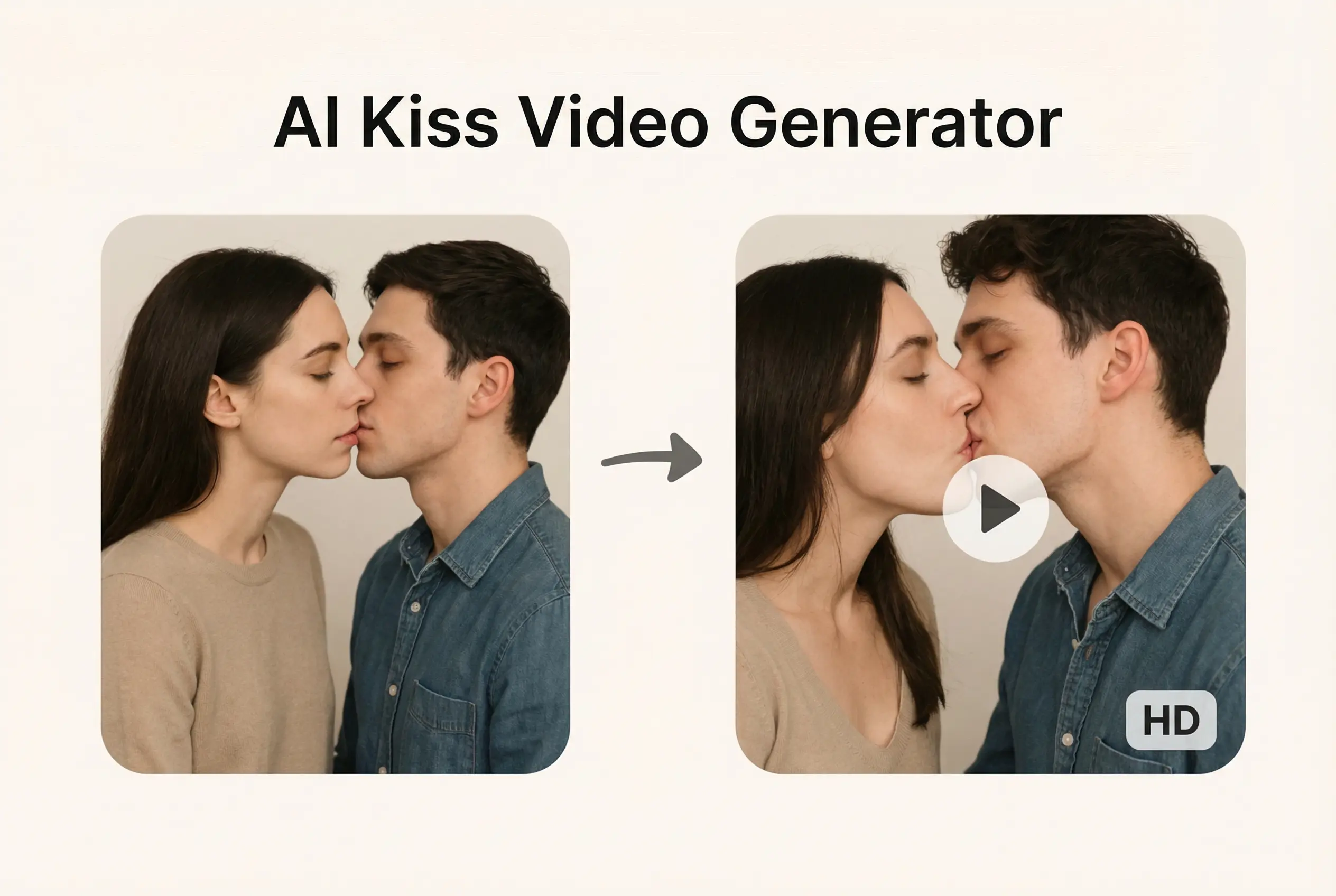
AI-generated kissing videos have exploded across social media platforms, transforming ordinary photographs into surprisingly realistic romantic content. But if you’ve searched for a “free AI kiss generator,” you’ve likely encountered the same frustrating pattern: tools promise unlimited free access, only to demand payment after just two videos.
This guide cuts through the marketing noise. We’ve evaluated over fifteen AI kissing video generators to reveal which ones actually deliver value, walk you through the creation process, and address the ethical questions you should consider before getting started.
What Is an AI Kiss Video Generator?
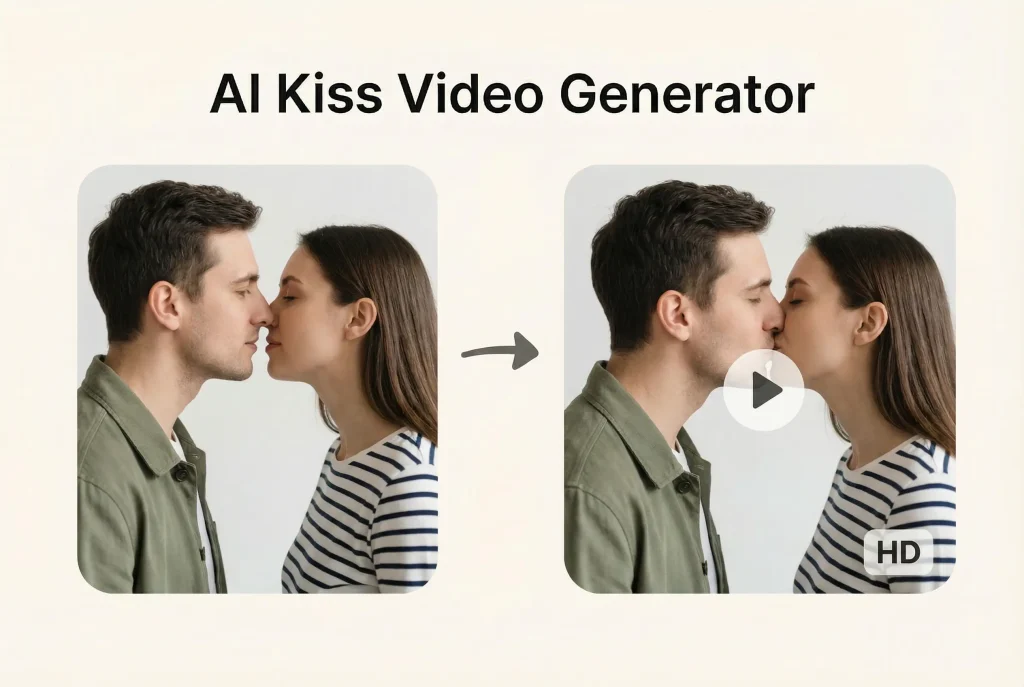
An AI kiss video generator transforms static photos into animated videos depicting kissing or romantic interactions between subjects. These tools leverage advanced machine learning to analyze facial features, predict natural movements, and synthesize realistic video output.
How AI Kissing Video Technology Works
The underlying technology combines several AI disciplines. Facial recognition identifies key landmarks on uploaded images. Motion synthesis algorithms then predict how faces would naturally move during a kiss. Deep learning models—similar to those powering tools like Kling AI with its physics engine—generate frame-by-frame animations that blend source images into fluid video.
Image-to-Video vs Text-to-Video Generation
Most kiss generators require photo uploads, where you provide images of the subjects. Text-to-video options exist but typically produce less personalized results. The photo-based approach raises privacy considerations since your images get processed on external servers.
Why AI Kiss Videos Went Viral
Several factors drove adoption: accessibility through browser-based tools, the entertainment value of seeing fictional or fantasy scenarios animated, and social media’s appetite for novel content. Couples use these for fun, creators make them for engagement, and some generate them purely for memes.
The Truth About “Free” AI Kiss Video Generators
Here’s what the marketing pages won’t tell you upfront: genuinely unlimited free options are extraordinarily rare.
What “Free” Really Means (Credit Systems Explained)
Most platforms operate on credit-based systems. Deevid AI provides two free generations before requiring payment. Pollo AI similarly offers two complimentary videos. Runway ML grants 125 free credits initially, but each video generation consumes multiple credits. When YouTube tutorials claim tools are “free,” commenters consistently push back with responses like “NOT FREE” and “everything charges money.”
Hidden Costs and Watermark Policies
Free tiers typically include prominent watermarks on output videos. Resolution gets capped at lower quality. Export formats may be limited. To get watermark-free, high-resolution results, paid subscriptions become necessary across virtually all platforms.
Truly Unlimited Options (Local Generation)
The sole genuinely unlimited path involves running AI models locally through tools like ComfyUI paired with Civitai models such as “passionate-kissing” or “wan-french-kissing-v1.” This approach requires a capable GPU, technical comfort with installation processes, and significant setup time—but produces unlimited free generations with complete privacy since nothing gets uploaded externally.
Best AI Kiss Video Generators Compared (2026)
After testing multiple platforms and analyzing user feedback from Reddit and YouTube communities, here’s how leading tools stack up:
Deevid AI – Best for Beginners
Template-based approach requiring no prompt engineering. Simply select a kiss template, upload your photo, and generate. The tradeoff: only two free videos, with paid plans needed afterward.
Media.io – Best for Multiple Effects
Offers variety beyond standard kisses, including French kiss effects. Maintains a free tier with limitations. Strong brand recognition makes it a common starting point for newcomers.
MagicShot – Best for Speed
Praised in technical communities for fast generation times and solid facial realism. Credit-based system applies, but generation speed stands out among competitors.
Pollo AI – Best for Kiss + Hug Combo
Combines kissing and hugging effects in one platform. Beginner-friendly interface with two free videos available—useful for users wanting varied emotional content.
VividHubs – Best for Use Case Variety
Covers multiple applications including romantic content, meme creation, and artistic projects. Template library provides versatility beyond single-purpose tools.
Runway ML – Best for Professionals
Industry-standard creative tool with multi-motion brush for precise control. Starts at roughly $15 monthly after the initial 125 free credits. Overkill for casual users but valuable for serious content creators. Platforms like AI Image to Video’s free AI kissing video generator offer simpler workflows for those who don’t need professional-grade controls.
KissGenAI – Best Budget Option
Offers a $5 lifetime deal according to Reddit discussions. For users wanting affordable one-time payment rather than ongoing subscriptions, this presents an economical alternative.
Local Options (ComfyUI + Civitai) – Best for Privacy
Completely free and unlimited once configured. Models like “lez-make-out” run entirely on your hardware—no photo uploads to external servers. Requires GPU and technical knowledge but delivers maximum privacy and zero recurring costs.
How to Create an AI Kissing Video (Step-by-Step)
Step 1: Choose Your AI Tool
Match your priorities: simplicity seekers should try template-based options like Deevid AI, privacy-focused users should explore ComfyUI local setups, budget-conscious creators might prefer KissGenAI’s lifetime deal, and professionals benefit from Runway ML’s advanced controls.
Step 2: Prepare and Upload Your Photos
Select images with clear facial visibility, good lighting, and similar angles between subjects. Higher resolution source material produces better results. Consider privacy implications before uploading personal photos to cloud-based services.
Step 3: Select Template or Enter Prompt
Template-based tools simply require clicking your preferred effect. Prompt-based tools need descriptive text. Keep prompts focused on the desired action rather than elaborate scenarios.
Step 4: Generate and Download
Generation typically takes thirty seconds to two minutes. Preview results before downloading. Most free tiers include watermarks—paid versions remove these.
Common Mistakes to Avoid
Blurry source images produce poor results. Mismatched face angles between subjects create unnatural outputs. Ignoring terms of service risks losing access. Expecting truly unlimited free usage sets up disappointment.
Free vs Paid AI Kiss Generators: Honest Comparison
Feature Comparison Table
| Tool | Free Videos | Watermark-Free | Resolution | Monthly Cost |
| Deevid AI | 2 | Paid only | Limited | Varies |
| Media.io | Limited | Paid only | Limited | Varies |
| Pollo AI | 2 | Paid only | Limited | Varies |
| Runway ML | 125 credits | Paid only | High | ~$15+ |
| ComfyUI | Unlimited | Yes | High | $0 (local) |
When Free Is Enough
One-time use for curiosity satisfies most casual interest. Testing multiple platforms before committing works well with combined free tiers. Entertainment without commercial intent rarely needs premium features.
When to Pay for Premium
Regular content creation justifies subscription costs. Watermark-free output matters for professional or public use. Higher resolution requirements necessitate paid tiers. Commercial applications demand premium plans.
Privacy and Safety Concerns
What Happens to Your Uploaded Photos?
Data handling varies by platform. Read terms of service carefully—some retain rights to uploaded content. Look for explicit deletion policies. Unknown platforms present higher risk than established services.
Safer Alternatives for Privacy-Conscious Users
Local generation via ComfyUI eliminates upload concerns entirely. Desktop software like DreamVid processes locally. VPNs help access geo-restricted tools but don’t address upload privacy.
Ethical and Legal Considerations
Consent and Using Others’ Likenesses
Creating content depicting real people without their permission raises serious ethical concerns. The K-pop deepfake controversy highlighted how such content can harm individuals. Using photos of others requires explicit consent.
Legal Status by Region
Most jurisdictions lack specific AI content laws, but existing privacy, defamation, and harassment laws often apply. One Reddit discussion on r/AskIndia noted the unclear legal status with comments acknowledging enforcement gaps while still recognizing potential legal exposure.
Platform Policies (TikTok, Instagram, YouTube)
Social platforms actively moderate AI-generated content. Many require disclosure labels. Content depicting non-consenting individuals faces removal. Repeated violations risk account suspension.
Responsible Use Guidelines
Only use your own photos or obtain explicit consent. Never create content involving minors under any circumstances. Consider impact before public sharing. Treat others’ likenesses with the respect you’d want for your own image.
FAQs About AI Kiss Video Generators
Is There a Truly Free AI Kiss Generator?
Not for unlimited use. Most offer two to five free videos. ComfyUI with Civitai models provides unlimited free generation but requires technical setup and GPU hardware.
Can I Use Celebrity Photos?
Technically possible, but ethically problematic and potentially illegal. Platforms actively remove such content and may ban users who create it.
Are AI Kissing Videos Detectable?
Quality varies. Lower-quality outputs show obvious artifacts. High-end tools produce increasingly difficult-to-detect results, though detection technology continues advancing.
Which AI Kiss Generator Has No Watermark?
Free tiers rarely exclude watermarks. Paid subscriptions on most platforms remove them. Local ComfyUI generation produces watermark-free output by default.
Do I Need VPN to Use These Tools?
Some tools face geographic restrictions. Google’s experimental tools may require VPN in certain regions. Most major platforms work globally without VPN requirements.
Can I Create AI Kissing Videos on Mobile?
Web-based tools work on mobile browsers. Dedicated apps exist but often with more limitations. Desktop typically offers better experience and results.
Conclusion
AI kiss video generators deliver impressive technology wrapped in often-misleading marketing. The reality: “free” almost never means unlimited. Two to five complimentary generations represent the standard before payment walls appear.
For casual exploration, combining free trials across multiple platforms provides decent experimentation room. Privacy-conscious users benefit from local ComfyUI setups despite the technical learning curve. Regular creators should budget for subscriptions if watermark-free, high-quality output matters.
Before creating any content: consider whether you’d be comfortable having similar content made of yourself. Use only your own photos or obtain clear consent. Respect platform policies and legal boundaries.