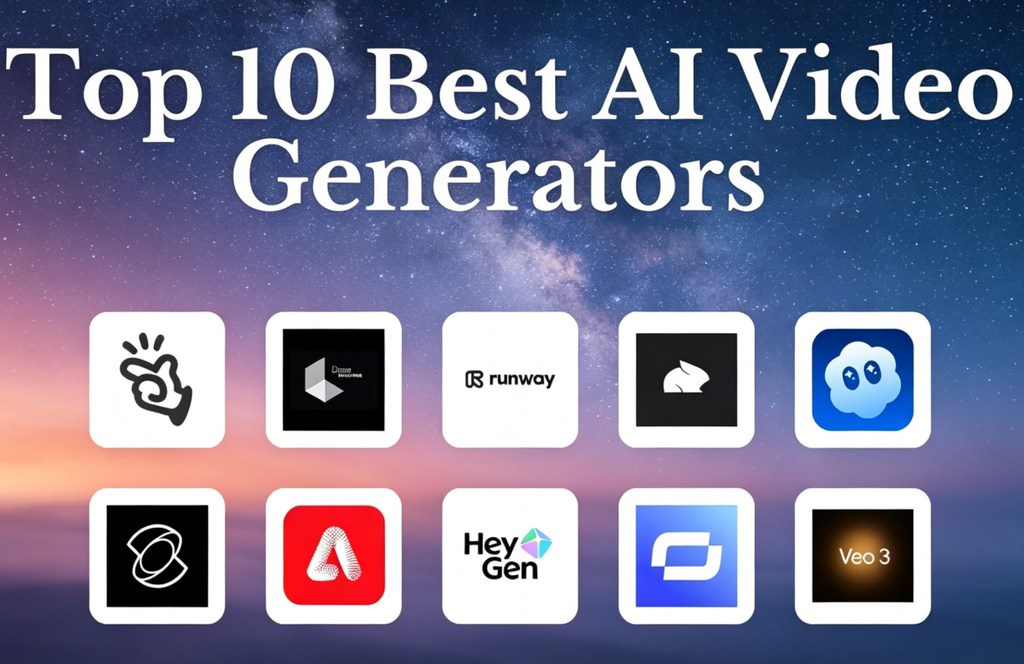
The AI video generation market underwent a massive shakeup in 2026. Sora is being discontinued, Veo 3.1 and Kling 3.0 are battling for the top spot, and Seedance 2.0 emerged to challenge both. With 20+ tools, confusing credit-based pricing, and demo reels that rarely match real output, choosing the right generator feels overwhelming. We analyzed over 100 sources — including Reddit threads, Quora discussions, and YouTube reviews — to deliver an honest comparison ranked by use case and budget.
Quick Comparison Table: AI Video Generators at a Glance
| Tool | Best For | Starting Price | Free Tier |
| Google Veo 3.1 | Cinematic realism & audio | $20/mo | Limited |
| Kling 3.0 | Overall value | $6.99/mo | 66 daily credits |
| Seedance 2.0 | Consistency | ~$72/15K credits | No |
| Runway Gen-4.5 | Creative control | $12/mo | 125 credits |
| AI Image to Video | Multi-model image-to-video | Varies | Yes |
| Grok Imagine | Free generation | Free | Yes |
| HeyGen | Avatars & multilingual | $29/mo | Trial |
| Synthesia | Corporate training | $30/mo | Trial |
| Canva | Beginners | Free tier | Yes |
| invideo AI | YouTube creators | $204/yr | Limited |
| Pika Labs | Social clips | $10/mo | 480p |
| Luma Dream Machine | Fast cinematic | Varies | Yes |
| Adobe Firefly | Adobe CC users | Included | Limited |
| LTX Studio | Extreme control | Varies | Yes |
| Descript | Script-based editing | Varies | Trial |
How We Tested These AI Video Generators
Our Testing Methodology
We ran identical prompts across every tool under consistent conditions and supplemented results with insights from 25 Reddit threads, 17 Quora questions, and 20 YouTube comparisons.
Evaluation Criteria
Six scoring factors: visual quality, motion physics, prompt adherence, audio generation, speed/queue times, and cost per usable minute — accounting for failed generations.
The Top AI Video Generators in 2026 (Ranked)
Google Veo 3.1 — Best for Cinematic Realism & Native Audio
Veo 3.1 ranks at or near the top across nearly every source we examined. Its killer feature is native audio generation — synchronized dialogue, sound effects, and music. Available via Google AI Pro at $20/month with 4K output. API pricing at $0.50/second makes heavy experimentation costly.
Kling 3.0 — Best Overall Value (Quality + Free Tier)
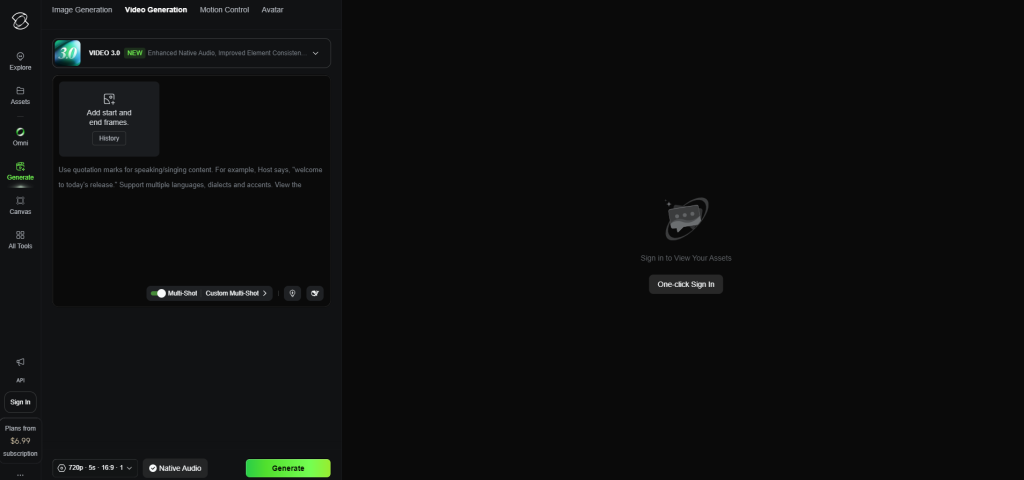
Kling earned more community recommendations than any other tool we tracked. Its 66 free daily credits are the most generous on the market, with paid plans from $6.99/month. Physics handling is a highlight; audio quality remains weak.
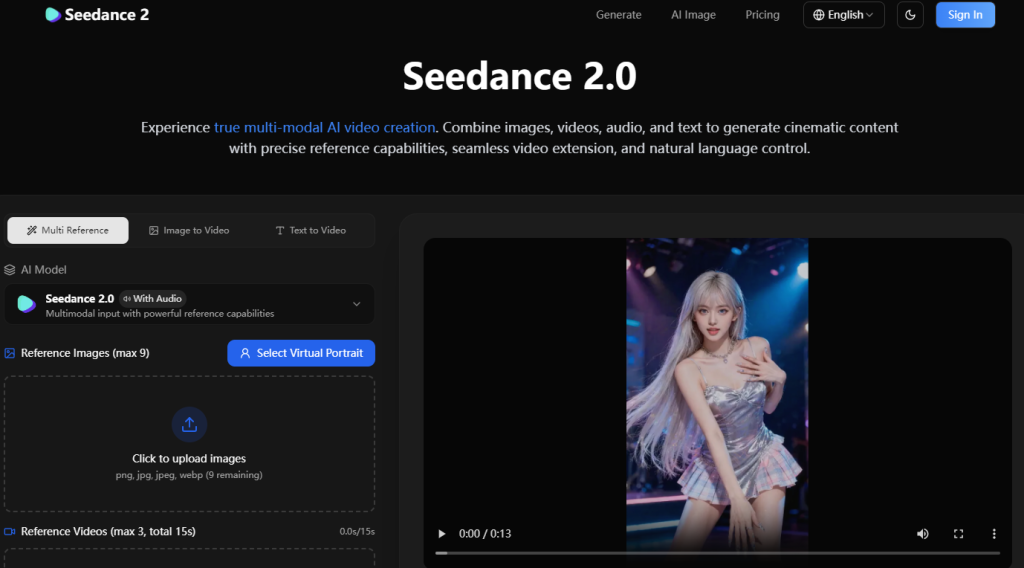
Seedance 2.0 — Best for Consistency & Prompt Adherence
Reviewers crowned Seedance 2.0 “the new king” in April 2026 for its structural coherence and predictable output. Available via Jimeng at roughly $72/15,000 credits. Drawbacks: face censorship, limited US access, and queues reaching 5–10 hours.
Runway Gen-4.5 — Best for Creative Control & Post-Production
The pioneer of consumer AI video still offers the deepest creative toolkit — motion brush, camera controls, and a post-production suite. Plans from $12 to $76/month. No longer the quality leader, but the most reliable all-rounder for pros needing integrated editing.
AI Image to Video — Best for Image-to-Video with Multi-Model Access
AI Image to Video combines Kling, Veo, and Wan in one platform for image-to-video and text-to-video generation. Outputs reach 4K with no watermarks, with batch processing for high-volume workflows. Adjustable aspect ratio, duration, and motion controls suit social media creators.
Grok Imagine — Best Free Option
Reddit users call Grok “surprisingly the best” among free tools. Generates video with audio on the X platform. Free access may narrow as X Premium tiers roll out.
HeyGen — Best for Avatar Videos & Multilingual Content
HeyGen specializes in avatar-based video across 40+ languages with a natural feel. Strong for marketing, e-commerce, and training. Plans from $29/month.
Synthesia — Best for Corporate Training & Enterprise
The corporate video leader with 160+ AI avatars and 130+ languages. Plans from $30/month. Some question the quality-to-price ratio outside enterprise.
Canva AI Video Generator — Best for Beginners & Non-Technical Users
Canva wraps AI video into its familiar design interface with the lowest learning curve available. Templates, a huge media library, and AI avatars suit students, educators, and small businesses.
invideo AI — Best for YouTube Content Creators
Purpose-built for YouTube with scripting, voiceover, and stock footage integration. Supports models like Veo 3.1. Plans from $204/year.
Pika Labs — Best Budget Option for Social Media Clips
Budget-friendly with dynamic camera controls and lip sync. Plans from $10/month with a free 480p tier — approachable for casual creators.
Luma Dream Machine — Best for Fast Cinematic Results
Luma prioritizes speed and cinematic styling, making it ideal for brainstorming and rapid prototyping on web and iOS.
Adobe Firefly — Best for Adobe Creative Cloud Users
Firefly integrates with Premiere Pro and After Effects, producing commercially safe outputs with IP protection. The natural pick for Adobe-centric teams.
LTX Studio — Best for Extreme Creative Control
A web-based platform giving director-level precision over shots, scenes, and narrative flow for creators demanding granular control.
Descript — Best AI Video Editor for Script-Based Editing
Descript’s unique approach lets you edit video by editing text — intuitive for podcasters and educators who work script-first. Available on web, Windows, and Mac.
Best Free AI Video Generators (No Subscription Required)
The Free Tier Reality Check
Every “free” tier involves trade-offs — watermarks, resolution caps, credit limits, or long queue waits. No platform offers truly unlimited free generation.
Best Free Tiers on Paid Platforms
Kling leads with 66 daily credits. Grok Imagine rivals paid quality at zero cost. PixVerse provides watermark-free output. Canva and Pika also offer usable free tiers.
Free Testing Platforms (Try Paid Models Free)
LMSYS Arena and Video Arena let you test premium models free. HuggingFace Spaces hosts open-source models, though quotas fill fast.
Best AI Video Generators by Use Case
Best for YouTube Creators
invideo AI and Veo 3.1 (with YouTube ecosystem ties) lead. Follow YouTube’s AI disclosure rules for monetization eligibility.
Best for Social Media & Short-Form Content (TikTok, Reels, Shorts)
Pika and PixVerse handle fast vertical clips well. Canva covers templates for every major platform.
Best for Marketing & Advertising
Creatify targets ad creative; HeyGen produces UGC-style avatar ads. Note: advertisers report AI static images often outperform AI video for paid ads.
Best for Business & Training Videos
Synthesia dominates enterprise training. HeyGen adds multilingual support. Canva works for simpler branded content.
Best for Filmmakers & Cinematic Content
Veo 3.1 for realism, Seedance 2.0 for multi-shot consistency, Kling 3.0 for photorealistic humans. Character identity across scenes remains the biggest unsolved challenge.
Best for Image-to-Video (Animating Existing Images)
AI Image to Video offers multi-model image animation at 4K with no watermarks. Kling 3.0 provides first/last frame control. Seedance 2.0 excels at reference-driven generation.
AI Video Generator Pricing Comparison 2026
Pricing Comparison Table
Costs range from free (Kling, Grok) to $200+ for enterprise tiers. Credit-based systems make true cost prediction difficult without hands-on testing.
Cost-Per-Minute of Usable Output
Veo 3 runs roughly $30/minute at API rates. Kling averages $3–6/minute. Third-party credit resellers cut costs by 60–70%.
Aggregator Platforms: One Subscription, Multiple Models
Cliprise ($9.99/month, 47+ models) and OpenArt (unlimited Seedance on select plans) consolidate access. Approach Higgsfield carefully — users report trust issues after abrupt subscription changes.
How to Build an AI Video Workflow (Multi-Tool Stack)
Why One Tool Isn’t Enough
Community feedback is clear: no single generator covers every scenario. Most professionals combine two to three specialized tools.
Recommended Tool Combinations by Budget
- Free: Kling free tier + CapCut + Grok Imagine
- $20–50/mo: Kling paid + Veo via Google AI Pro + Descript
- $50–100/mo: Seedance via Jimeng + Runway + Veo
- $100+/mo: Aggregator platform + Adobe Firefly + dedicated editing suite
From Image to Finished Video: A Step-by-Step Workflow
Generate strong still images first, animate with a dedicated tool, stitch clips in CapCut or Descript, add audio, and export.
What Happened to Sora? (And Where to Migrate)
Why Sora Is Shutting Down
Sora reportedly burned $1 million daily while generating just $1.4 million total revenue. A potential Disney partnership collapsed. Web/app access ends April 26, 2026; API shuts down September 24, 2026.
Best Sora Alternatives for Each Use Case
For storytelling, pivot to Seedance 2.0. For quality, choose Veo 3.1. On a budget, try Kling 3.0. For free generation, use Grok Imagine.
Tips for Getting Better Results from AI Video Generators
The 6-Part Prompt Structure
Build prompts around six elements: subject, action, setting, camera angle, style/mood, and technical specs. Quotation marks around dialogue can trigger lip-sync.
Start from Strong Images
Creating a high-quality still image first, then animating it, consistently outperforms pure text-to-video for control and coherence.
Keep Clips Short (4-6 Seconds)
Most generators degrade past 5–10 seconds. Short clips stitched together yield better results and lower costs.
AI Video Legal Guide: Copyright, Monetization & Disclosure
Can You Monetize AI Videos on YouTube?
Yes — YouTube permits monetization of AI content with proper synthetic media disclosure under current guidelines.
Copyright & Commercial Licensing
Adobe Firefly and enterprise plans on most platforms include IP indemnification for commercial use. Always check each tool’s licensing terms before publishing commercially.
Deepfake Disclosure & Right of Publicity
Synthetic media regulations are tightening globally. Several jurisdictions now mandate AI content labeling, and platforms are implementing mandatory disclosure tags.
FAQs About AI Video Generators
What is the best AI video generator in 2026?
Veo 3.1 leads for cinematic quality and audio. Kling 3.0 offers the best value with a generous free tier. Seedance 2.0 excels at consistency and prompt adherence.
Is there a completely free AI video generator?
No tool is fully free without limits. Kling (66 daily credits) and Grok Imagine offer the best free access. LMSYS Arena lets you test paid models free.
What is the best AI video generator for beginners?
Canva has the lowest barrier to entry. invideo AI makes text-to-video nearly effortless for newcomers.
Can AI-generated videos be monetized on YouTube?
Yes, with proper disclosure under YouTube’s synthetic media policies.
How long can AI-generated videos be?
Most tools produce reliable clips of 5–15 seconds. Longer content requires stitching multiple generations with editing software.
Which AI video generator has the best free tier?
Kling AI with 66 daily credits offers the most generous free allocation. PixVerse stands out with watermark-free free output.
What is the best AI image-to-video generator?
AI Image to Video provides multi-model access at 4K with no watermarks. Kling 3.0 and Seedance 2.0 also perform strongly.
Are AI-generated videos legal to use commercially?
Generally yes, but licensing varies by platform. Tools like Adobe Firefly include commercial indemnification. Always verify individual terms of service before publishing.
Conclusion
The AI video generator space in 2026 is the most competitive ever. Veo 3.1 leads in quality and audio, Kling 3.0 delivers the best value, and Seedance 2.0 sets the bar for consistency. The key takeaway from thousands of community discussions: most professionals stack multiple tools rather than relying on one.
Start experimenting today — try Kling’s free tier or Grok Imagine at zero cost, then use our use-case and pricing sections to build the right toolkit for your budget.