Reference to Video AI
Reference to Video AI turns images, video clips, and audio into consistent videos up to 30 seconds. No first frame required. Use @ to place each reference.

Reference to Video AI turns images, video clips, and audio into consistent videos up to 30 seconds. No first frame required. Use @ to place each reference.


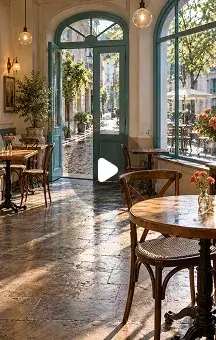
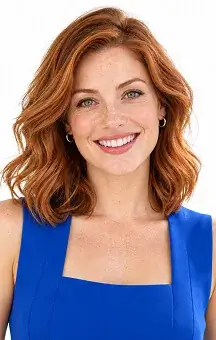


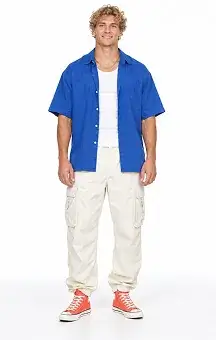
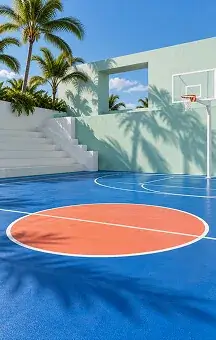
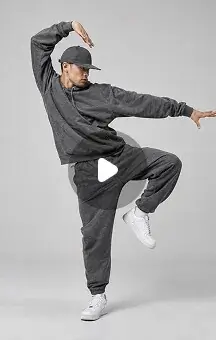
Bring the same characters, products, movements, and sounds into new scenes. This reference to video AI workflow gives the AI clear visual and audio guidance, helping you create more controlled and consistent results.
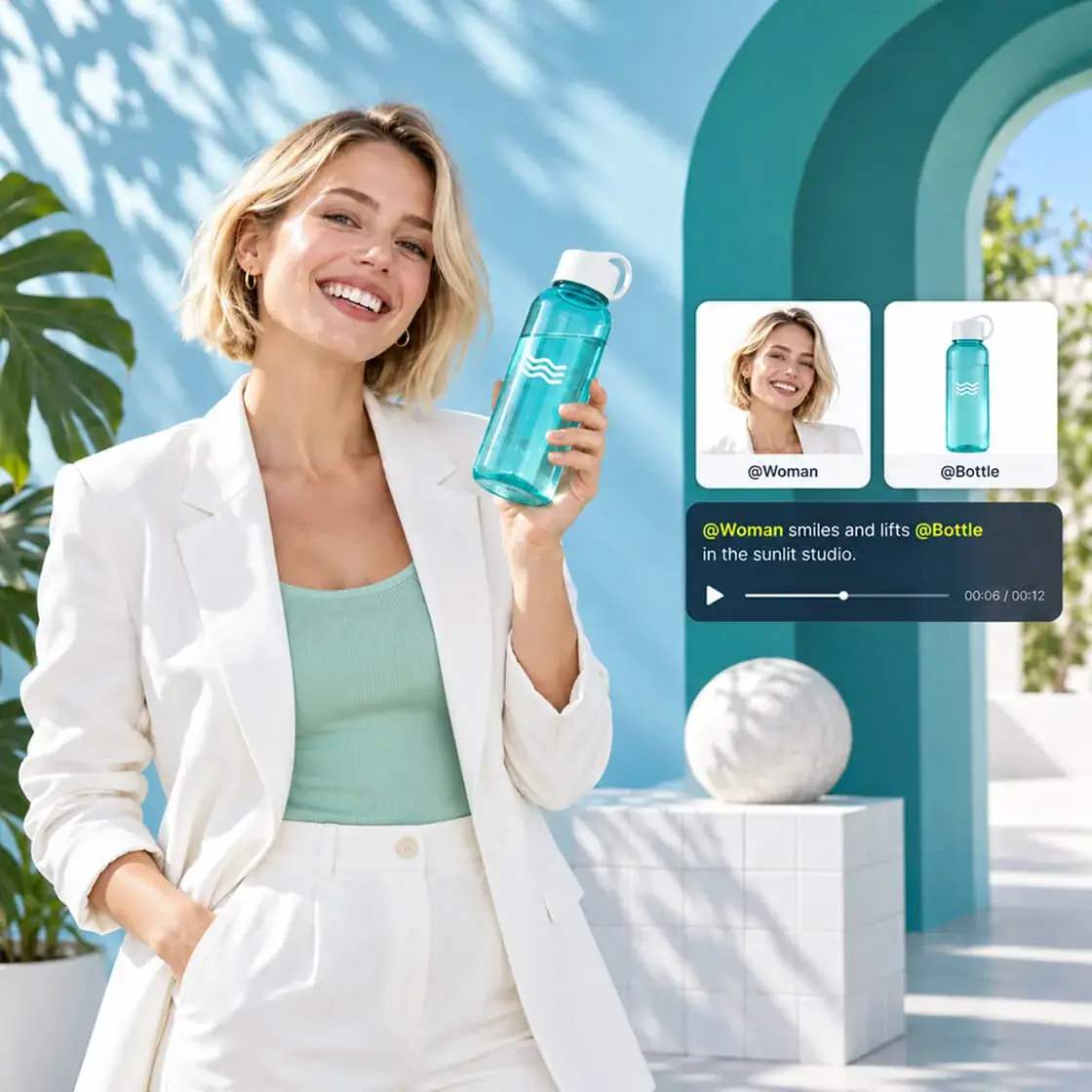
Use reference images to preserve the details that matter—from a character’s face, hairstyle, and outfit to a product’s shape, color, and packaging. Create new actions and scenes without describing every visual detail again.
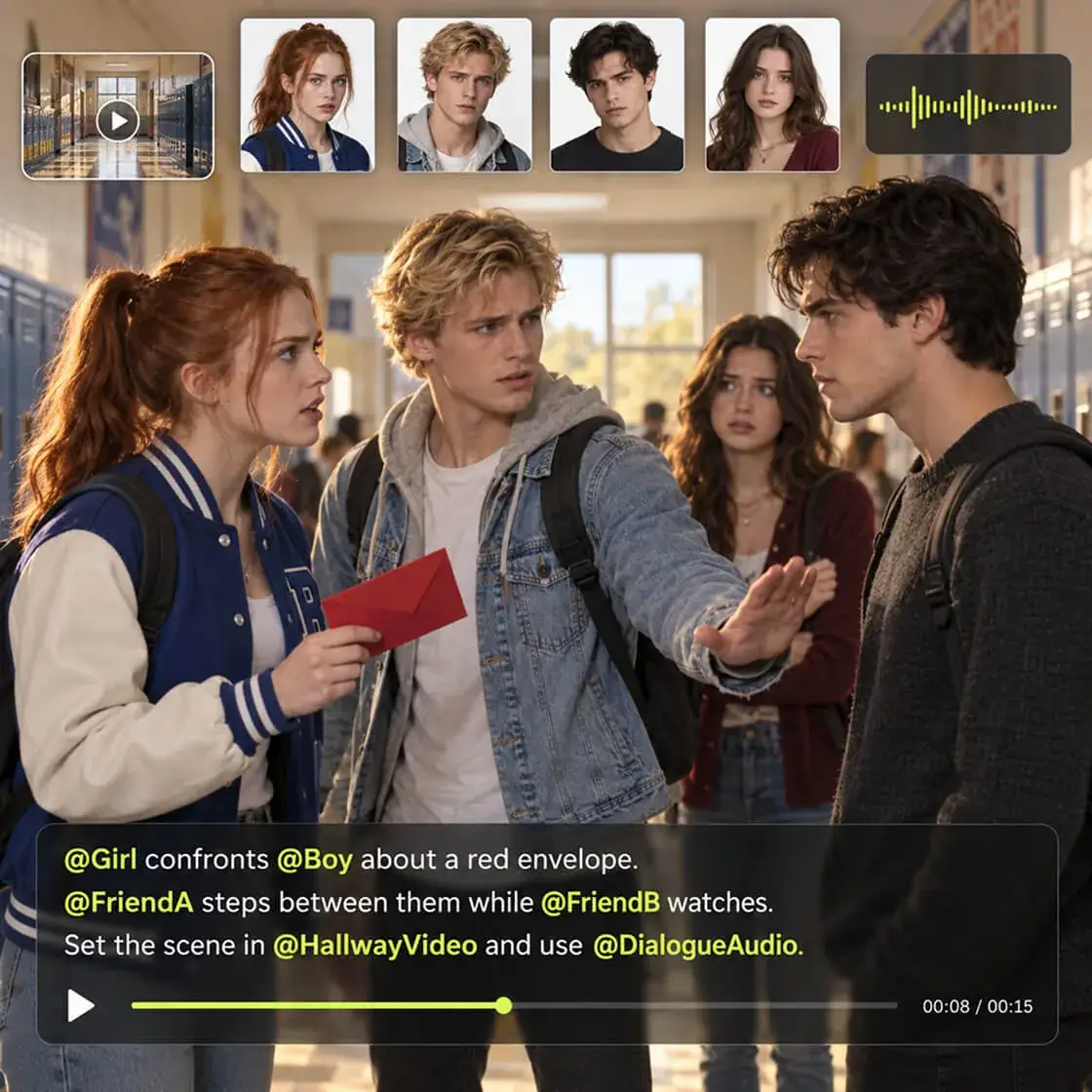
Combine characters, objects, scenes, motion clips, and audio in a single generation. Supported models can use up to 10 images, five video clips, and five audio files to build a richer, more complete video.
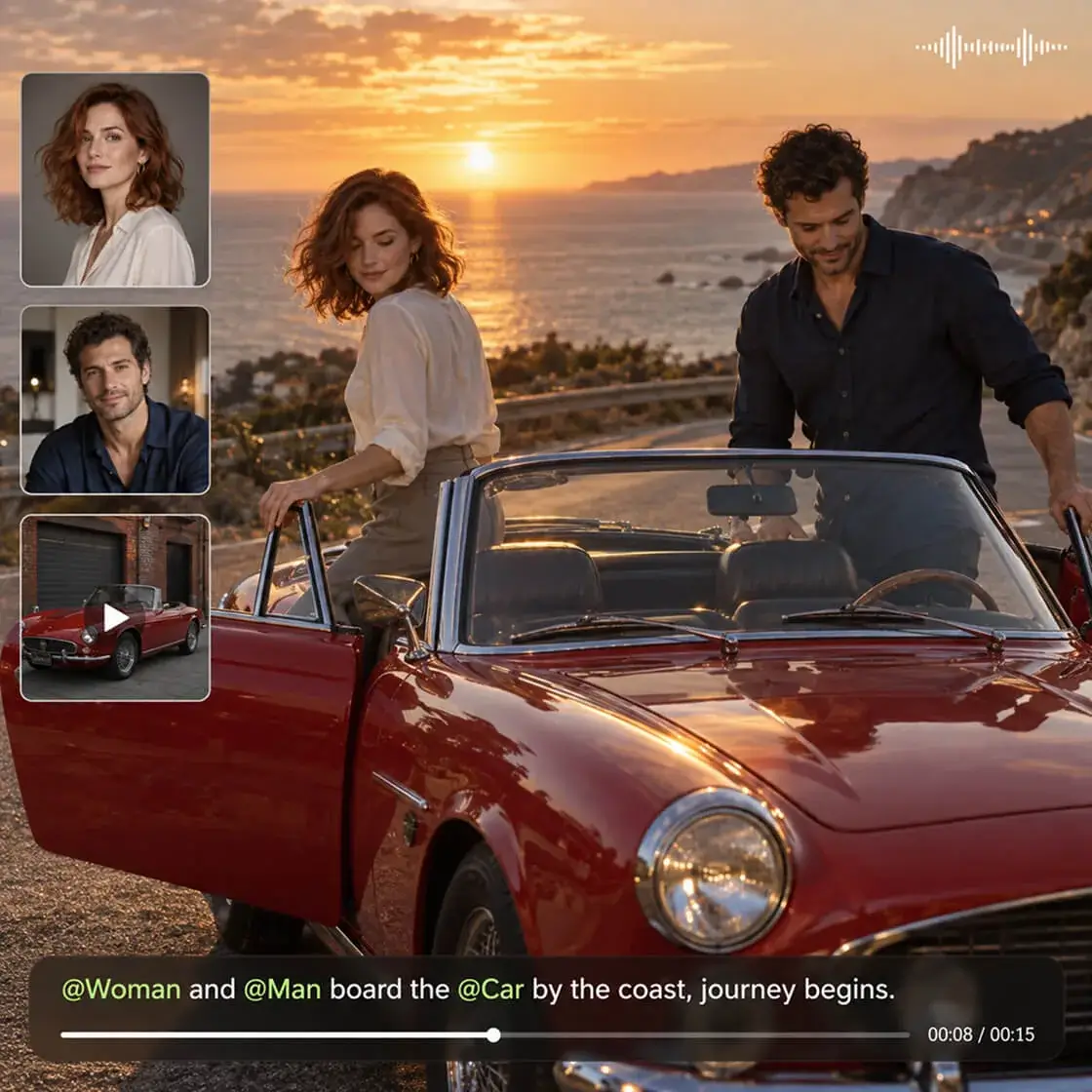
Mention uploaded materials with @ to give each reference a clear role. Tell the AI which character should appear, which product they should hold, which movement to follow, and which audio to use.
Add the images, videos, or audio you want the AI to follow. This is the first step when learning how to reference a video with visual, motion, or sound guidance.
Write a prompt and use @ to assign characters, objects, movements, or audio to the scene.
Click Create to generate a video up to 30 seconds in 1080p, then preview and download the finished result.
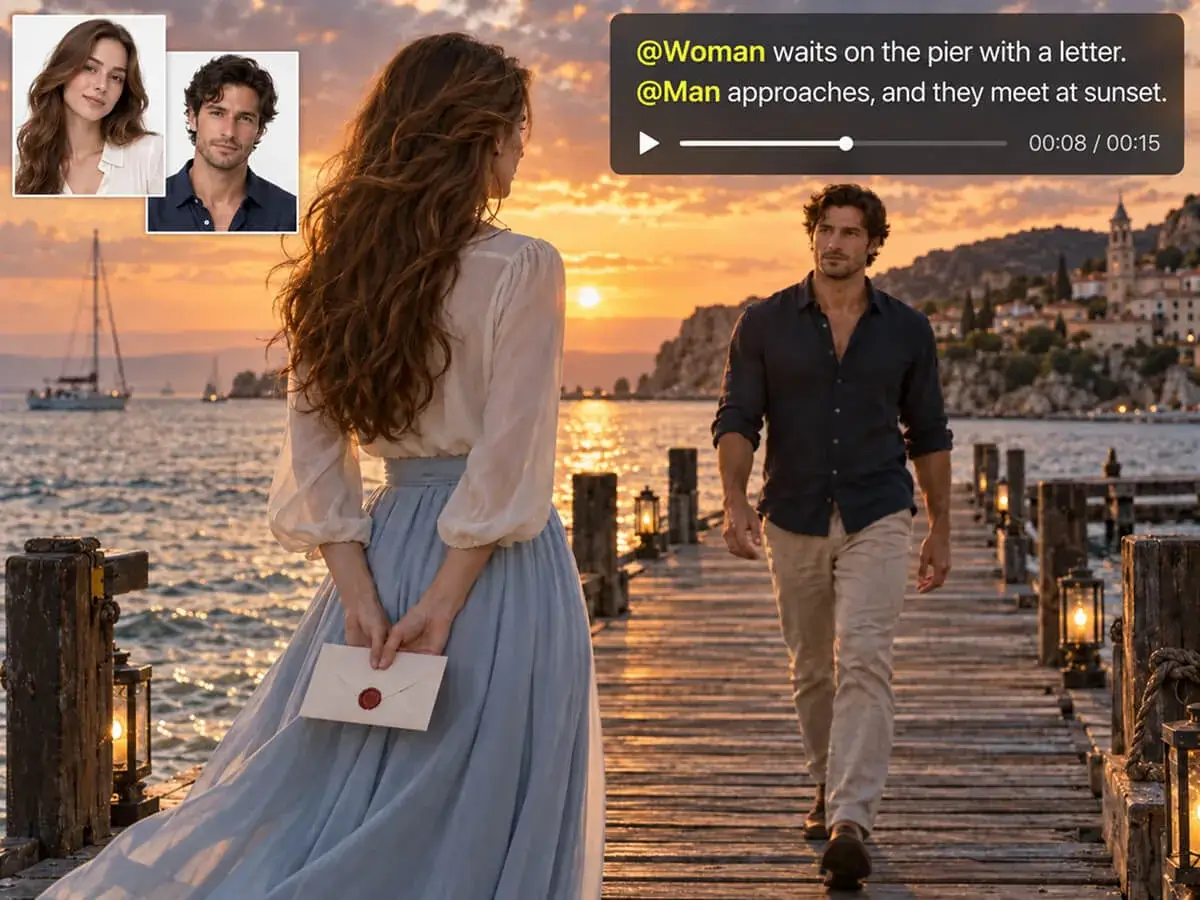
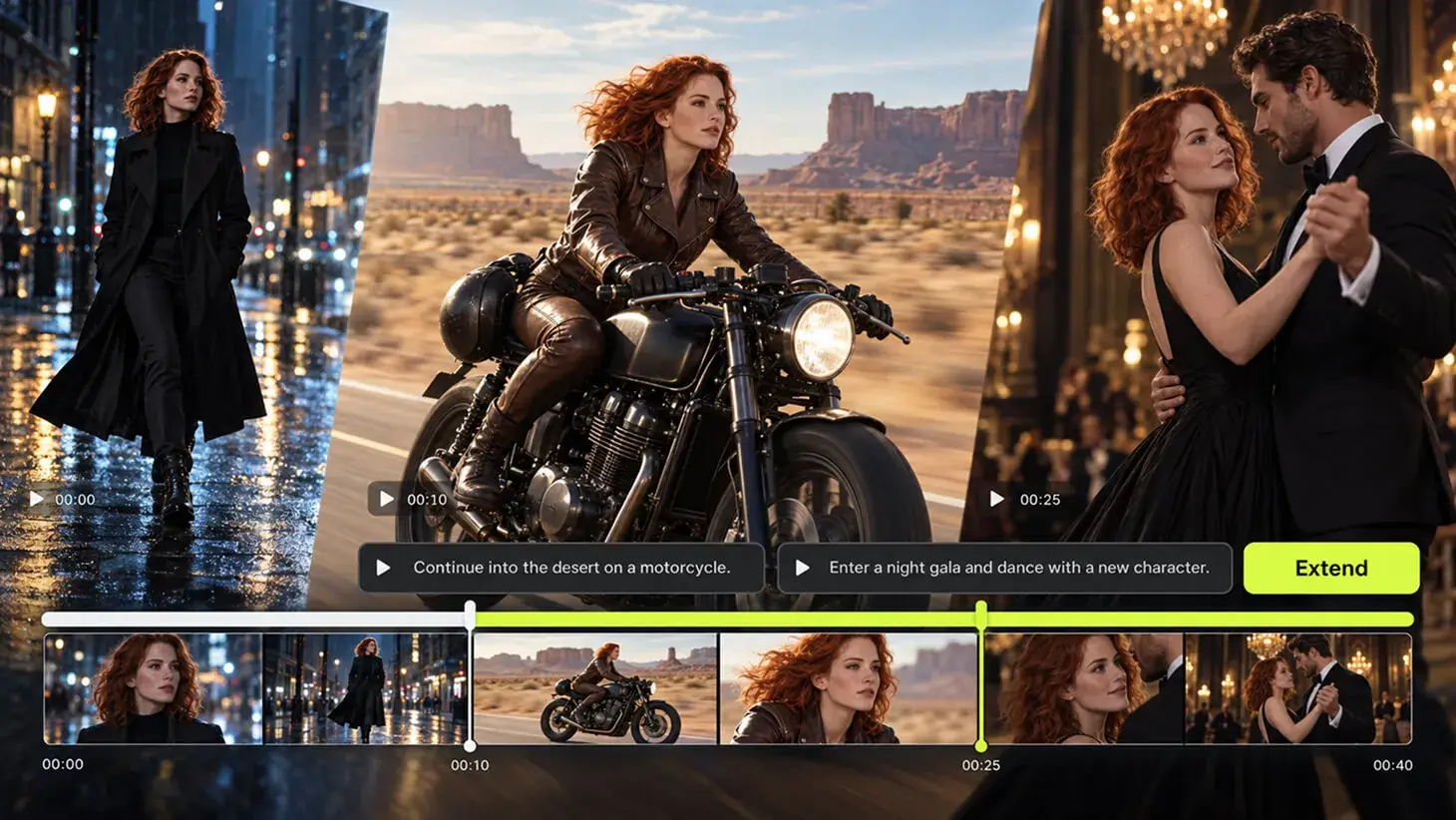
Create scenes featuring the same characters across short films, AI dramas, animations, and episodic content. Used as a pic to video AI or artificial intelligence animation generator, reference images help preserve recognizable faces, hairstyles, outfits, and other defining visual traits as the story changes.
Reference to Video is an AI video generation method that creates a new video from uploaded reference materials and a text prompt. The references can guide characters, products, environments, movements, voices, music, or other creative elements.
Image to video AI, also called AI picture to video, normally animates an uploaded image as the starting visual. Reference to Video uses one or more uploaded materials as creative references and does not require any image to become the exact first frame.
You can use reference images, video clips, and audio files. These materials can represent characters, faces, outfits, products, objects, environments, visual styles, movements, voices, music, or sound.
The limit depends on the selected model. Supported models can accept up to 10 reference images in a single generation.
Supported models can accept up to five reference videos. The combined duration of all uploaded video references can be up to 15 seconds.
Supported models can accept up to five audio files with a combined duration of up to 15 seconds.
Yes. When supported by the selected model, you can combine different reference types within the same project. For example, an image can define a character, a video can guide their movement, and an audio clip can provide music or voice.
After uploading your materials, type @ in the prompt and select the relevant file. You can then describe how the AI should use it, such as “@Character performs the movement from @MotionVideo.”
No. Available reference types and upload limits vary between models, including tools found through searches such as Vidu AI reference to video. The upload area and model settings should display the materials supported by the currently selected model.
Supported models can use reference images to preserve recognizable characteristics such as the face, hairstyle, clothing, and body proportions. Clear images from multiple useful angles generally provide better character consistency.
Yes. Reference images can help maintain the product’s shape, colors, packaging, label, and other visible features. Use clear, high-quality images and identify the product with @ in your prompt.
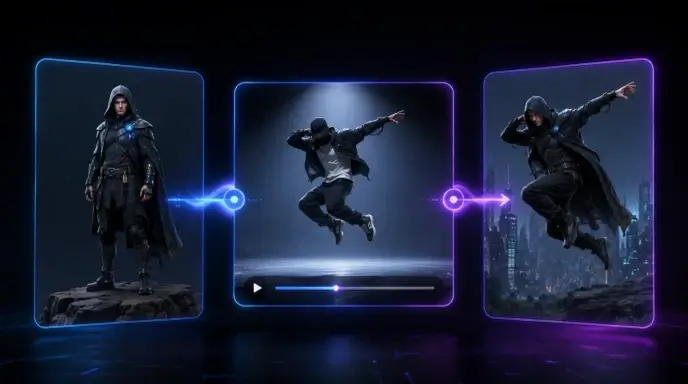
Yes. A reference video can guide body movement, gestures, dance, camera movement, timing, or the general action of the generated scene, depending on the selected model’s capabilities.
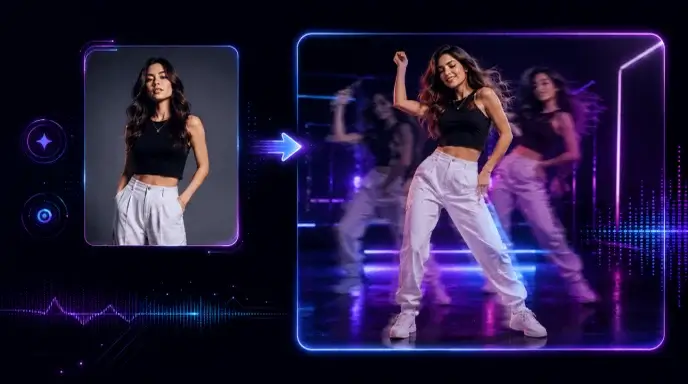
Yes, when supported by the selected model. Reference audio can guide music, speech, sound, rhythm, or timing. Available audio controls may differ between models.
You can generate a video up to 30 seconds long. Available duration options may vary depending on the selected AI model.
Availability and usage limits depend on the current plan and selected model. When comparing a reference to video AI free option or an AI video generator free plan, check the available credits, supported reference types, output resolution, and video duration before creating.
Reference to Video supports output up to 1080p, along with multiple aspect ratios for landscape, portrait, square, and social media content. Available options may vary by model.
Use clear references with visible subjects and minimal obstruction. Assign each file a specific role with @, keep character and object names consistent, and describe the scene, action, camera movement, and important continuity requirements clearly.


My Characters Stay Recognizable
“I can upload character images and create completely new scenes without designing another first frame. Using the character names in the prompt makes the workflow much easier to control.”
Easier Product Video Production
“We used our existing product photos to create several lifestyle videos. The ability to tell the AI exactly which uploaded item to use was especially helpful.”
Multiple References in One Scene
“I added separate references for two characters, their clothing, and the environment. It gave me much more control than generating the entire scene from text alone.”
Simple @ Reference Control
“The @ system makes complex prompts easier to organize. I can clearly connect each character or object to the right uploaded reference instead of writing long descriptions.”
Useful for Motion Experiments
“I uploaded a short movement clip and applied the action to a different character. It is a practical way to test dance and performance ideas before producing a full video.”
Images, Video, and Audio Together
“Being able to combine visual, motion, and audio references gives me more ways to shape the result. I can develop a complete concept from materials I already have.”
My Characters Stay Recognizable
“I can upload character images and create completely new scenes without designing another first frame. Using the character names in the prompt makes the workflow much easier to control.”
Easier Product Video Production
“We used our existing product photos to create several lifestyle videos. The ability to tell the AI exactly which uploaded item to use was especially helpful.”
Multiple References in One Scene
“I added separate references for two characters, their clothing, and the environment. It gave me much more control than generating the entire scene from text alone.”
Simple @ Reference Control
“The @ system makes complex prompts easier to organize. I can clearly connect each character or object to the right uploaded reference instead of writing long descriptions.”
Useful for Motion Experiments
“I uploaded a short movement clip and applied the action to a different character. It is a practical way to test dance and performance ideas before producing a full video.”
Images, Video, and Audio Together
“Being able to combine visual, motion, and audio references gives me more ways to shape the result. I can develop a complete concept from materials I already have.”