Viggle AI Prompts You Can Copy Before the Trend Dies
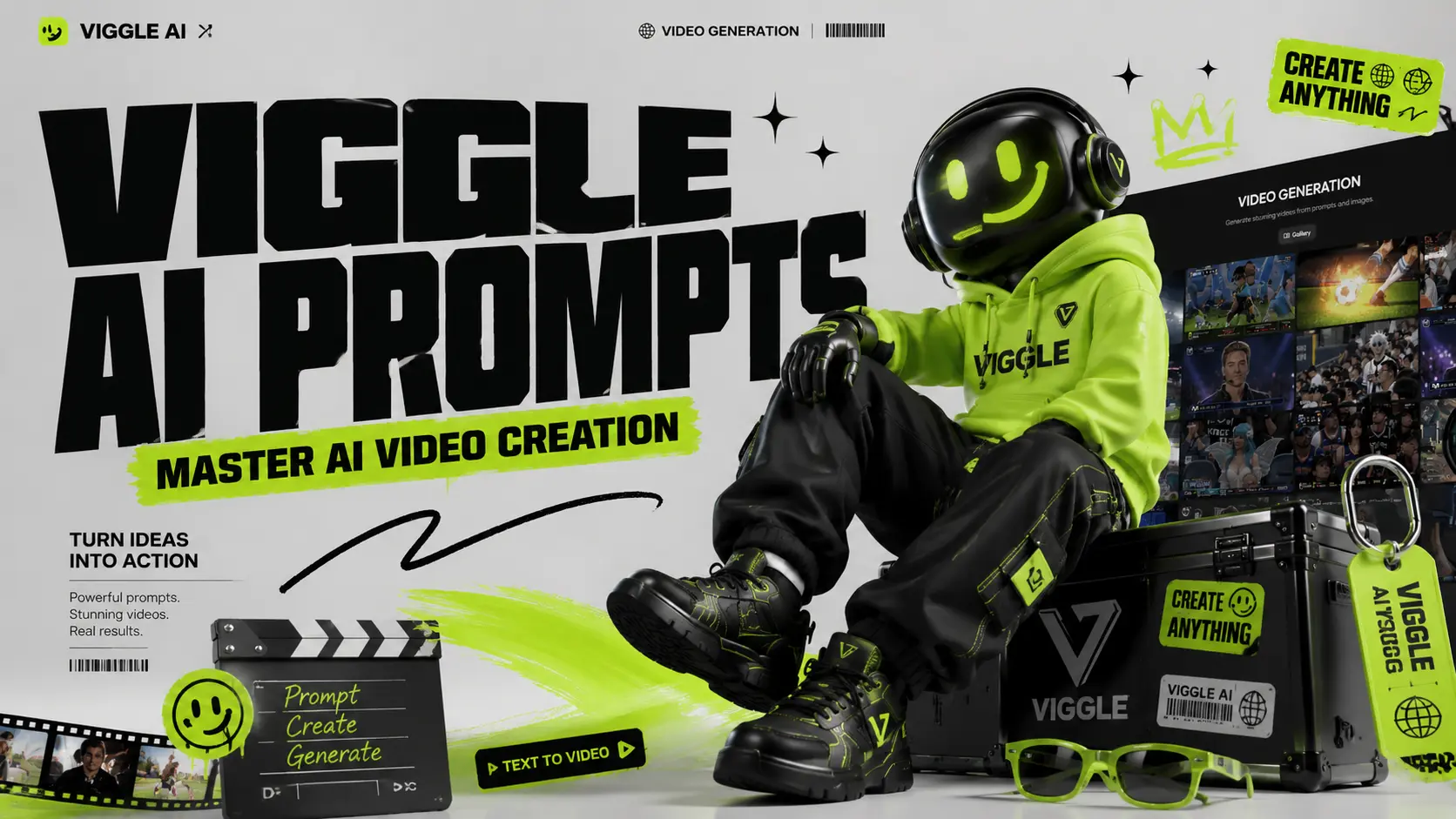
Viral AI videos move fast. One day everyone is making a dancing baby; the next day your feed is full of anime edits, football clips, superhero memes, and lip-sync videos. Viggle AI makes these videos easier to create, but the real shortcut is not the tool itself. It is the prompt. The platform is built for controllable AI video generation, letting users turn photos into dancing, lip-syncing, meme-style, and performance videos. But if your prompt is too vague, your result can look blurry, stiff, or completely off-trend. This guide helps you find practical Viggle AI prompts by category so you can copy, paste, adjust, and generate faster for TikTok, Instagram Reels, YouTube Shorts, memes, fan edits, music videos, and character animations. Where Are Viggle AI Prompts? There are two main places where you can find ready-made AI video prompts on the official Viggle AI website. These prompts come from videos created and shared by real users, so they are useful references if you want to understand how popular Viggle AI videos are made. First path: on the homepage After entering the official Viggle AI website, scroll down until you see the “Video Gallery” section. This area showcases some of the recent popular AI video ideas created with Viggle AI. Click any video in the gallery, and you can view the source materials, prompt, and key settings used to generate that video. If you want to explore more examples, simply click “View More” to browse additional user-created videos. Although the homepage also includes samples such as Sing & Dance, meme creation, and other quick templates, many of these are mainly powered by Viggle AI’s “Mix Video” feature. In this workflow, users can create videos without writing a detailed prompt. However, the result may sometimes look less natural, especially when the character appears to float over the original video layer. This “floating layer” effect will soon be addressed by AI Image to Video’s upcoming Motion Control feature. The second path: Text to Video Click “Text to Video” on the left-side to enter Viggle AI’s video generation page. On this page, Viggle AI also recommends trending AI video examples based on popular usage and creative styles. You can click a recommended video to copy the same configuration into the editing workspace, then study its prompt structure, visual direction, and generation settings. For users who want to create more polished AI videos, ready-made prompts are not just copy-paste templates. They are learning materials. By studying how other creators describe characters, actions, scenes, camera style, and visual mood, you can better understand what makes a prompt effective. Finding Prompts on TikTok, YouTube, and Reddit ● TikTok: Follow the #ViggleAIprompt hashtag for trending prompts attached to viral videos● YouTube: Creator tutorials from channels like AI Andy (177K views) and Sejin AI (138K views) regularly share prompt breakdowns● Reddit: Communities like r/StableDiffusion discuss prompt techniques and compare Viggle results with other tools At AI Image to Video, we aim to make video generation easier while also encouraging users to learn, test, and improve their AI video prompts with different tools and resources. That is why we will continue updating our Prompts Guide blog series. These articles are designed to help users understand how to write better prompts for AI video generation, image-to-video effects, character animation, and viral social media content. You can find our prompt-related articles through the “Prompt” entrance in the top navigation bar of our website. You can also access the series from the “Prompt Enhancer” section on the homepage. Best Viggle AI Dance Prompts Dance videos are the most popular Viggle use case and carry the highest viral potential on TikTok and Instagram Reels. These Viggle AI dance prompts are sourced from trending content and community libraries. Dance prompts are the easiest way to create viral-style clips. They work especially well for TikTok trends, reaction videos, influencer edits, and character memes. Prompt 1:A full-body person wearing a bright neon tracksuit, white sneakers, and sunglasses, standing confidently on a clean white background, high-energy TikTok dance video style. Prompt 2:A person wearing an oversized graphic T-shirt, loose cargo pants, and chunky sneakers, standing straight with arms relaxed, green screen background, trendy streetwear dance video style. Prompt 3:A stylish female performer wearing a glittery stage outfit and boots, standing under colorful concert lights, confident expression, music video performance style. Prompt 4:A male performer in a black leather jacket, dark jeans, and boots, standing in a spotlight on a stage, dramatic pop-star dance performance style. Tip: Dance prompts work best when the outfit has clear shape and contrast. Avoid complicated patterns that may flicker during movement. Best Viggle AI Meme & Comedy Prompts Meme videos work because the character and motion often do not match. A serious character doing a ridiculous dance is funnier than a funny character doing a funny dance. Prompt 1:A serious office worker wearing a formal business suit, holding a folder, standing in a plain office, confused expression, realistic meme video style. Prompt 2:A superhero character wearing a dramatic cape and tight suit, standing in a heroic pose on a green screen background, exaggerated comedy meme style. Prompt 3:A security guard in a clean uniform, standing stiffly at attention in front of a building entrance, serious face, funny viral meme style. Prompt 4:A tired student wearing a hoodie and backpack, standing in a classroom, sleepy expression, relatable school meme style. Tip: The bigger the contrast, the better the meme. Pair serious characters with silly dances, dramatic falls, or awkward movements. Best Viggle AI Anime & Character Prompts Anime prompts need more detail than realistic prompts. Focus on hair, eyes, outfit, and pose. Prompt 1:An anime girl with long blue twin-tail hair, large expressive eyes, wearing a Japanese school uniform with a pleated skirt and knee socks, full body, white background, clean anime style. Prompt 2:An anime boy with spiky silver hair, sharp eyes, wearing a long black coat over a red shirt, combat boots, standing in a ready pose, cinematic anime action style.




Amazing talkie ai online free Experience!
"I was looking for how to play talkie without downloading anything, and this tool is perfect. The talkie ai character animations are so smooth, and I love that it is completely free talkie ai. Highly recommended!"
Best talkie browser Tool for Roleplay
"As a fan of talkie soulful ai free online, this generator blew my mind. I can use it in any talkie browser without a talkie login. It makes my roleplay sessions so much more visual and fun."
Reliable Talkie AI Online Access
"I needed a dependable way to use Talkie AI online during breaks. This platform lets me play talkie in the browser without a talkie app download, which saves my phone storage and keeps my roleplay sessions smooth."
Great for talkie chat and Animations
"I use this to animate my talkie chat stories. The talkie ai download alternative here is way better than the official app. It is safe, fast, and the talkie ai character expressions are incredibly detailed."
Perfect now.gg talkie Alternative
"If you use now.gg talkie or talkie ai gg, you must try this. It offers talkie free play with zero lag. I was wondering what happened to talkie ai performance, but this site fixed everything."
Love the talkie no sign in Feature
"The talkie no sign in feature is a lifesaver. I can just open the site, select my talky ai persona, and generate videos instantly. It is the most convenient talkie ai free tool I have used."
Amazing talkie ai online free Experience!
"I was looking for how to play talkie without downloading anything, and this tool is perfect. The talkie ai character animations are so smooth, and I love that it is completely free talkie ai. Highly recommended!"
Best talkie browser Tool for Roleplay
"As a fan of talkie soulful ai free online, this generator blew my mind. I can use it in any talkie browser without a talkie login. It makes my roleplay sessions so much more visual and fun."
Reliable Talkie AI Online Access
"I needed a dependable way to use Talkie AI online during breaks. This platform lets me play talkie in the browser without a talkie app download, which saves my phone storage and keeps my roleplay sessions smooth."
Great for talkie chat and Animations
"I use this to animate my talkie chat stories. The talkie ai download alternative here is way better than the official app. It is safe, fast, and the talkie ai character expressions are incredibly detailed."
Perfect now.gg talkie Alternative
"If you use now.gg talkie or talkie ai gg, you must try this. It offers talkie free play with zero lag. I was wondering what happened to talkie ai performance, but this site fixed everything."
Love the talkie no sign in Feature
"The talkie no sign in feature is a lifesaver. I can just open the site, select my talky ai persona, and generate videos instantly. It is the most convenient talkie ai free tool I have used."